

Answered
Libraries not working in all apps
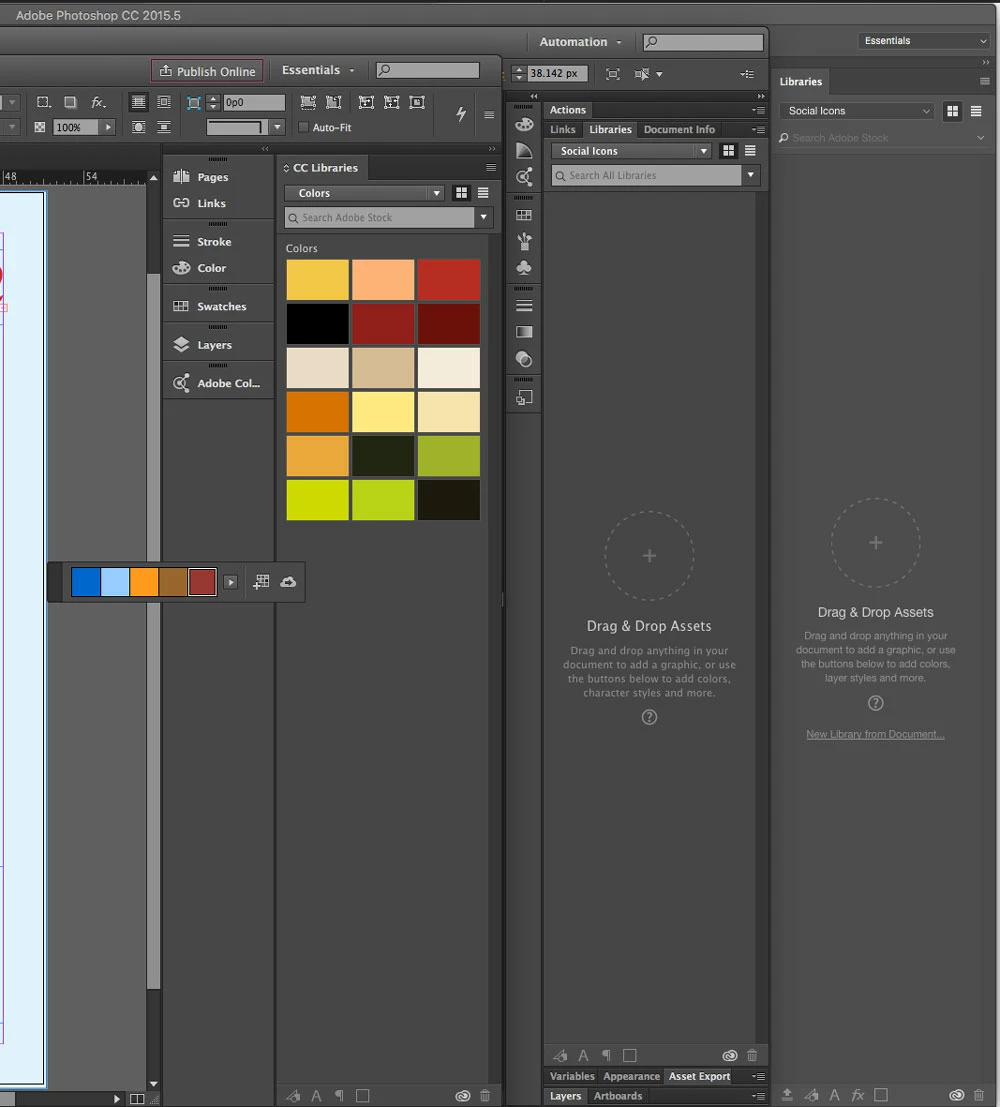
My libraries are no longer accepting or releasing new items. I've uninstalled and reinstalled the programs, plus I've cleared the firewalls and reset permissions.The Libraries window looks normal, but the icons for adding elements are greyed out. If I drag and drop, the window darkens as if accepting the element, then does nothing. If I'm in indesign and try to use the color theme tool's beautiful add to library button, nothing happens. In photoshop, clicking New Library from Document also does nothing. Below is a screen grab of Indesign, Illustrator, and Photoshop open. You can see the greyed out icons. You can also see that they worked once.
Any help?


 AdChoices