

Big_Lynx
Known Participant
March 21, 2023
Question

Lightrrom installation

  • March 21, 2023
  • 2 replies
  • 529 views

I am very much surprised by the situation as I see it for the first time in years. 


As I am a Lightroom Classic user, I don't use Lightroom Cloud-based too often, but sometimes it happens. 
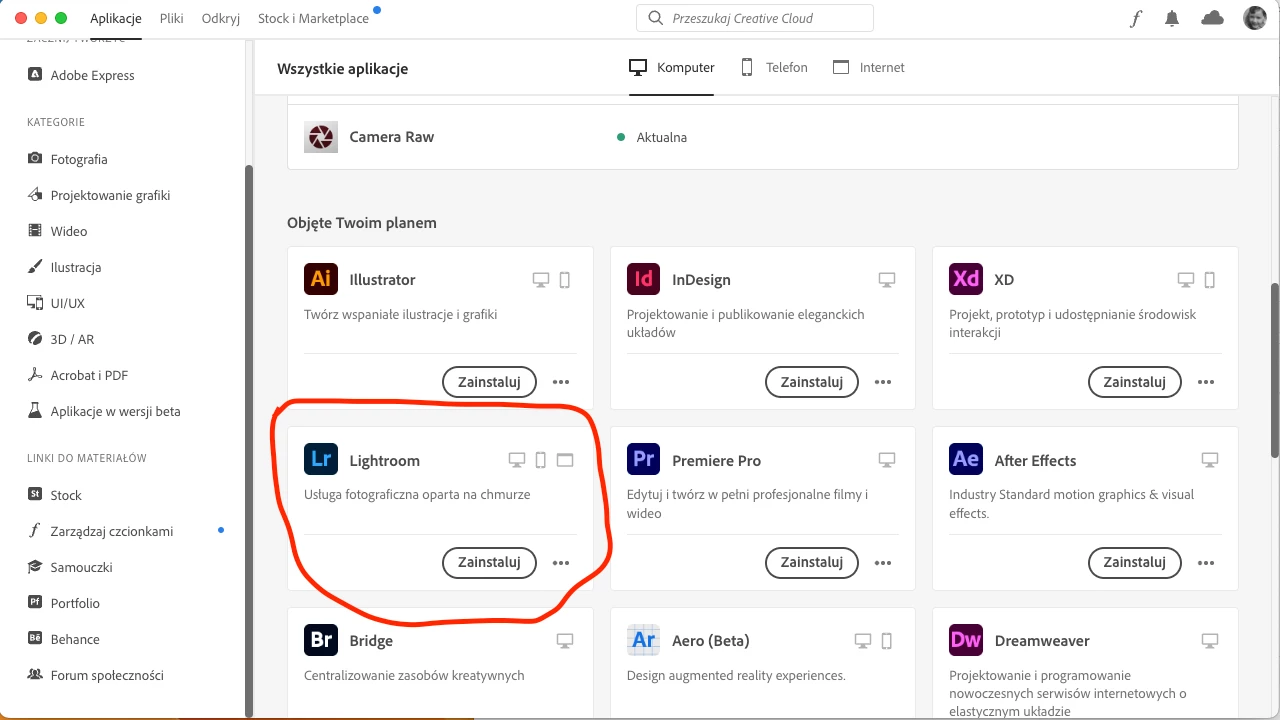


Installation goes very quickly. I see 18% next 99%, and done.
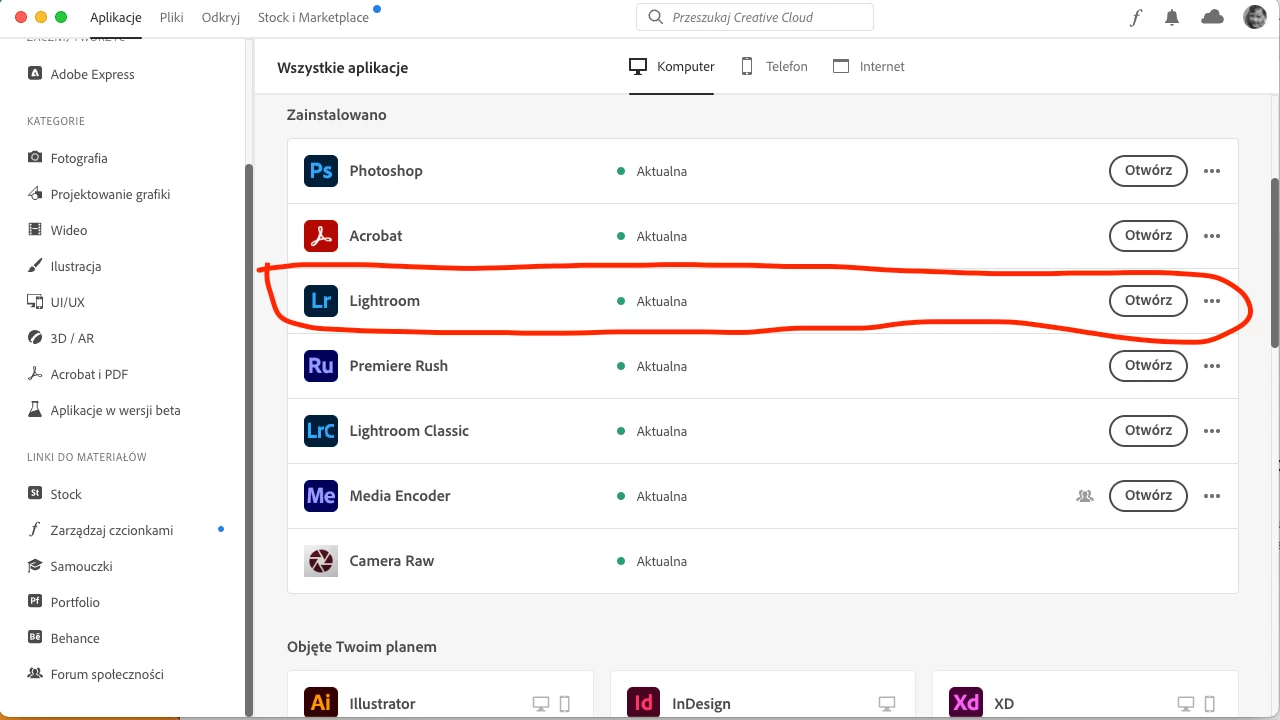


And then ... surprise. Pressing Open (Otworz) makes nothing. Also, I don't see the App installed on my system. Of course, I may login to my account and use Lightroom from the browser but why the application is not installed on my desktop?


Regards,

This topic has been closed for replies.

2 replies

kglad
Community Expert
Community Expert
March 21, 2023

reset the cc desktop app by making sure it's in the foreground, then press:

Win: Ctrl + Alt + R
Mac: Cmd + Opt + R


if that fails, repair per https://helpx.adobe.com/download-install/kb/creative-cloud-install-stuck.html


if that fails, uninstall using the correct uninstaller from https://helpx.adobe.com/creative-cloud/help/uninstall-creative-cloud-desktop-app.html#sa_src=web-messaging and then reinstall using*


if that fails, do a clean cc install carefully following each applicable step:

uninstall every cc app including preferences per https://helpx.adobe.com/creative-cloud/help/uninstall-remove-app.html

then uninstall the cc desktop app, again using the correct uninstaller per https://helpx.adobe.com/creative-cloud/help/uninstall-creative-cloud-desktop-app.html#sa_src=web-messaging

clean your computer of cc files per http://www.adobe.com/support/contact/cscleanertool.html

check for, and if available, update your os

if windows is your os, repair all ms visual c++ versions that can be repaired (use google if you don't know how to do this)

if windows is your os update your ms visual c++, if it can be updated (use google if you don't know how to do this)

restart your computer (don't skip this)

reinstall the cc desktop app using the "alternative download links" at the bottom of the page at https://helpx.adobe.com/download-install/kb/creative-cloud-desktop-app-download.html

use the desktop app to install your cc programs/trials

NOTE: win 11 users that have trouble with the latest win 10 installer often have success with the older win 10 installer.

Big_Lynx
Big_LynxAuthor
Known Participant
March 22, 2023

@kglad - thank you for replying to my problem.  I did all recommended steps till:


if that fails, do a clean cc install carefully following each applicable step:


To be honest, I am not ready to uninstall all my CC apps and reinstall them again. The total clean will probably also remove preferences and history.  At this point, I will rather don't use Lightroom Desktop-based app and, if occasionally necessary, stay with the pure web. My daily app is Lightroom Classic, so - Lightroom is rather an exception than a real need.  


However, I see such a strange bug for the first time. Maybe CC/Lightroom doesn't like Mac Studio with M1 Ultra? 🙂

kglad
Community Expert
Community Expert
March 22, 2023
John T Smith
Community Expert
Community Expert
March 21, 2023

How to install when you have a subscription (and an alternate download link)
https://community.adobe.com/t5/download-install-discussions/after-effects-set-up-wont-install/td-p/13554270

Big_Lynx
Big_LynxAuthor
Known Participant
March 21, 2023

I did try it before sending the post.  I may remove/install it several times, but the application - even says - installed is not on my desktop:


I may click Open, and nothing happens. 


kglad
Community Expert
Community Expert
March 21, 2023

start with a reset.