



Kandhasaro2010
Participating Frequently
Oct 20, 2022 9:16 AM UTC
Question

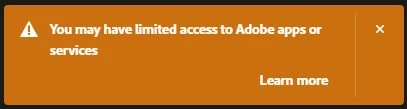
Limited access error in Creative Cloud desktop app

Eveytime I open the Creative Cloud desktop app, I keep getting this error message, 
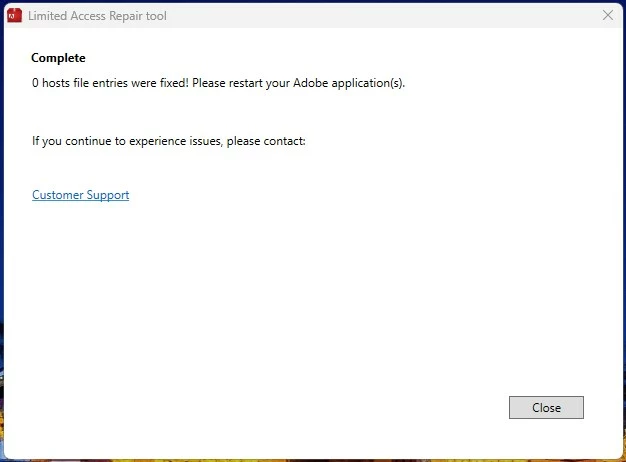
I tried using the Limited Access Repair tool, but it does noting to help. Here's a screenshot of the result from using the repair tool, 
Any ideas how to solve this?

14 replies

kglad
Community Expert
Community Expert
Oct 20, 2022 10:38 AM UTC

what's in your hosts file?

Translate
Kandhasaro2010
Participating Frequently
Oct 20, 2022 10:42 AM UTC

Hosts file?

Translate
kglad
Community Expert
Community Expert
Oct 20, 2022 10:46 AM UTC

that's what you were trying to repair with the limited access tool. 


did you read the info at https://helpx.adobe.com/creative-cloud/kb/limited_access_repair_tool.html?


In Windows 10 the hosts file is located at c:\Windows\System32\Drivers\etc\hosts.

Translate
Community Expert
Oct 20, 2022 9:27 AM UTC