
move cloud files to different cloud account
Hi,
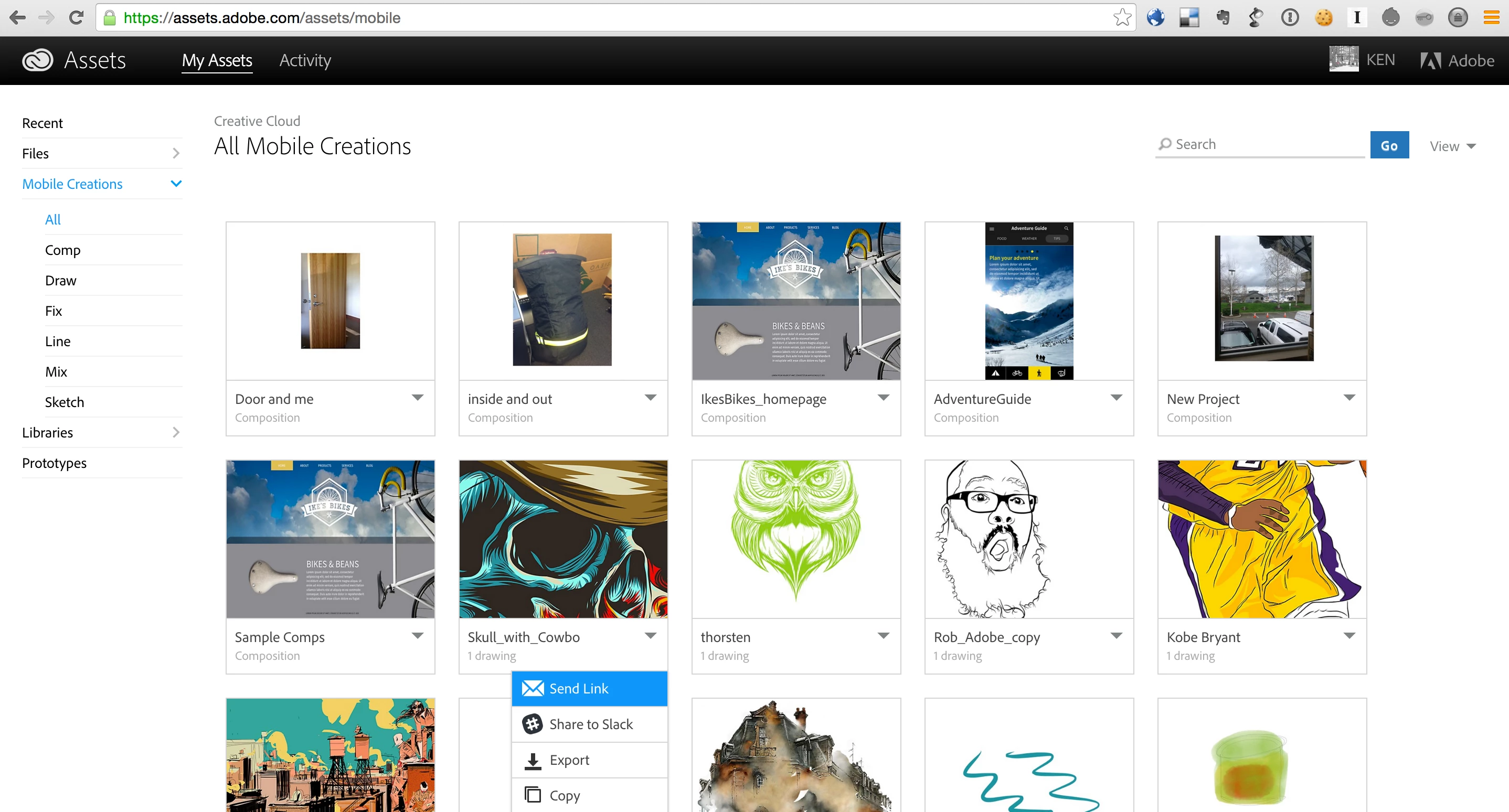
I inadvertently have two different CC accounts. One account was created when I began using "Ideas" mobile app several years ago. I have a hundred or so drawings backed up to the cloud under this ID. I also created a profile when I bought a CC membership with Creative Suite (pre-paid for a year - in February). What I would like is to have the 1st CC folder (the one with the drawings) available when I am logged on as the 2nd user. My initial thoughts are a) cancel the membership on the 2nd account and sign up for the account on the 1st account. That would probably cost me money, but it would extend my membership by 2 months. b) Find a way to save the CC files (in their original formats, not just as jpegs) to my hard drive so I can sync them to the 2nd account.
I would appreciate any feedback/advice I can get. BTW, I already tried to go through Customer Care about this issue and they were unable to assist.
Thanks,
Christa



 AdChoices