


Participant
June 6, 2024
Question

My Adobe account avatar is different between desktop and website

  • June 6, 2024
  • 2 replies
  • 688 views

So I set my settings a long time ago, including changing my avatar. Today, I have a different profile image (default?) for all my desktop apps:

and in this forum:

 

than the image i selected and see when i log in to my adobe account in the adobe website:
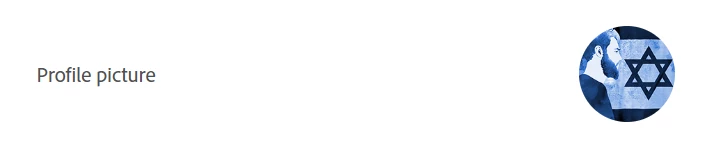
What might be the reason and how to fix it?

2 replies

breakingme10
Participant
March 21, 2025

Did this ever resolve for you? Mine is doing the same thing, and I know my profile picture wouldn't have been rejected because all it is is my initials inside a circle. so it just says AKS. Nothing offense at all. But my profile picture still shows the stupid one my company set as everyone's default. Which looks like a weird snail. I hate it.

kglad
Community Expert
Community Expert
March 21, 2025

@breakingme10 


when you are browsing the adobe forums do you see something at the upper right different from what's showing at the top of your post here?

David__B
Adobe Employee
Adobe Employee
March 21, 2025

I don't think they are automatically synchronized between the Creative Cloud desktop and the Adobe forums, but as @kglad mentions, you can upload the same avatar image to the forums or something similar if you wanted. This would be a useful feature, I'll pass it on. Thanks for raising the topic.


Best,
Dave

kglad
Community Expert
Community Expert
June 6, 2024

go to https://account.adobe.com > account & security > account > profile picture, change


if that's already been done (as you indicated), then your profile pic was probably rejected.  try another one without anything that might bother someone else if taken to an extreme.