
Participant
June 22, 2016
Question

My Creative Cloud libraries won't work because a problem with my network setting

  • June 22, 2016
  • 2 replies
  • 912 views

In any of my adobe apps, the CC Libraries won't work,it display me the following message:
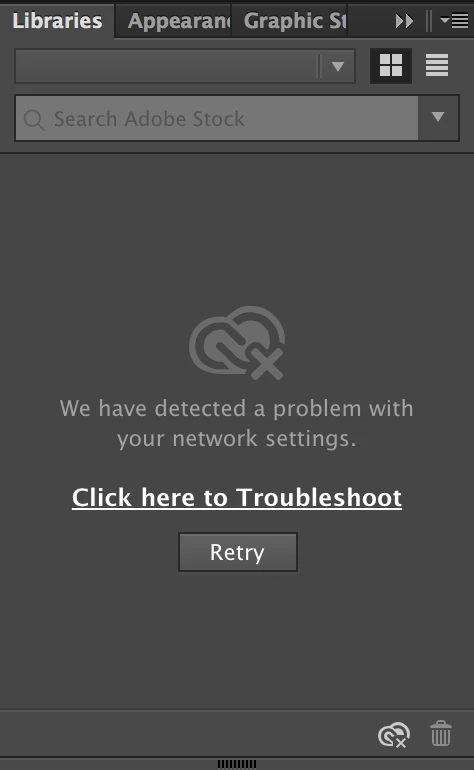
I don't know what to do, I've tried everything the forums said what could fix the problem, but did't work.

This topic has been closed for replies.

2 replies

AshutoshChaturvedi
Community Manager
Community Manager
June 23, 2016

Have you tried "Relaunch the CCLibrary process" on the knowledge base below

Solution to the issue: Adobe Creative Cloud Libraries panel doesn't load in desktop products

Participant
June 23, 2016

Yes I have... still have the problem

AshutoshChaturvedi
Community Manager
Community Manager
June 23, 2016

Thank you Felipe. One final question do you have any other Creative Cloud product installed on your machine. e.g. does the library show error only inside Illustrator and not Photoshop or InDesign?

Mohammad.Harb
Community Expert
Community Expert
June 22, 2016

Hi ,

Ensure that your firewall is not blocking Creative Cloud

you Can Check This Link and follow instructions:

Solution to the issue: Adobe Creative Cloud Libraries panel doesn't load in desktop products

Participant
June 23, 2016

My firewall si off...

My mac doesn't let me edit the hosts file.

And according to the link you sent me my hosts file is ok:

And my network is not managed by any administrator.

Mi libraries worked fine this morning until my Illustrator shut down unexpectedly.