Answered
my files are not coming in assets
my files are not coming in assets
I get this all the time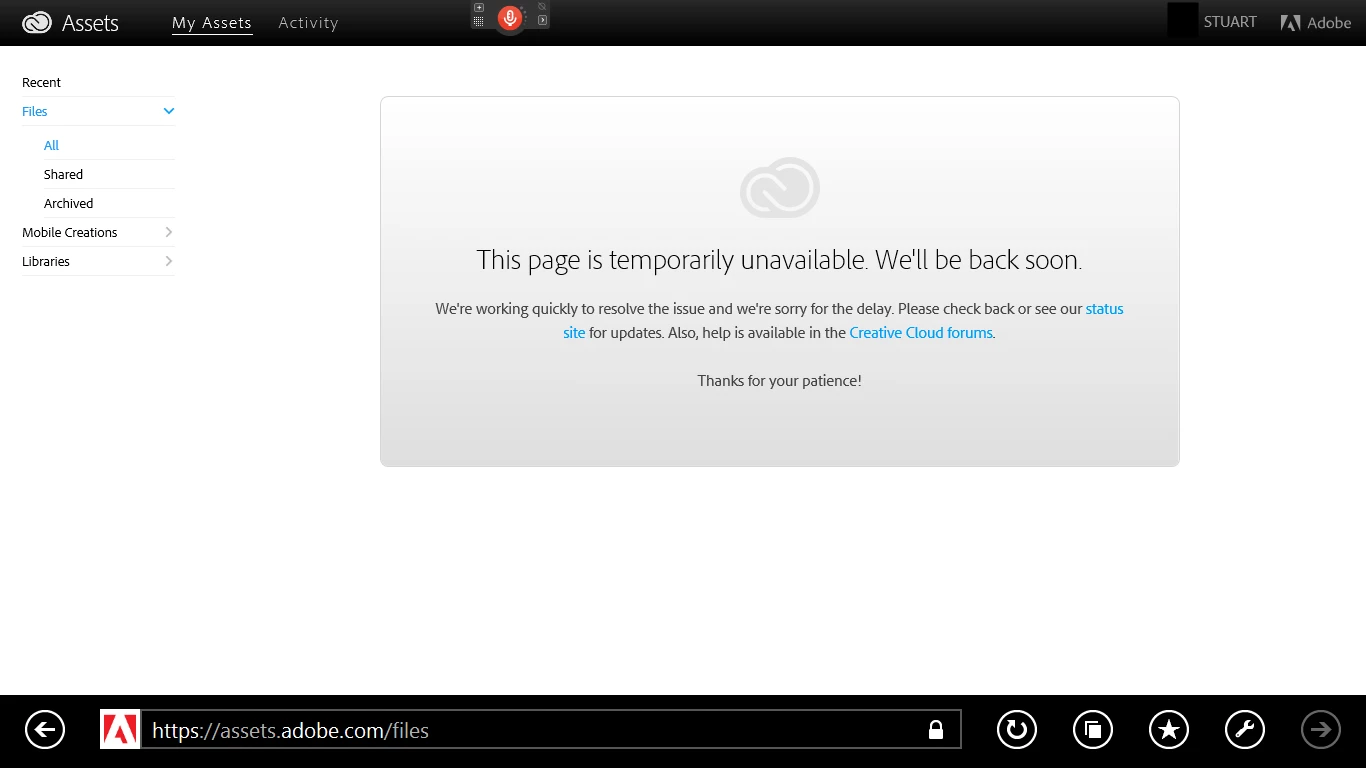

my files are not coming in assets
I get this all the time
Thank you for the screenshot. We will need some additional information to investigate.
In the IE browser toolbar please click on the wrench and choose View on the desktop. Once the desktop IE browser opens press the F12 key to open the Developer Tools. Switch from the default HTML tab to the Network tab. Click the Start capturing button. Reload the page by clicking the Refresh icon the browser location bar (or pressing the F5 key). Any errors should be colored red. The error listed in the Result column should be a 4xx or 5xx error; or possibly an empty or (Pending) result due to a timeout.
If it is a timeout please let us know your network connection speed. A free service that will let you know this is http://www.speedtest.net/.
Already have an account? Login
Enter your E-mail address. We'll send you an e-mail with instructions to reset your password.


 AdChoices