Known Participant
August 2, 2023
Answered

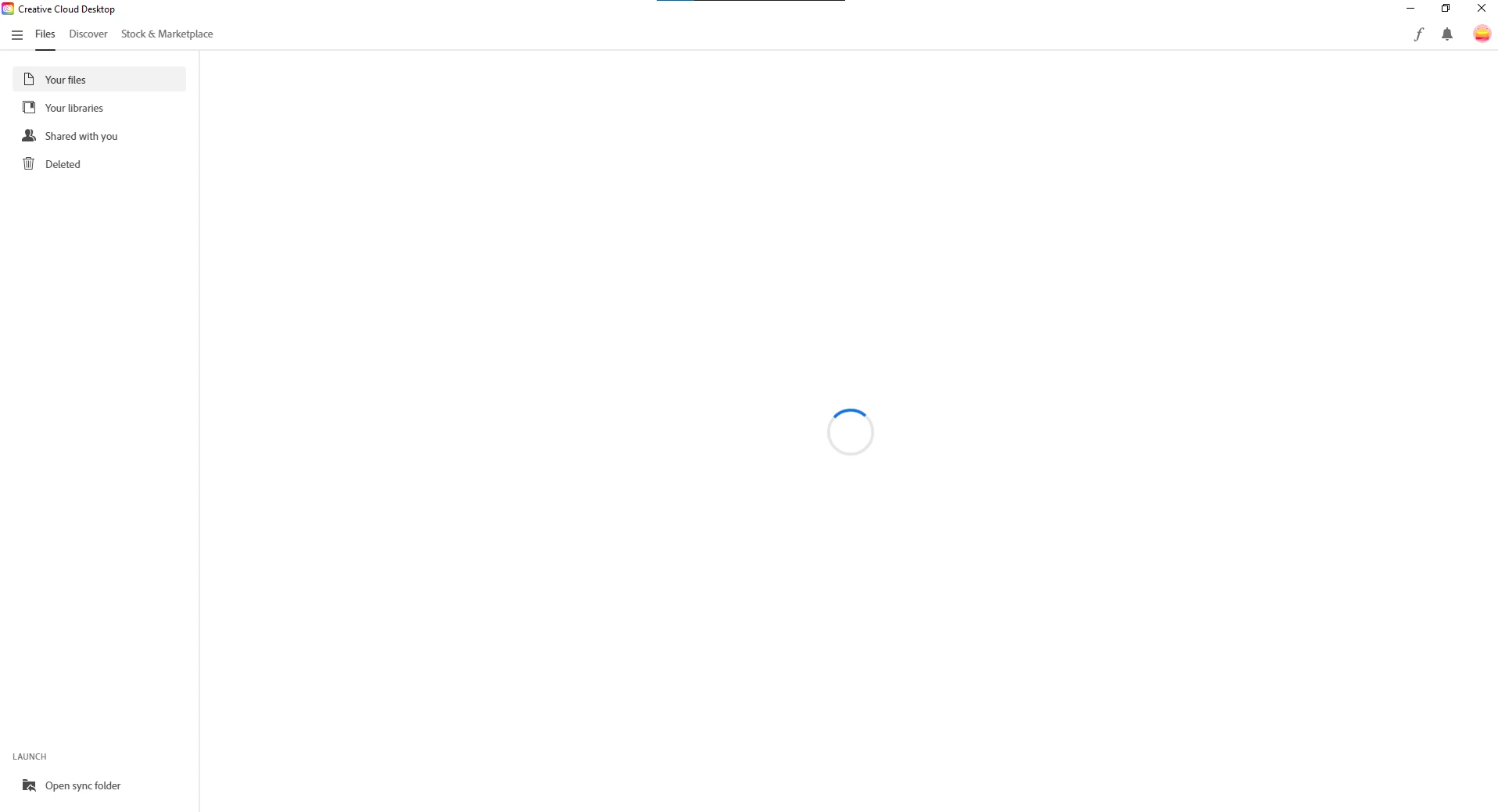
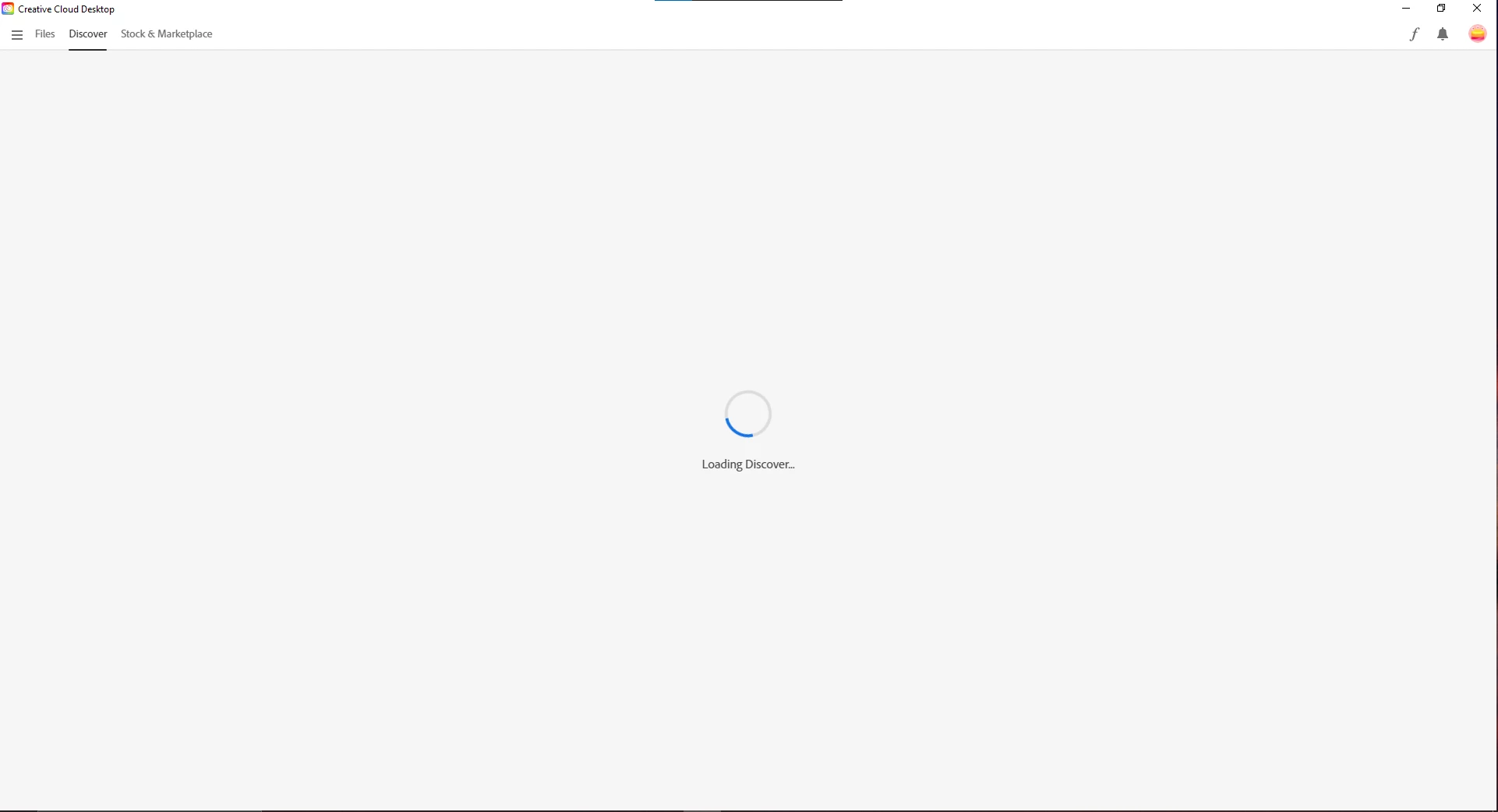
New creative cloud version wont load
  • August 2, 2023
  • 2 replies
  • 482 views

Recently just updated the creative cloud desktop app and there’s two things I can’t quite figure out, the first is where do I find, update, and install applications. And the second Is creative  cloud just keeps loading, it doesn’t matter how long I leave it or how many times I restart my pc it don’t seem to load.

This topic has been closed for replies.
Correct answer kglad

after a reset and reinstall fail:


repair per https://helpx.adobe.com/download-install/kb/creative-cloud-install-stuck.html


if that fails, uninstall using the correct uninstaller from https://helpx.adobe.com/creative-cloud/help/uninstall-creative-cloud-desktop-app.html#sa_src=web-messaging and then reinstall using the alternative download links given below


if that fails, do a clean cc install carefully following each applicable step:

uninstall every cc app including preferences per https://helpx.adobe.com/creative-cloud/help/uninstall-remove-app.html

then uninstall the cc desktop app, again using the correct uninstaller per https://helpx.adobe.com/creative-cloud/help/uninstall-creative-cloud-desktop-app.html#sa_src=web-messaging

clean your computer of cc files per http://www.adobe.com/support/contact/cscleanertool.html

check for, and if available, update your os

if windows is your os, repair all ms visual c++ versions that can be repaired (use google if you don't know how to do this)

if windows is your os update your ms visual c++, if it can be updated (use google if you don't know how to do this)

restart your computer (don't skip this)


*

reinstall the cc desktop app using the "alternative download links" at the bottom of the page at https://helpx.adobe.com/download-install/kb/creative-cloud-desktop-app-download.html

use the desktop app to install your cc programs/trials

NOTE: win 11 users that have trouble with the latest win 10 installer often have success with the older win 10 installer.

2 replies

kglad
Community Expert
kgladCommunity ExpertCorrect answer
Community Expert
August 2, 2023

after a reset and reinstall fail:


repair per https://helpx.adobe.com/download-install/kb/creative-cloud-install-stuck.html


if that fails, uninstall using the correct uninstaller from https://helpx.adobe.com/creative-cloud/help/uninstall-creative-cloud-desktop-app.html#sa_src=web-messaging and then reinstall using the alternative download links given below


if that fails, do a clean cc install carefully following each applicable step:

uninstall every cc app including preferences per https://helpx.adobe.com/creative-cloud/help/uninstall-remove-app.html

then uninstall the cc desktop app, again using the correct uninstaller per https://helpx.adobe.com/creative-cloud/help/uninstall-creative-cloud-desktop-app.html#sa_src=web-messaging

clean your computer of cc files per http://www.adobe.com/support/contact/cscleanertool.html

check for, and if available, update your os

if windows is your os, repair all ms visual c++ versions that can be repaired (use google if you don't know how to do this)

if windows is your os update your ms visual c++, if it can be updated (use google if you don't know how to do this)

restart your computer (don't skip this)


*

reinstall the cc desktop app using the "alternative download links" at the bottom of the page at https://helpx.adobe.com/download-install/kb/creative-cloud-desktop-app-download.html

use the desktop app to install your cc programs/trials

NOTE: win 11 users that have trouble with the latest win 10 installer often have success with the older win 10 installer.

John Waller
Community Expert
Community Expert
August 2, 2023
Brandon5Author
Known Participant
August 2, 2023

Thank you, I’ve tried this with no luck.

Tarun Saini
Community Manager
Community Manager
August 2, 2023

Hi @Brandon5,


We're sorry to hear about this. Could you please let us know which operating system version you are using? Did you try closing all the Creative Cloud processes from the background and try to see if that helps? You may also try restarting the device and check if that resolves the issue.


If above mentioned steps didn't work, try using the Creative Cloud Cleaner tool and then reinstall the app again.
Here is the link for the Creative Cloud Cleaner tool: https://helpx.adobe.com/creative-cloud/kb/cc-cleaner-tool-installation-problems.html


To install, here is the link:- https://helpx.adobe.com/download-install/kb/creative-cloud-desktop-app-download.html


Let us know if that helps.


Regards,

Tarun