
No fonts appearing in Creative Cloud despite being installed
I'm working in Creative Cloud (specifically Premiere Pro) and wanted to use the font ITC Weidemann Medium, which I've installed on my computer. All non-Adobe apps can access that font, no problem. But even after restarting Premiere, I couldn't find it in the font menu -- I could find Weidemann, but only the regular version, not Medium.
So I went into Creative Cloud and headed to the "Fonts" tab. But not only is ITC Weidemann Medium not appearing anywhere, NO fonts are appearing at all.
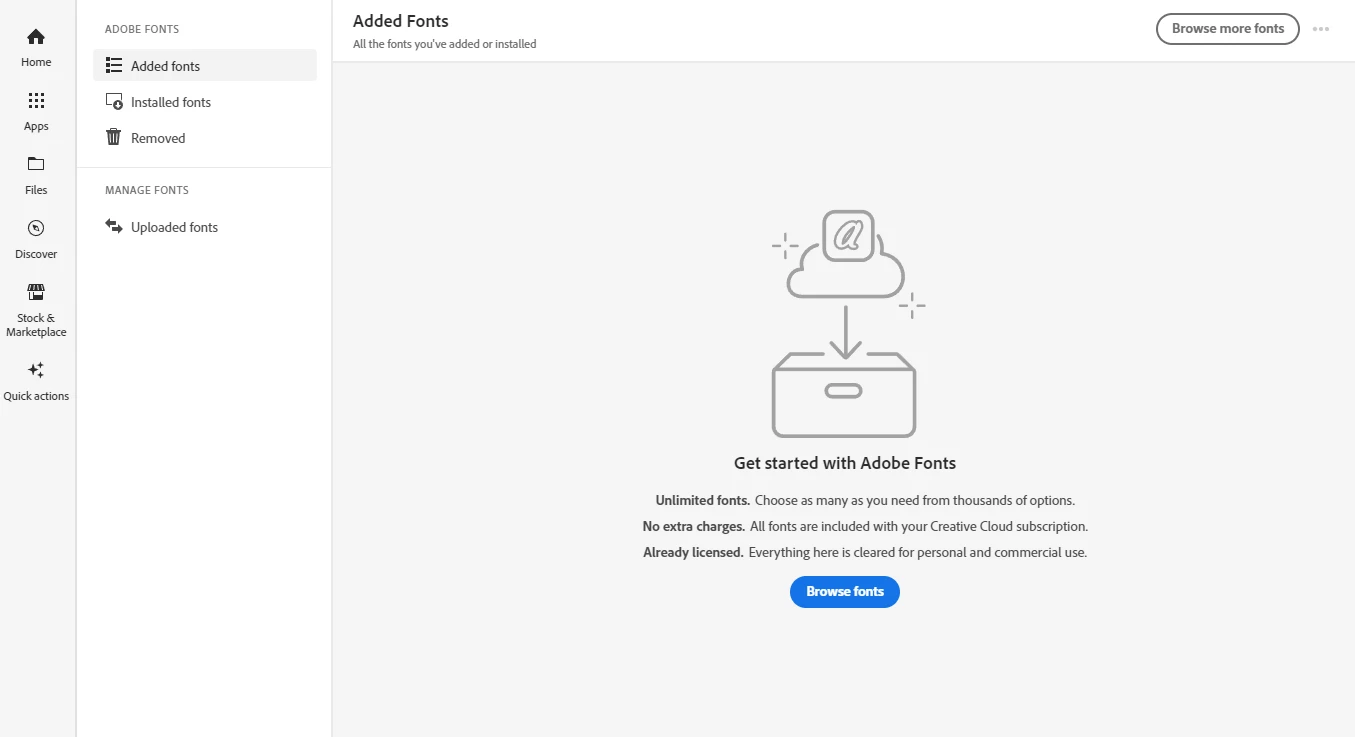
Under "Added fonts" -- nothing.
Under "Installed fonts" -- nothing.
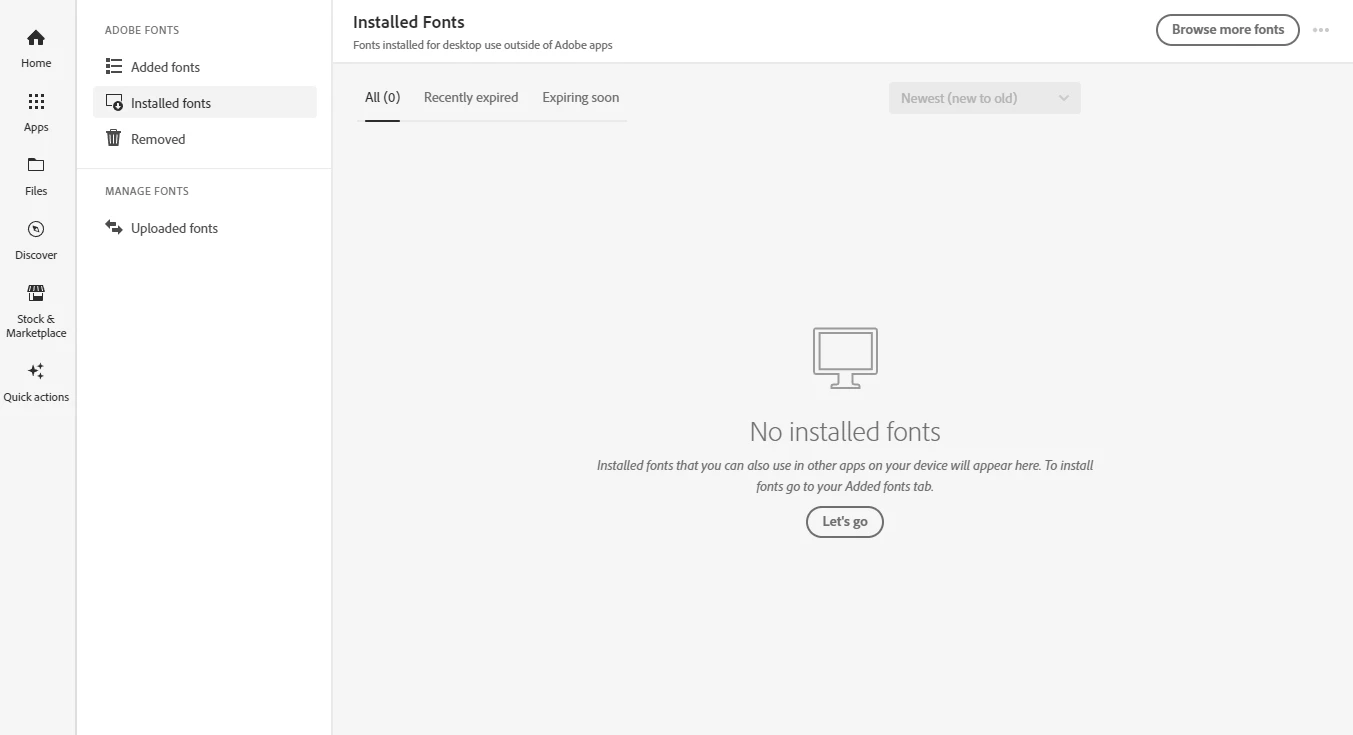
They're both acting like there are no fonts on my computer. And clicking the buttons that say things like "Browse fonts" and "Let's go" accomplish nothing other than leading me around in circles. I even tried uploading ITC Weidemann Medium in the "Uploaded fonts" tab, at which point Adobe oh-so-helpfully informed me that that font is already installed.
I've scoured Google for a solution to this, and while I've found various similar issues that people have had, I haven't found any solution to this exact problem. Some of the things I've tried so far have been:
- Restarting the computer
- Logging out of Creative Cloud and then logging back in
- Disabling Adobe fonts in "Preferences" and then reenabling
None of these things have worked. Any solution here would be appreciated. Thanks!


 AdChoices