

Answered
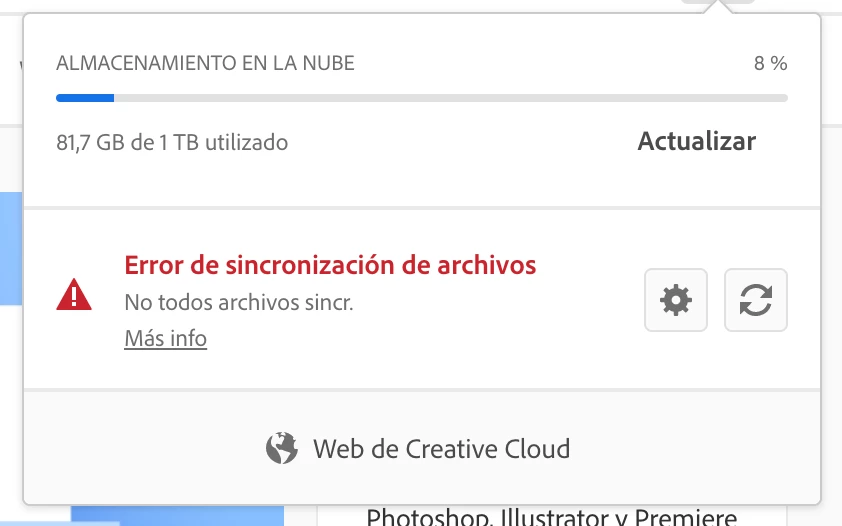
'Not all files synced' in Creative Cloud, ran out of ideas
I paused the file sync for a few days and now it won't resume. I've tried a number of things including the suggestions in Adobe, but it doesn't work, what else to make it work?
- Per the suggestion in the sync panel itself I went here and tried stopping the processes and restarted.
- Also tried and then logged out/in, and restarted.
- Tried deleting the Sync database files in the user Library / App Support / Adobe / CoreSync
- Tried Pausing and resuming many times.
- Removed the whole CoreSync folder to force it recreate everything… After some trying I'm getting the same error over and over.
It tries, says "Files synced: n of X files", then throws the error, and stays like that. Eventually it will retry and restart the cycle over and over.
I'm using a Mac with Mojave 10.14.6, everything up to date. I have a teams license.


 AdChoices