
Inspiring
December 22, 2014
Question

Perpetually stuck at "Syncing..."

  • December 22, 2014
  • 2 replies
  • 2332 views

My CC syncing hasn't ever really been working that great, and now it's doing nothing. I'm really frustrated that this doesn't work for myself or my team. In comparison with doing the same task with either Dropbox of Google Drive the CC service falls behind in delivering or even fails completely.

  • I've attached a screenshot
  • I have my log files zipped and ready to send to someone from Mac: /Users/<username>/Library/Application Support/Adobe/CloudSync
  • I have tried signing out of the Creative Cloud app and back in again, from the preferences using the Sign out button
  • I have tried turning File syncing on/off in preferences
  • I have tried restarting
  • I have tried different networks
  • I am running 1.8.0.447
  • I can sync fonts, marketplace files, and update apps
  • I have run "rm ~/Library/Application\ Support/Adobe/CoreSync/options.tix"
  • And sometimes it shows that it's doing something but stays stuck on processing what it's syncing. For example something like, 32 of 4011 files, 345 days left
  • On a slow internet connection, ~0.3mb Upload, this service just really doesn't work well.
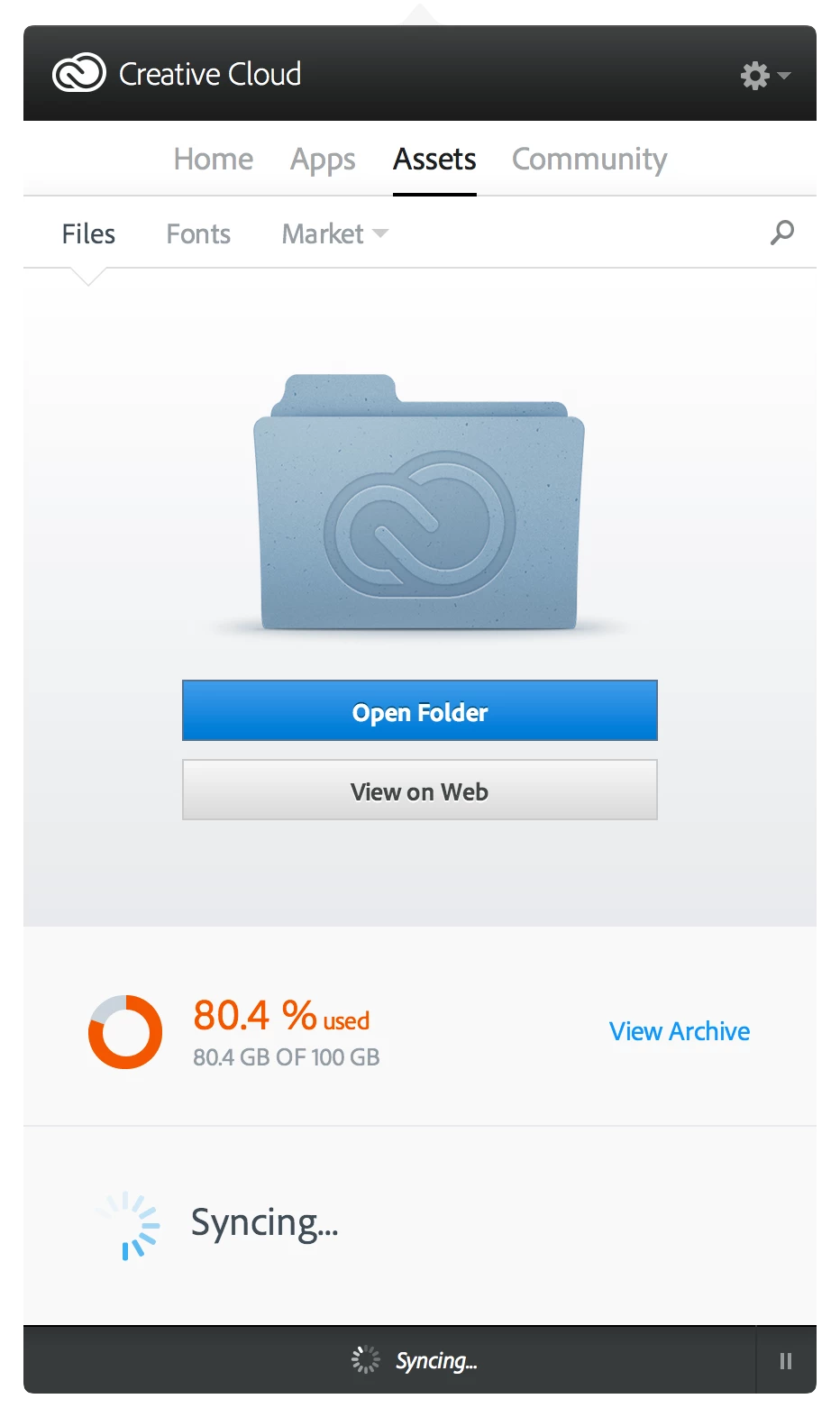
This topic has been closed for replies.

2 replies

jshafer73
Participant
January 5, 2015

I am having a huge syncing problem. Its been like this for a month or so. I just can't seem to find an answer. Downloading of updates - work fine, syncing of fonts and market files - fine, syncing with my Mac - "let the crickets sing". I've heard everything from, "turn off bluetooth on any phones in the area", to ," Zap the PRAM and restart CC", but the sluggishness continues.

My thought is that it may have to do with a web server we set up behind the same router, but don't see how its could be the problem.

All suggestions appreciated.

James

wharress
Community Manager
Community Manager
January 6, 2015

Hi,

By the looks of your screenshot you downloading After Effects and trying to Sync at the same time. Downloading and running a web server can have a huge impact on the performance of your internet connection, plus trying to sync files as well. This will be taking up nearly all of your internet bandwidth. Can you re test sync when you are not downloading anything, stop your web server and stop the web server.

Thanks

Warner

wharress
Community Manager
Community Manager
December 23, 2014

Hi,

You seem to be on a old version of Creative Cloud. I would certainly consider upgrading to the latest version. There has been a number of improvements since Creative Cloud 1.8.0.447. The latest version is 1.8.1.451

Thanks

Warner

ijerniganAuthor
Inspiring
December 23, 2014

How do I update Creative Cloud? Is there a way to automate the update, or have the app inform me when an update is available? Is there a changelog of the things that have been improved?