
Participant
April 20, 2022
Question

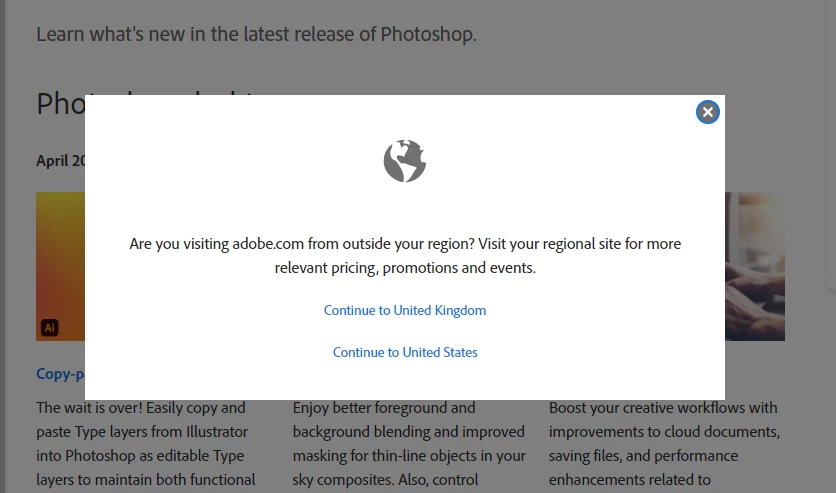
Please stop the "outside your region" pop-up!

  • April 20, 2022
  • 2 replies
  • 500 views

Every time I go to the Adobe site I get this pop-up and have to reload the page. 


Please give us a 'don't see this again' option. I don't care how relevant the pricing, promotions, and events are. I am almost exclusively trying to find tutorials.  


This topic has been closed for replies.

2 replies

Nancy OShea
Community Expert
Community Expert
April 20, 2022

Clear your browser's history and data cache.  You're being sent to the wrong URL for your region.


Nancy O'Shea— Product User & Community Expert
adamfp
Inspiring
July 14, 2022

This didn't work for me. Does anyone have any other fixes?

Nancy OShea
Community Expert
Community Expert
July 15, 2022

Use another browser.  Firefox, Chrome, MS Edge...

https://helpx.adobe.com/creative-cloud/tutorials-explore.html


Nancy O'Shea— Product User & Community Expert
Peru Bob
Community Expert
Community Expert
April 20, 2022

This is a user to user forum.

Please go here:

https://helpx.adobe.com/x-productkb/global/how-to-user-voice.html