
Question
Positioning Social Media Icons in Adobe Portfolio
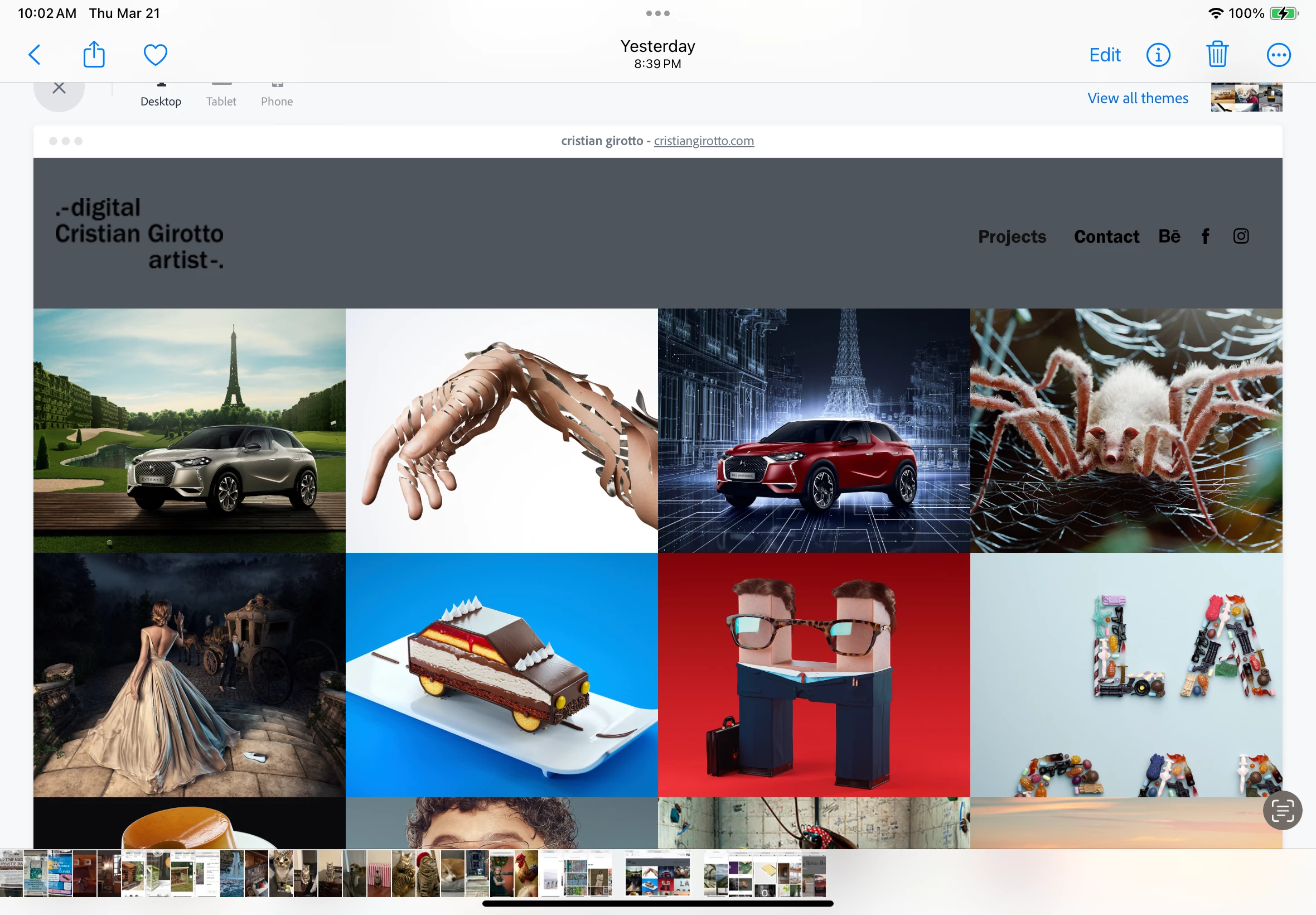
I've created a website using Portfolio, and I'd like to include social media icons. It appears that I can either include them in the navigation bar, or in the footer. Unfortunately, when I click the option to include the icons in the navigation bar, the icons appear on a line below the nativation, rather than in the same line as the navigation bar. How can I fix this so that the icons appear in the same line? Ideally, I'd like the icons to appear alongside of the site Header, but I can't find a way to do this.
Included below is an image of my site, and another image showing how I'd like the icons to appear.



 AdChoices