Participant
March 27, 2021
Answered

Problems after installing Creative Cloud without apps

  • March 27, 2021
  • 1 reply
  • 538 views

Hello !

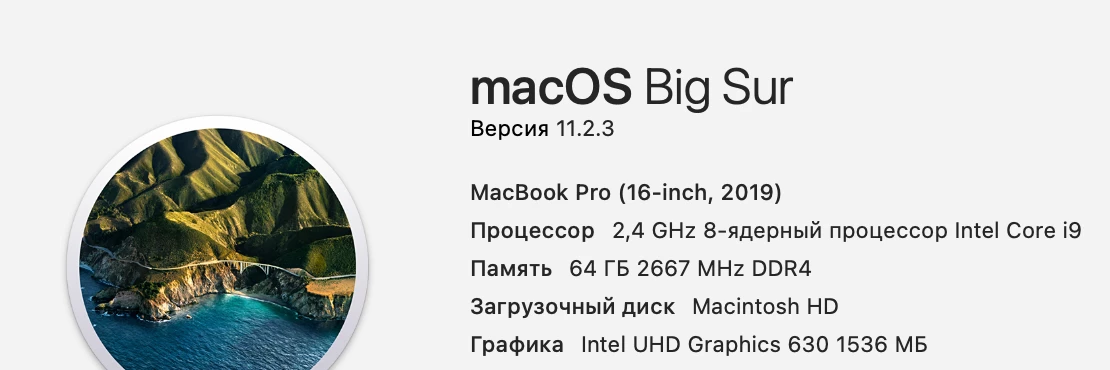
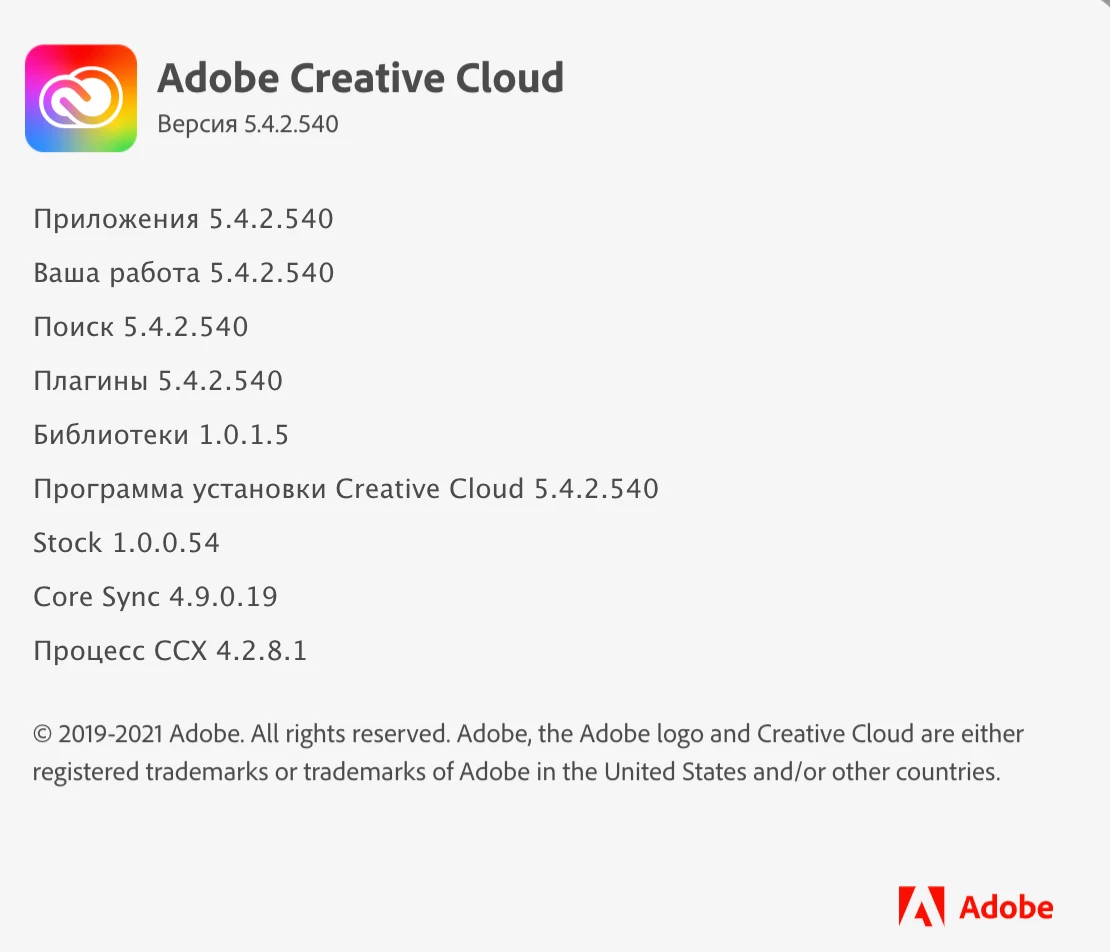
After installing Creative Cloud on the MacBook Pro 16 (2019) without other Adobe apps, problems immediately arise, and it's been going on since late fall.
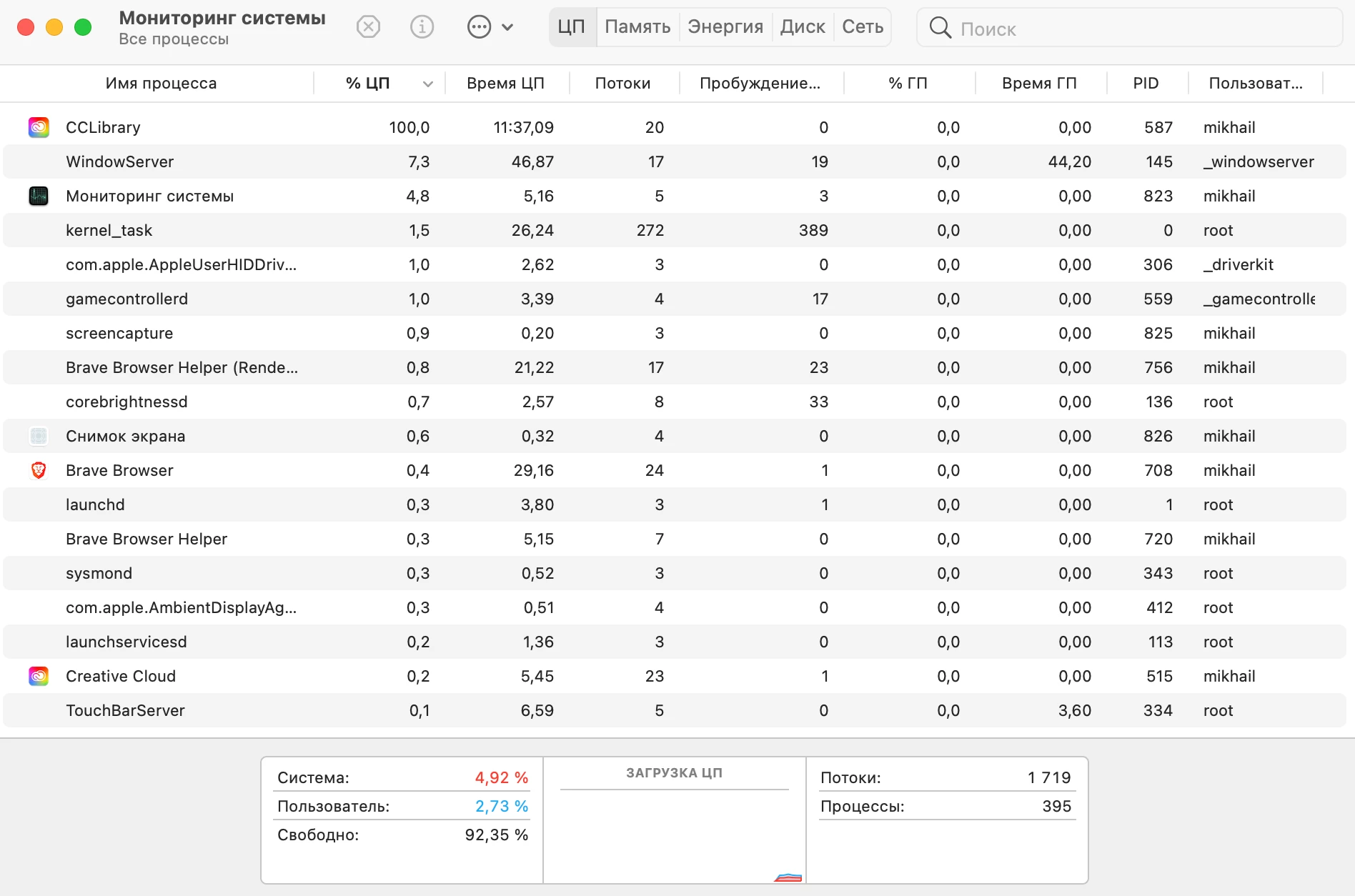
Strong fan noise, the system is loaded, look at the monitoring utility.
Please forward the information to your specialists.
This topic has been closed for replies.
Correct answer kglad

these are user-to-user forums


it looks like your cc library is over-working trying to sync something.


open your cc desktop app

click the your work tab

copy all the library files you need to your local computer

delete all the library files in your cc app or from your cc web page

restart your computer

1 reply

kglad
Community Expert
kgladCommunity ExpertCorrect answer
Community Expert
March 27, 2021

these are user-to-user forums


it looks like your cc library is over-working trying to sync something.


open your cc desktop app

click the your work tab

copy all the library files you need to your local computer

delete all the library files in your cc app or from your cc web page

restart your computer

Participant
April 3, 2021

Thanks so much for the tip, but I don't use file sync. I stopped it right away.

Participant
April 3, 2021

Your hint helped to solve the problem.
I enabled synchronization in the app, went to the cloud library and deleted the file or folder that appeared there (I still have nothing to synchronize).
I closed and rebooted.
Again CCXProcess gave a load of 99%
I repeated the original steps again and rebooted the Mac.
The problem was gone!
Thank you for your advice!