

Zaid Al Hilali
Community Expert
Community Expert
July 1, 2022
Answered

Remove unused Plugin from the Adobe CC desktop application

  • July 1, 2022
  • 2 replies
  • 968 views

After uninstalling a plugin, the Adobe CC desktop application keeps the plugin instance for some reason. How can I clear the place so I can see the installed plugin(s) only?
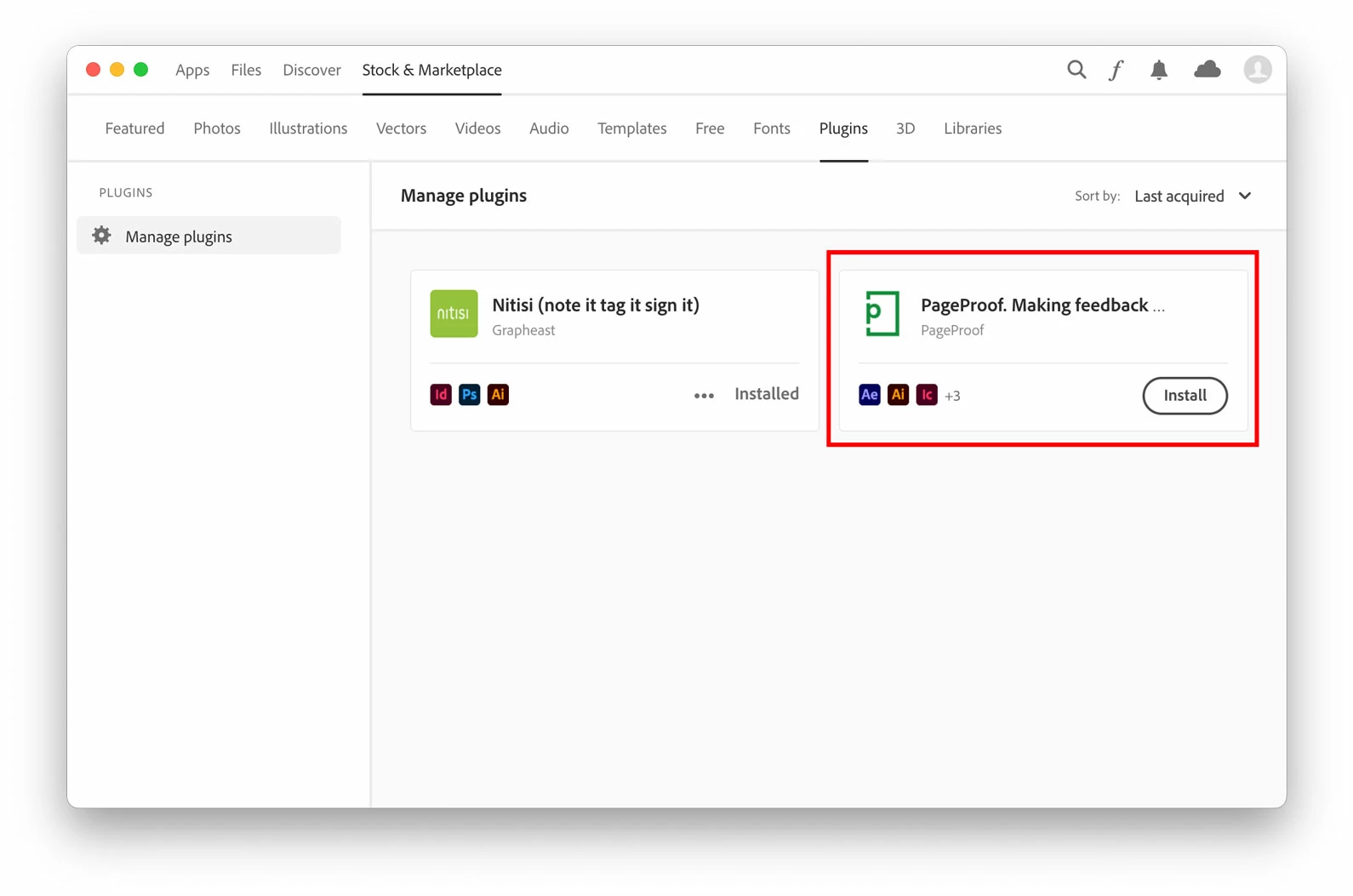
I need to remove the unused plugin marked in red colour

This topic has been closed for replies.
Correct answer Tarun Saini

Hi there,


Thank you for reaching out. I would like to let you know that in the Creative Cloud Desktop Application, this is expected for plugins and is by design.


We appreciate your patience.


Regards,

Tarun

2 replies

Tarun Saini
Community Manager
Tarun SainiCommunity ManagerCorrect answer
Community Manager
July 1, 2022

Hi there,


Thank you for reaching out. I would like to let you know that in the Creative Cloud Desktop Application, this is expected for plugins and is by design.


We appreciate your patience.


Regards,

Tarun

Zaid Al Hilali
Community Expert
Community Expert
July 1, 2022

@Tarun Saini wrote:

this is expected for plugins and is by design.


I thought so, I'm going to screen record a video showing parts of the Desktop application. I will coverup/blurr the unwanted plugin after recording the video.

kglad
Community Expert
Community Expert
July 1, 2022

you can try resetting, but i'm not sure that will remove it:


to reset the cc desktop app: make sure it's in the foreground, then press:

Win: Ctrl + Alt + R
Mac: Cmd + Opt + R

Zaid Al Hilali
Community Expert
Community Expert
July 1, 2022

The Cmd+Option+R relaunched the program only, the unwanted plugin is still visible : )