
Participant
September 8, 2022
Answered

Signed Out Loop

  • September 8, 2022
  • 3 replies
  • 776 views

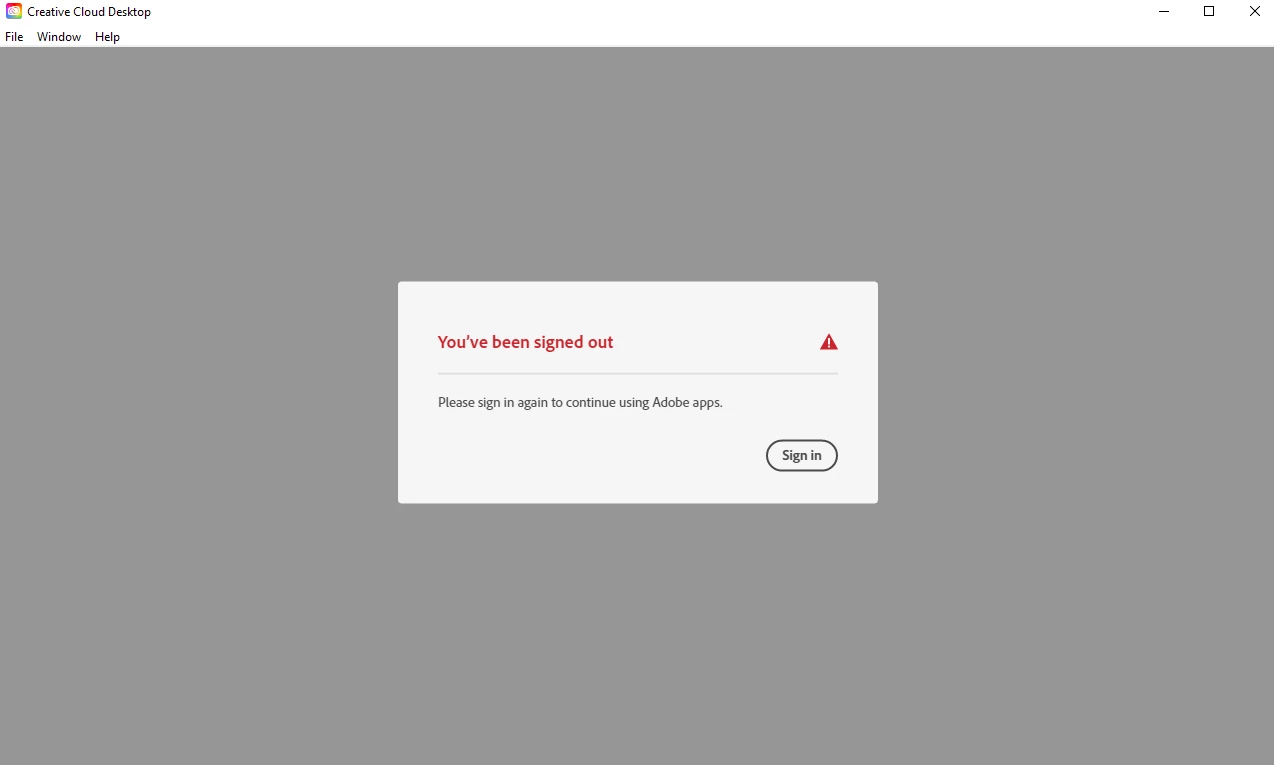
Hello. Recently I have changed education organisations and therefore I have a new Adobe Login. My old one was deactivated before I could properly sign back out of it. So now, when I open Creative Cloud, it gives me the image that you can see attached below. If I click 'Sign In' this Sign Out box just reappears, as an infinite loop. Any one able to help? I am just looking to sign into Creative Cloud with my new login, but that does not appear to be an option. I have tried completely uninstalling Creative Cloud, as well as all of my Adobe products, but upon reinstalling I am met with this box again. The 'Sign Out' option in the Help drop down is also greyed out.
This topic has been closed for replies.
Correct answer Peru Bob

If that doesn't work, use the Cleaner Tool:
https://helpx.adobe.com/creative-cloud/kb/cc-cleaner-tool-installation-problems.html

3 replies

Peru Bob
Community Expert
Peru BobCommunity ExpertCorrect answer
Community Expert
September 8, 2022
Participant
September 9, 2022

That is the one that did it! Thank you for your help!

John T Smith
Community Expert
Community Expert
September 8, 2022

What may work is to remove everything and do a fresh install

-https://helpx.adobe.com/creative-cloud/kb/cc-cleaner-tool-installation-problems.html

Participant
September 9, 2022

This was the solution, thank you!

Peru Bob
Community Expert
Community Expert
September 8, 2022