
Participant
February 16, 2022
Question

Sync and Photoshop Errors

  • February 16, 2022
  • 2 replies
  • 152 views

Hello. Even though my cloud libraries are empty (even the trash is empty), it seems to be using half my storage. moreover i am getting sync error on my Creative Cloud. This is very annoying because when using Photoshop I get the error "Your presets could not be synced" and the program starts to freeze.
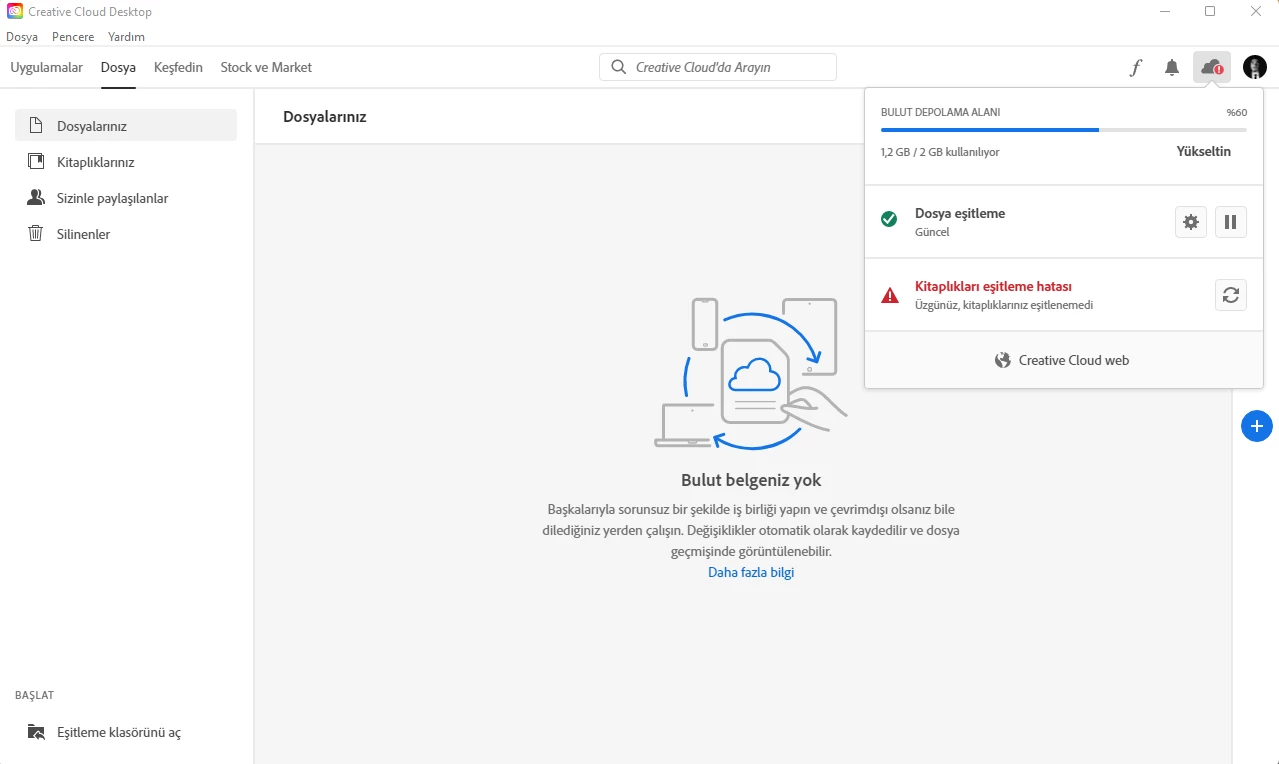
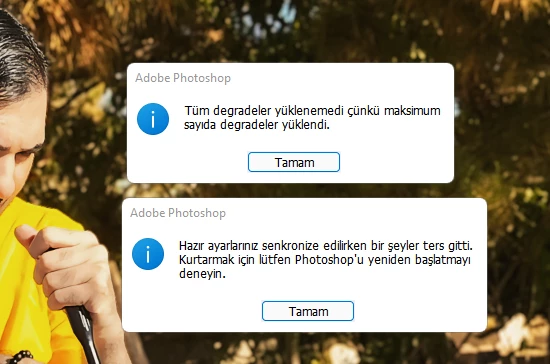
 

This topic has been closed for replies.

2 replies

David__B
Adobe Employee
Adobe Employee
February 16, 2022

Hi AlptugDag,


Could you please try disabling the Preset Syncing option in the Photoshop preferences and then restart the computer and let us know if this makes any difference with the sync issue?


In relation to the used storage, in addition to the suggestions from Peru Bob about checking the deleted files area, files in any of these locations also count towards your storage use.


Creative Cloud

Lightroom

Document Cloud


Please let us know if this helps,

- Dave

Peru Bob
Community Expert
Community Expert
February 16, 2022