
Sync doesn't work at all
Hello there,
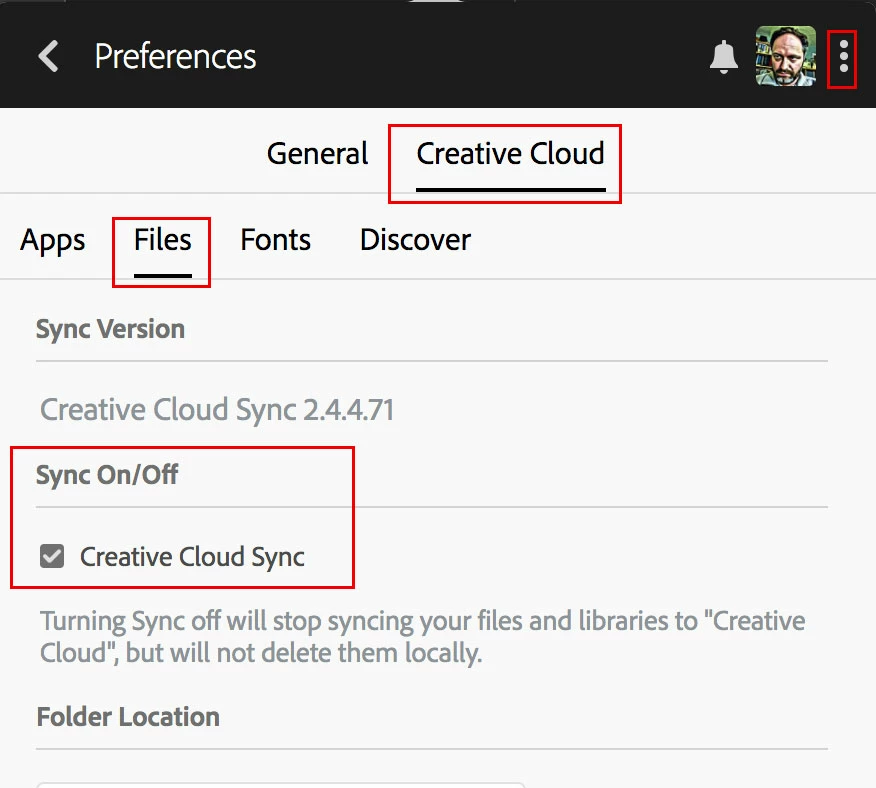
I'm running Creative Cloud with Photoshop and XD and can't seem to be able to sync files to the cloud directly from explorer.
File sharing works fine on broswer though. Funny this is until last year syncing used to work just fine on my computer.
I'm running the latest version of Creative Cloud Desktop on a Windows 10, 6GB RAM and over 400GB of free storage.
I've tried moving the folder and uninstalling the app a couple times byt now but have had no success.
A colleague talked to Adobe and was told some ports should be opened in order for sync to work. We passed the issue to our IT support and found out they'd already been open!!
Can you guys help me figure this out? I'm all out of options and really need update my prototypes so I can test them on mobile.
Is there a work around this? While sync doesn't work smooth, how can I open my XD propotypes on mobile?
Many thanks,
Douglas


 AdChoices