
Participating Frequently
April 4, 2022
Question

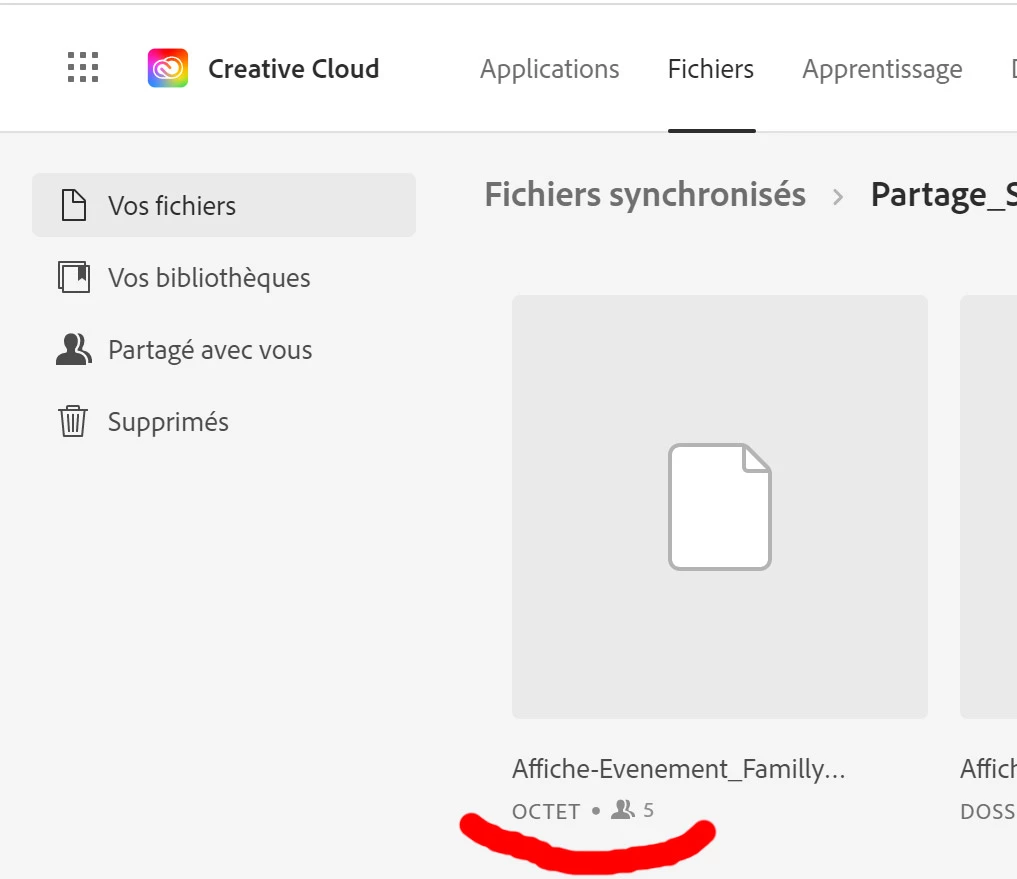
Sync files preview won't appear in Creative Cloud
  • April 4, 2022
  • 1 reply
  • 230 views

Sync files preview won't appear in Creative Cloud, I have only a blank file. it work fine when i download it but the preview and file type are missing.

I use the web browser to upload my files cause i have limited space on my disk to sync all the files shared.
i tried on google browser, firefox, Edge... and i have the same problem.


It work fine with my coworkers, but it fail with me..
Please let me know if you know how to fix that.
thank you all


This topic has been closed for replies.

1 reply

Tarun Saini
Community Manager
Community Manager
April 4, 2022

Hi there,


We're sorry about the experience as you're unable to see the preview of the file in Creative Cloud. Could you try uploading the file through the Creative Cloud Desktop Application & let us know how it goes? Is it happening with all files or with some specific files? We're here to help, just need some info.


Regards,

Tarun

TomlecAuthor
Participating Frequently
April 4, 2022

Hello Tarun,
It work when i upload via "my files" with the "+" (i have a preview (even on the browser.
But i would like it appear in files sync, to share with my coworker.

i work good with .AI but .psd and .psb Fail to preview.


Thank for your help

TomlecAuthor
Participating Frequently
April 4, 2022