
Question
Sync issue between assets.adobe.com and my CC Apps
My CC Apps (InDesign, Illustrator and Photoshop) constantly have the 'failed to sync' icon at the bottom right of the libraries panels.
If I go on assets.adobe.com and look at my lirbabries saved there they don't all match properly.
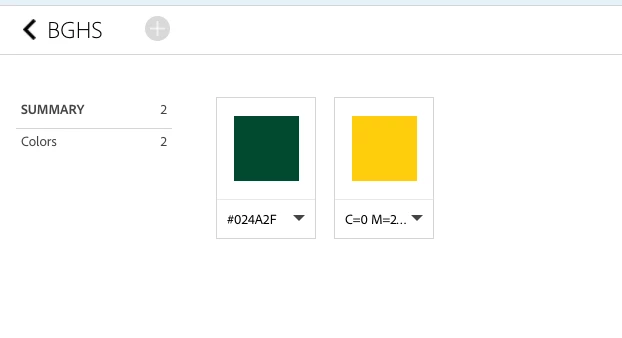
The screenshot below shows what is in the 'BGHS' library on assets.adobe.com
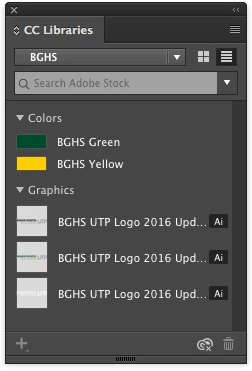
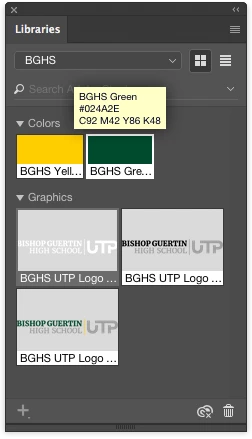
And the below screenshots show what is in the 'BGHS' library according to InDesign, Illustrator and Photoshop.
Notice the 'failed to sync' icon bottom right.
All apps are up to date.
I've tried restarting the Creative Cloud App.
Pausing/Resuming Sync.
Deleting the CoreSync database files but nothing works...
Please help, this is making working as part of a team a nightmare as I can't share the assets.
D


 AdChoices