Question
Synced fonts are not visible in my Creative Cloud desktop anymore
A few days ago I managed to sync a few fonts to my Creative Cloud desktop and I also used them in Illustrator. But now I don't know how to do this again?? Please help!
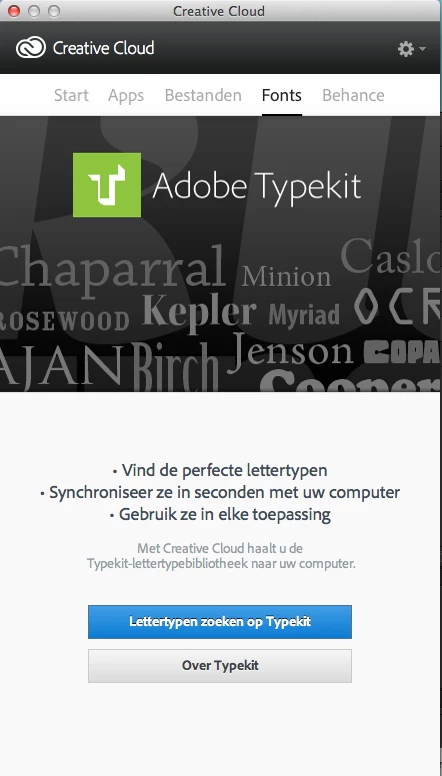
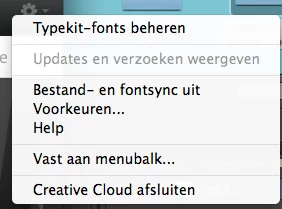
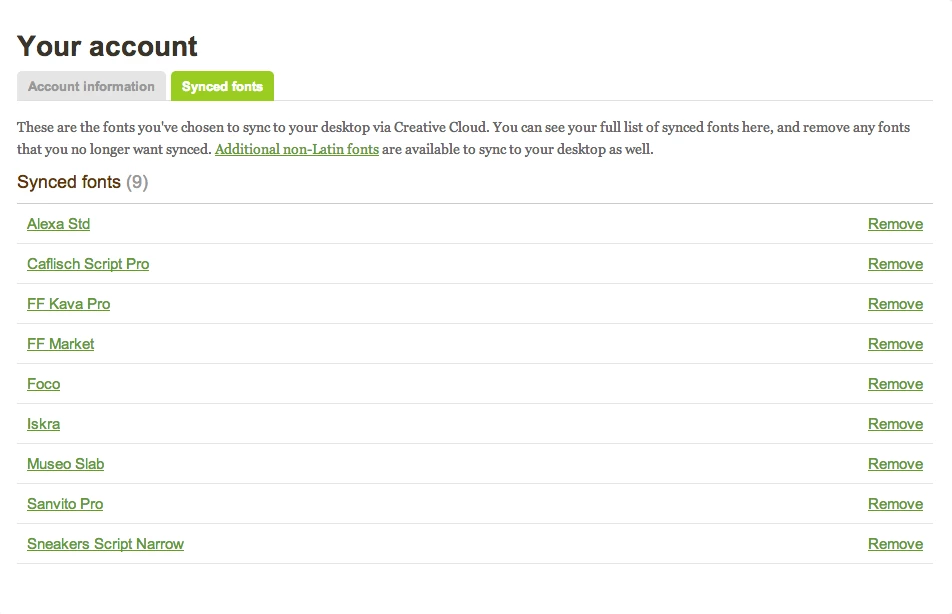

A few days ago I managed to sync a few fonts to my Creative Cloud desktop and I also used them in Illustrator. But now I don't know how to do this again?? Please help!
Already have an account? Login
Enter your E-mail address. We'll send you an e-mail with instructions to reset your password.
 AdChoices