
monab21083069
Participant
February 16, 2018
Answered

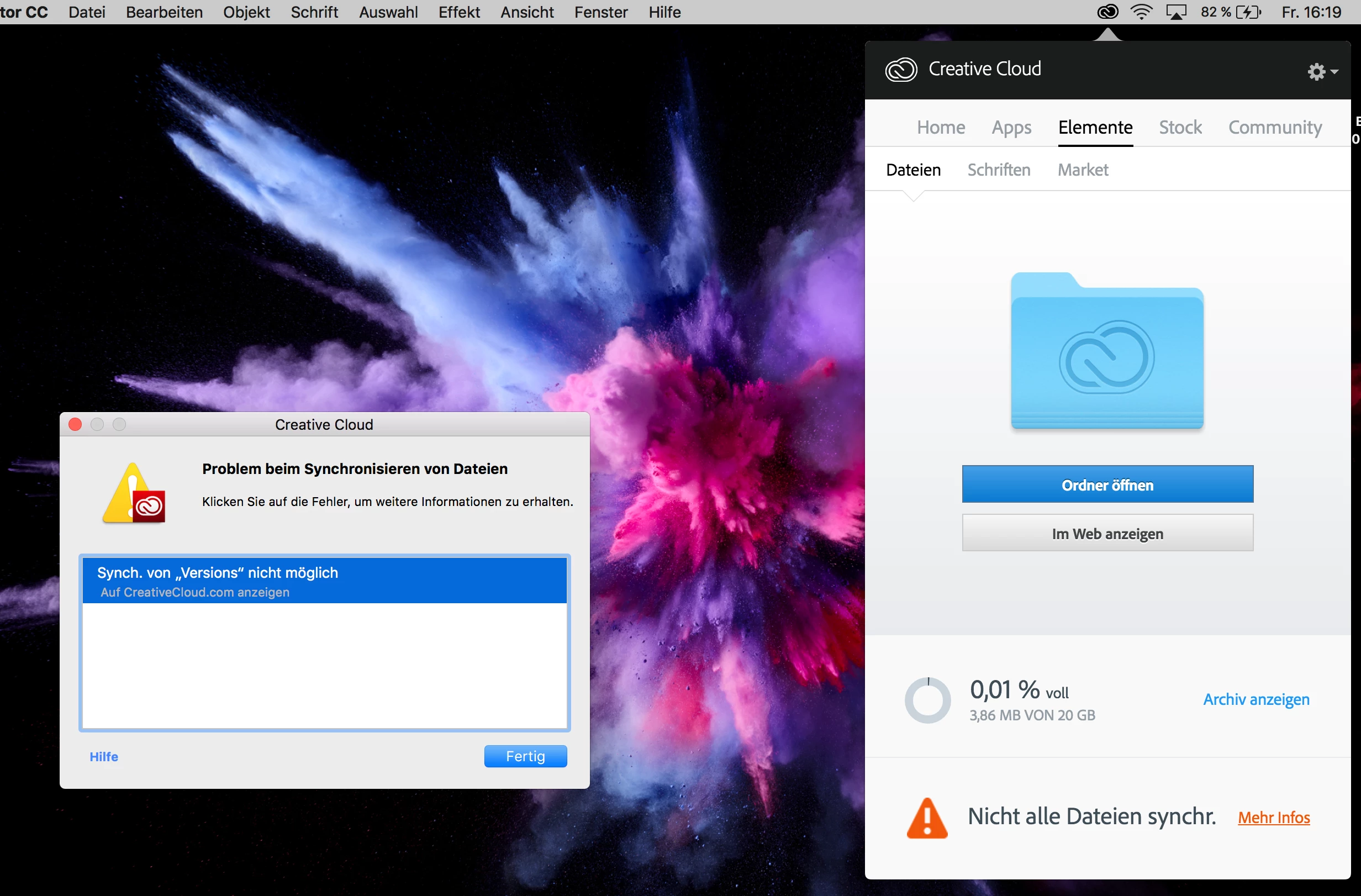
Synchronisation von "Versions" nicht möglich
  • February 16, 2018
  • 2 replies
  • 407 views

Die Meldung "Synchronisieren von >Versions< nicht möglich" wird mir dauernd angezeigt und ich weiß nicht woran es liegt oder wie ich den Fehler beheben kann.

Wenn ich die Cloud ausschalte, verschwindet die Meldung natürlich. Das ist aber ja nicht die Lösung.

Vielleicht hatte jemand ein ähnliche Fehlermeldung oder weiß, wie ich sie behebe?

Viele Grüße und vielen Dank im voraus!

This topic has been closed for replies.
Correct answer David__B

Hi Mona,

I'm not sure offhand what the issue might be. Is it unable to sync all files or only a specific one. I know certain characters or file names can cause issues Error: "Unable to sync files" to the Adobe Creative Cloud

You might try removing or renaming the file mentioned in the error "versions".

Hope that helps,

- Dave

2 replies

David__B
Adobe Employee
David__BCorrect answer
Adobe Employee
February 24, 2018

Hi Mona,

I'm not sure offhand what the issue might be. Is it unable to sync all files or only a specific one. I know certain characters or file names can cause issues Error: "Unable to sync files" to the Adobe Creative Cloud

You might try removing or renaming the file mentioned in the error "versions".

Hope that helps,

- Dave

kglad
Community Expert
Community Expert
February 16, 2018