
Question
Synchronisation with the desktop app failing
Another day, another synchronisation fail... a member of my team cannot see the files I've shared with them even though they're clearly there in the online version of the creative cloud.
Of course we've deleted/recreated the library, etc.
It still doesn't sync.
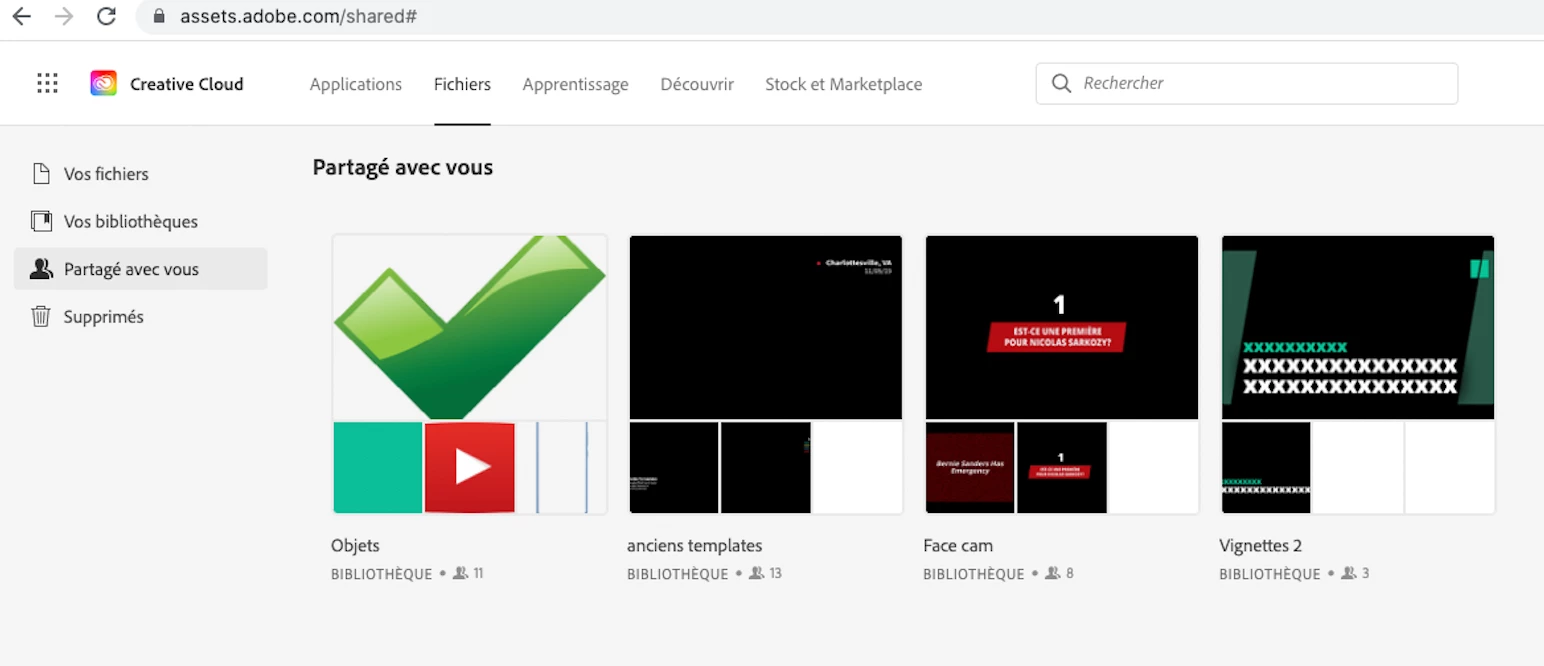
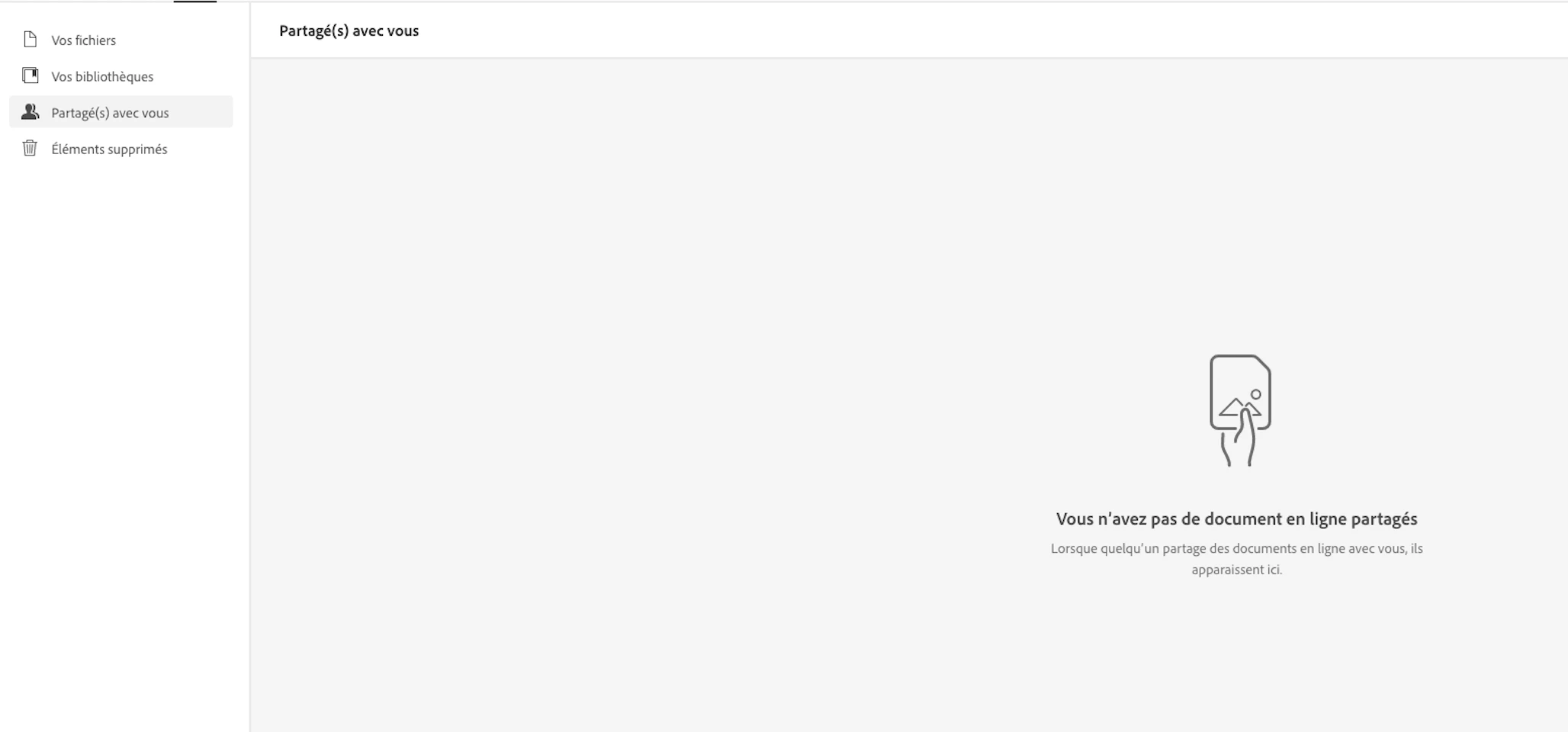
This is unacceptable. We are paying for this service. I've spent endless hours with the adobe IT of similar issues.
I don't understand how that kind of unreliability is considered good enough by anyone.


 AdChoices