

Byers Video
Known Participant
November 9, 2016
Question

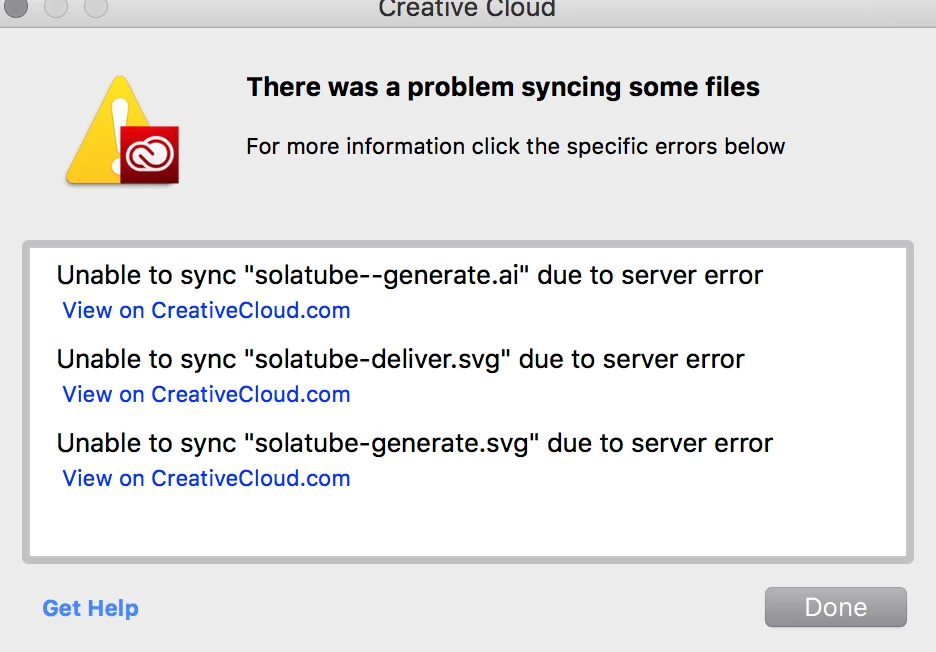
There was a problem syncing some files

  • November 9, 2016
  • 3 replies
  • 3827 views

I kept getting this error all day yesterday "There was a problem syncing some files"

But they all seemed to sync.

Today, been getting the error again all day while i work. so I deleted everything from my sync folder and on the web.

Still showing an error.
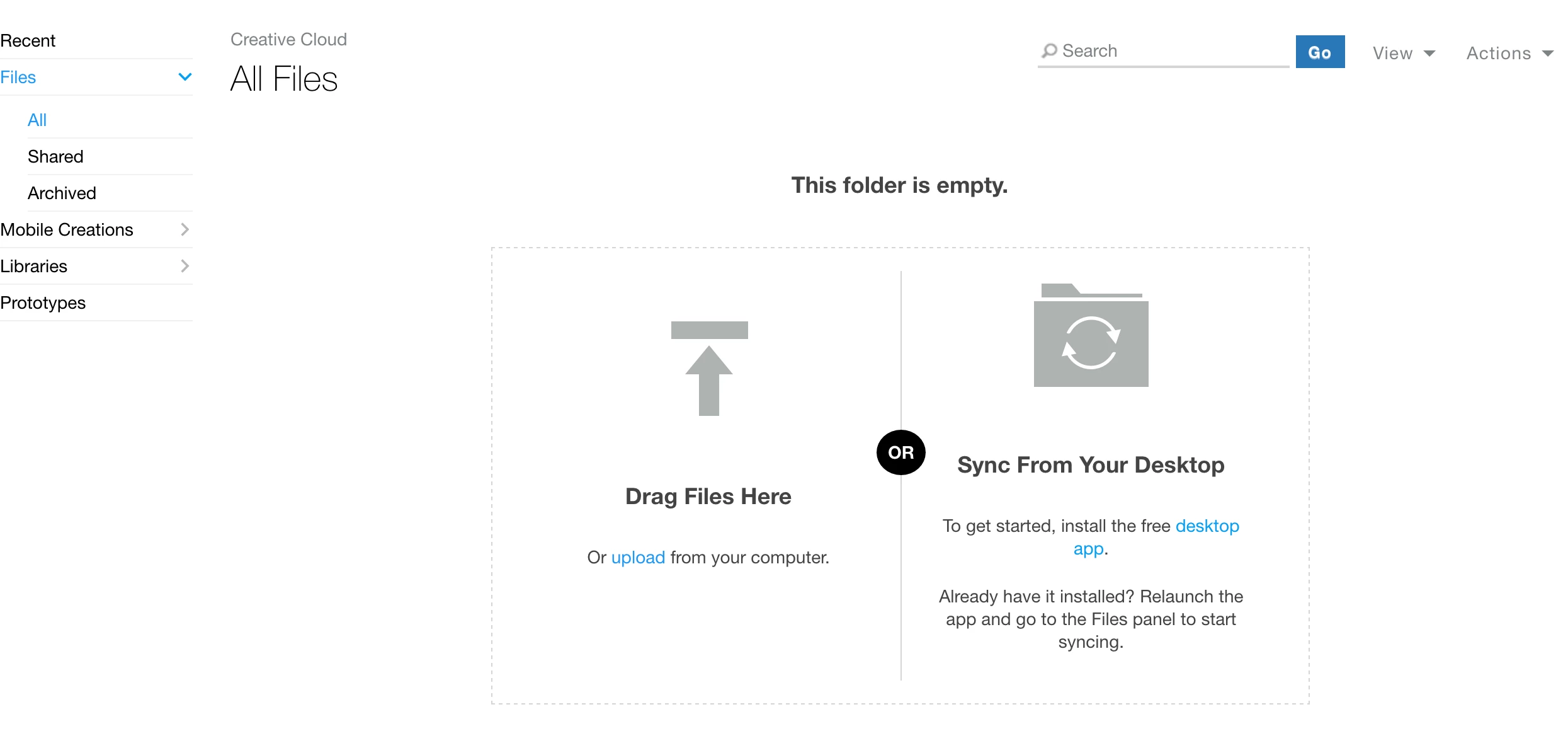
Yet, there are no files in my folder.
This topic has been closed for replies.

3 replies

David__B
Adobe Employee
Adobe Employee
March 8, 2017

Hi Gerald,

After working with our engineering we were able to determine the cause in all of the other recent reports. The cause was related to collaborations, where one of the collaborators had exceeded their storage quota. When this happens it makes it where all of the collaborators can no longer add/sync files to the collaborated folder and will receive server error like you describe getting.

If you're still getting the error you may want to check to see if this is the cause it your case too. If you go to the folder containing the files which you were getting the server error and click the drop-down and select Collaborate you should be able to see all the collaborators


This link should show all the collaborated folders when signed in > Adobe Creative Cloud

Select this option on the folder containing the files which reported the server error to see all the collaborators

Let me know if that helps.

Thanks,

- Dave

Byers Video
Known Participant
March 9, 2017

David, thanks for the reply.

I have been looking all over to find what you are talking about, I do not see the collaborate tab. and I just figured out why. I do not have any folders with files to share.

I am sharing libraries, but no one is adding anything to them, just using them.

I just created a test folder and now I see the drop down and get the same submenu I see above.

So, no, I am not sharing anything with anyone.

Byers Video
Known Participant
March 9, 2017

Weird that you have to send to archive to delete.

Byers Video
Known Participant
February 28, 2017

This issue is back again. started today, I do not have time to figure it out, i have work to do.

Been using this without problems since the last fix.

What is annoying is the message pops up while i am working and have deleted that file.

I understand there are issues now and then and things (nothing) works like it is expected too or without problems, but I thinkI am just going to export to desktop from now on and avoid any future problems.

As much as Adobe does, we love, but I think at times they spread themselves a little thin.  Instead of a few awesome, always working features that we expect them to work, we get lots of "not sure if it is going to work and are joyous when it does this time."

David__B
Adobe Employee
Adobe Employee
March 3, 2017

Hi Gerald,

I'm sorry to hear that the issue has returned for you. I have seen a few other recent reports of this too and have been working with our engineering departments trying to get them resolved.

David__B
Adobe Employee
Adobe Employee
November 9, 2016

Hi Byers-video,

We recently had reports similar to what you describe but most have cleared up. Just to confirm, what version of the Creative Cloud app do you have installed, 3.9.1.335? You can check from preferences within the Creative Cloud app, from the gear icon in the top right.

A couple other questions too:

Thanks,

- Dave

Byers Video
Known Participant
November 9, 2016

Hi Byers-video,

We recently had reports similar to what you describe but most have cleared up. Just to confirm, what version of the Creative Cloud app do you have installed, 3.9.1.335? You can check from preferences within the Creative Cloud app, from the gear icon in the top right.

Yes 3.9.1.335

A couple other questions too:

  • Is the email you use here on the forums the same as your Creative Cloud membership?

yes, the email is correct.

  • What operating system are you using?

Mac OS 10.12.1

Adobe Creative Cloud

Adobe Creative Cloud

Thank you Dave!!!

Byers Video (gerald)

David__B
Adobe Employee
Adobe Employee
November 9, 2016

Thanks Gerald,

I'll forward the info and logs to engineering. Hopefully we can get you sorted quickly too.