Participant
February 1, 2021
Question

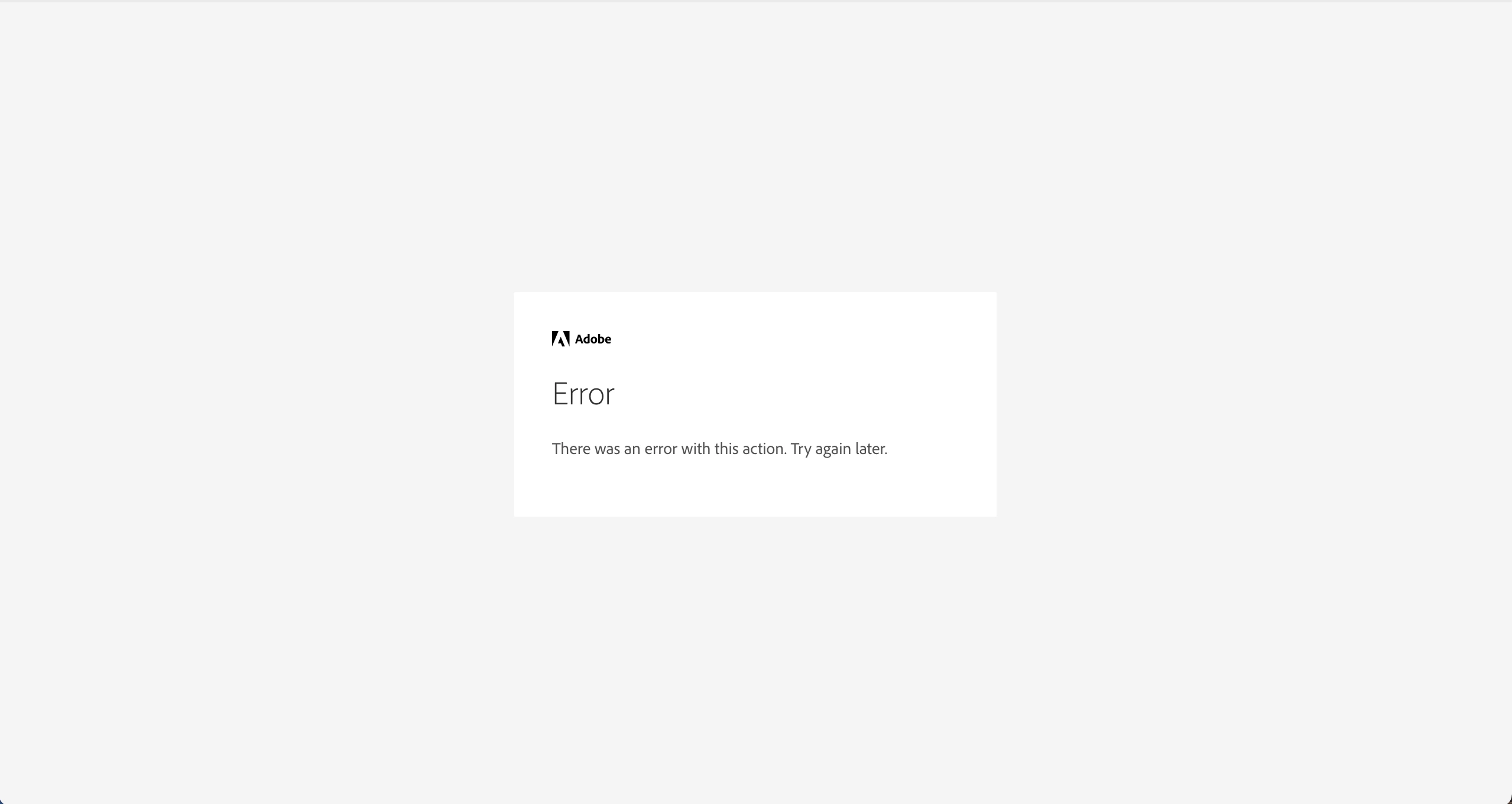
There was an with this action, try again later

  • February 1, 2021
  • 1 reply
  • 348 views

Please help 


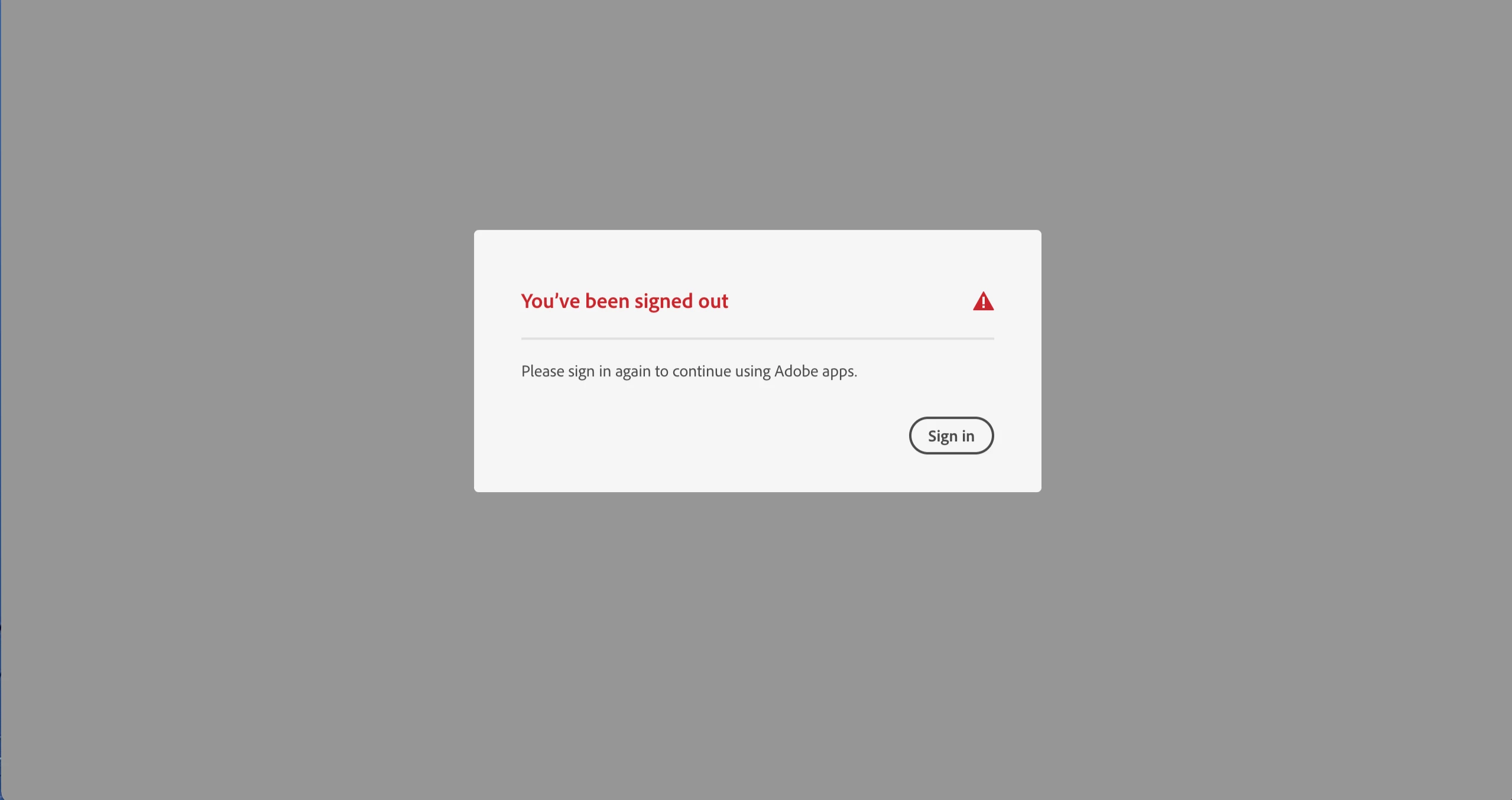
I've tried everything. Adobe creatrive cloud and the apps wouldn't open. I tired everything on the community pages, from removing the opm.db file, to resarting the app, using the cleaner tool and trying to re-install it.


I couldn't install the adobe creative cloud desktop app, as it was stuck on loading and kept requiring me to authroise it, even when it made no progress. I used the alternate installer and it installed however when i got in the app and logged in, it was taking ages to load and eventually said i'd been signed out. 

It asked me to verify with a code and after that it did the same and brought back the same mesasage from the beginning 'There was an with this action, try again later'


What do i do??


I'm using a Macbook Pro, the software is up to date too


This topic has been closed for replies.

1 reply

Jeffrey_A_Wright
Community Manager
Community Manager
February 1, 2021

Shaquille, please use the process listed in https://helpx.adobe.com/x-productkb/policy-pricing/customer-support-portal.html if you need to make any updates to your active support case ADB-17749634-T4N7.


In the future, please consider beginning a chat session at https://helpx.adobe.com/contact.html, if you need direct assistance resolving a technical error.

Participant
February 9, 2021

Hello Jeff,


I created a chat session and they referred me to two different people, who went through the exact steps that I mentioned in my post. That's when i turned to the community to see if there was a fix. In the end I erased my Mac and started again, a bit sad, but had to be done.


Thank you for your help

Jeffrey_A_Wright
Community Manager
Community Manager
February 9, 2021

Ok, thanks for the update, Shaquille. Please make sure to make a local backup of your documents and files in case you encounter additional computer system instability.