juliaprather
Participating Frequently
February 2, 2024
Question

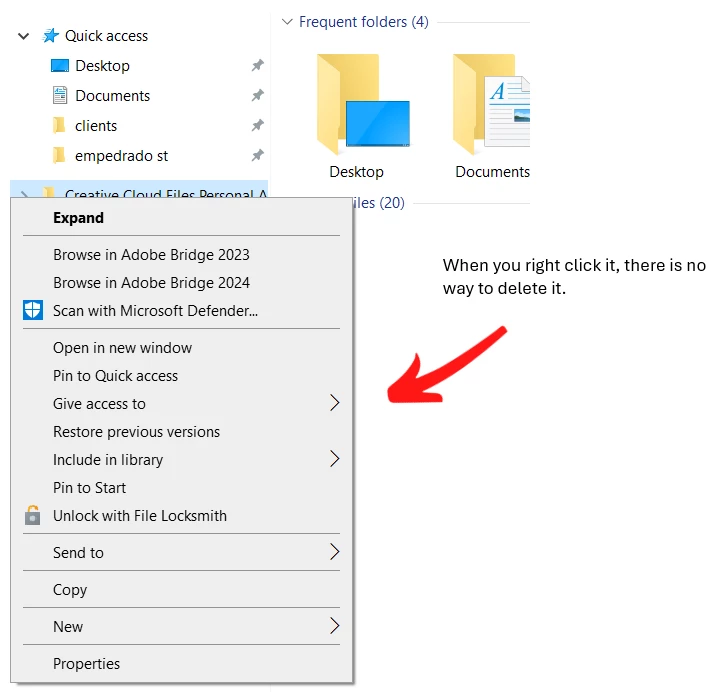
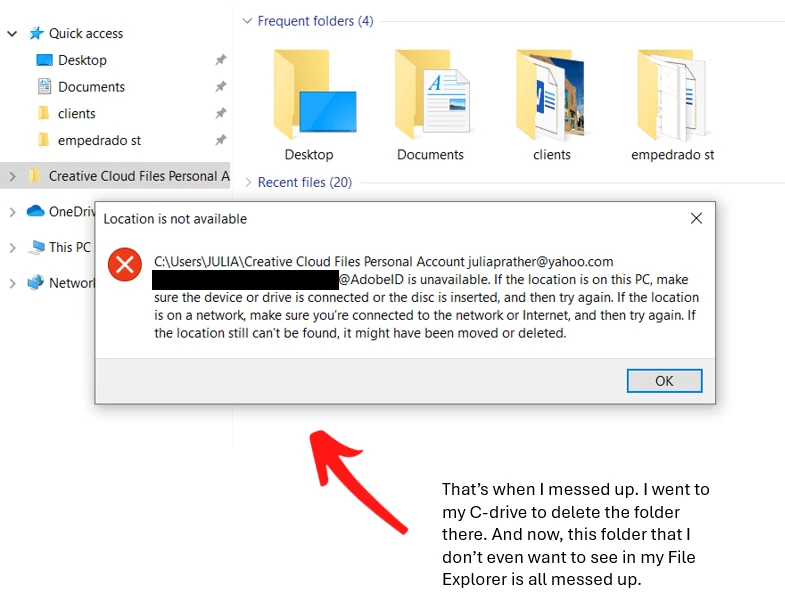
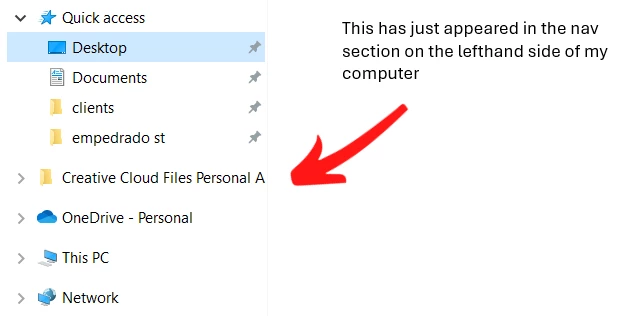
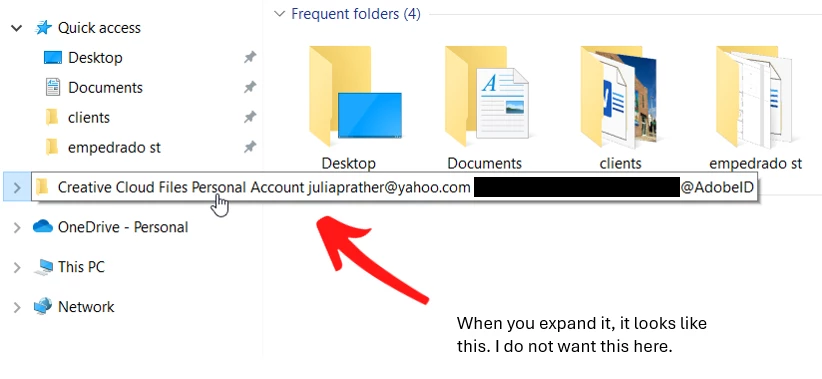
Tried to delete Creative Cloud Files Personal Folder from nav and broke everything

  • February 2, 2024
  • 2 replies
  • 785 views

This Creative Cloud thing just appeared and I wanted to remove it, but all I ended up doing was breaking stuff. My first choice would be to be able to remove this Creative Cloud folder from my nav section altogether. My second choice would be to leave it there but unbreak it. Do I need to remove and reinstall? Thank you, Adobe Forum!
 

This topic has been closed for replies.

2 replies

Peru Bob
Community Expert
Community Expert
February 3, 2024
juliaprather
Participating Frequently
February 3, 2024

Peru Bob, thank you so much for responding to my plea for help. I followed the instructions you provided, but did not get the desired result. In the instructions, the blurred parts in your Registry Editor info window mention something about Adobe and Creative Cloud Files, but my Registry Editor doesn't say anyting about Adobe, which is probably why the problem persists. How can I get my Registry Editor to reference Adobe and Creative Cloud Files like yours does? THANKS!


kglad
Community Expert
Community Expert
February 3, 2024

after the regedit did you sign out of the cc app, restart your computer and then sign back in?

kglad
Community Expert
Community Expert
February 2, 2024

that requires a registry edit.

juliaprather
Participating Frequently
February 3, 2024

Not sure what a registry edit is but I certainly do appreciate your response

kglad
Community Expert
Community Expert
February 3, 2024

you can read about it at https://helpx.adobe.com/creative-cloud/kb/remove-cc-files-folder-shortcut-navigation-panel.html which, i think, was posted here previously.