Participant
November 10, 2020
Answered

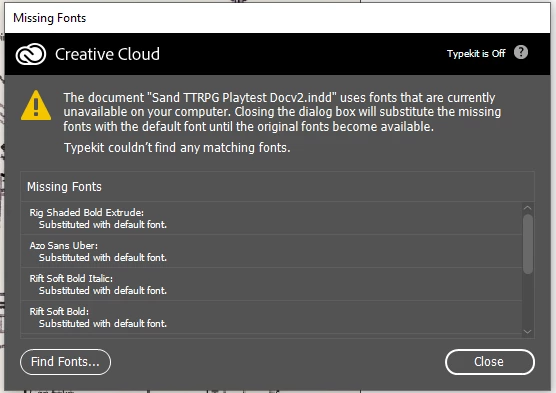
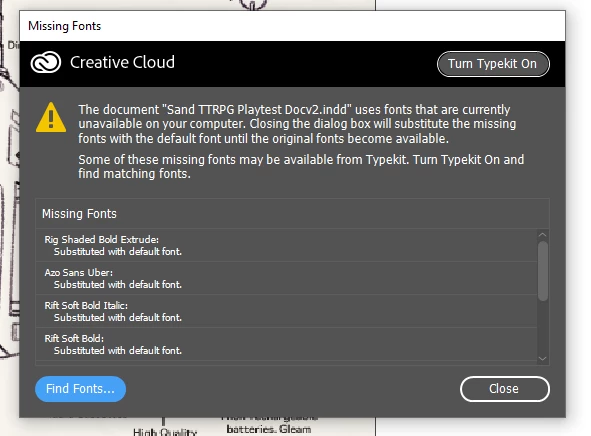
Typekit/Adobe Fonts has turned itself off and dissapeared from CC

  • November 10, 2020
  • 4 replies
  • 586 views

My computer crashed and when it restarted Typekit had turned itself off. I tried to turn it on but it has disspeared from CC. Tried logging out and restarting CC, tired repairing it; none of those worked. My fonts are all still active on the Adobe Fonts website but can't access any of them on desktop apps.

 

This topic has been closed for replies.
Correct answer jctremblay

Major outage on Adobe side... might take a few hours before they fix it.

4 replies

Participant
November 10, 2020

I am not sure if it was luck, or if Adobe repaired this - but I tried uninstalling my Creative Cloud and chose to "repair" instead of uninstalling. My font option is now back and my typefaces have all been reactivated. 

Participant
November 10, 2020

The same problem here, I am missing services and the Adobe fonts icon in the cc app. If i try to activate the fonts via browser it doesn't work, also when I try to activate them in the specific adobe apps like Illustrator, Indesign etc. 


I tried everything from logging out/in, restarting my computer, repairing the cc ap and deinstalling every adobe app including the creative cloud and installing again … nothing worked. Strangely my workmate has the same OS and the same version of creative cloud, but she still has it available. 

Participant
November 10, 2020

Me too - what's going on?

jctremblay
Community Expert
jctremblayCommunity ExpertCorrect answer
Community Expert
November 10, 2020

Major outage on Adobe side... might take a few hours before they fix it.

jctremblay
Community Expert
Community Expert
November 10, 2020

I was helping a customer that was missing the Adobe Fonts from his Creative Cloud desktop app. Mine was showing on my Mac 10.5.7 then, suddenly mine completely disappeared in front of my face. No more ƒ on top onto side bar and on notification preferences. No Services section in the preferences. 

Same with my Windows 10.

What’s going on?