Participant
October 11, 2015
Answered

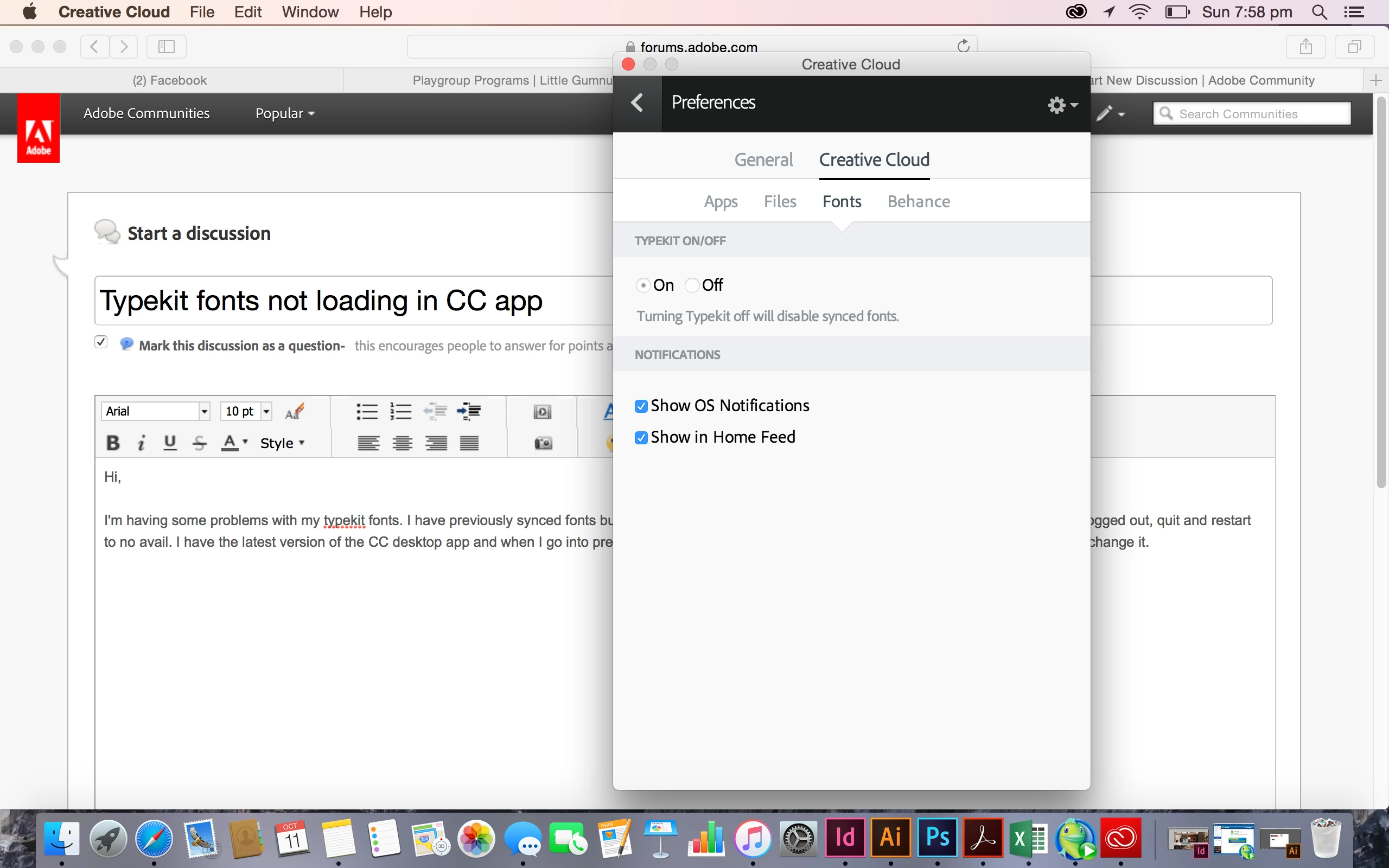
Typekit fonts not loading in CC app

  • October 11, 2015
  • 2 replies
  • 763 views

Hi,

I'm having some problems with my typekit fonts. I have previously synced fonts but now they have disappeared and won't load in my CC desktop app. I have logged out, quit and restart to no avail. I have the latest version of the CC desktop app and when I go into preferences to turn of the typekit sync function it's blacked out and won't let me change it. Any help would be much appreciated

This topic has been closed for replies.
Correct answer liz, Adobe Type

Sorry that you ran into trouble with this! I believe you are seeing this problem:

https://forums.adobe.com/message/8014974#8014974

If that doesn't fix the problem for you, please send the recent sync logs from your computer to support@typekit.com and we will look into it further: help.typekit.com/customer/portal/articles/1649149#logs

Thank you,

— liz

2 replies

Pattie-F
Legend
November 2, 2015

moving the discussion to File Hosting, Syncing, and Collaboration forum

liz, Adobe Type
Community Manager
liz, Adobe TypeCommunity ManagerCorrect answer
Community Manager
October 11, 2015

Sorry that you ran into trouble with this! I believe you are seeing this problem:

https://forums.adobe.com/message/8014974#8014974

If that doesn't fix the problem for you, please send the recent sync logs from your computer to support@typekit.com and we will look into it further: help.typekit.com/customer/portal/articles/1649149#logs

Thank you,

— liz

Participant
October 12, 2015

Perfect!! Worked a treat...thanks so much Liz