Participant
Sep 29, 2015 8:44 AM UTC
Question

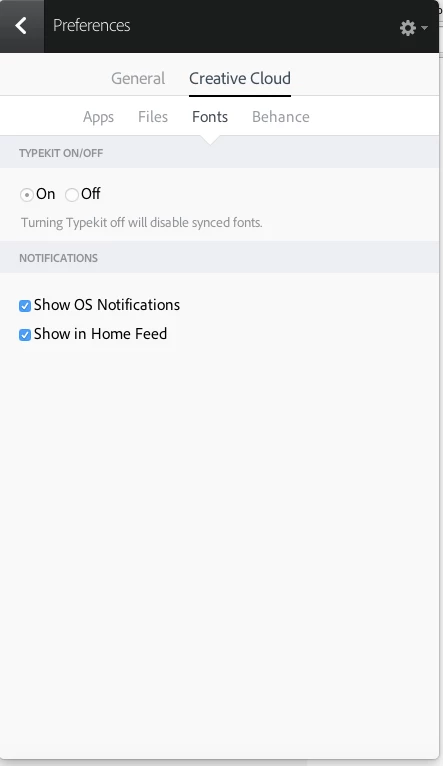
Typekit has stopped syncing fonts to Photoshop CC 2015

Hi Forum

I have been using Typekit with Photoshop (and Illustrator) for some time now and on Saturday morning (26th Sept) it seems to have stopped working.

I have:

  • Restarted Creative Cloud - several times
  • Uninstalled and reinstalled Creative Cloud
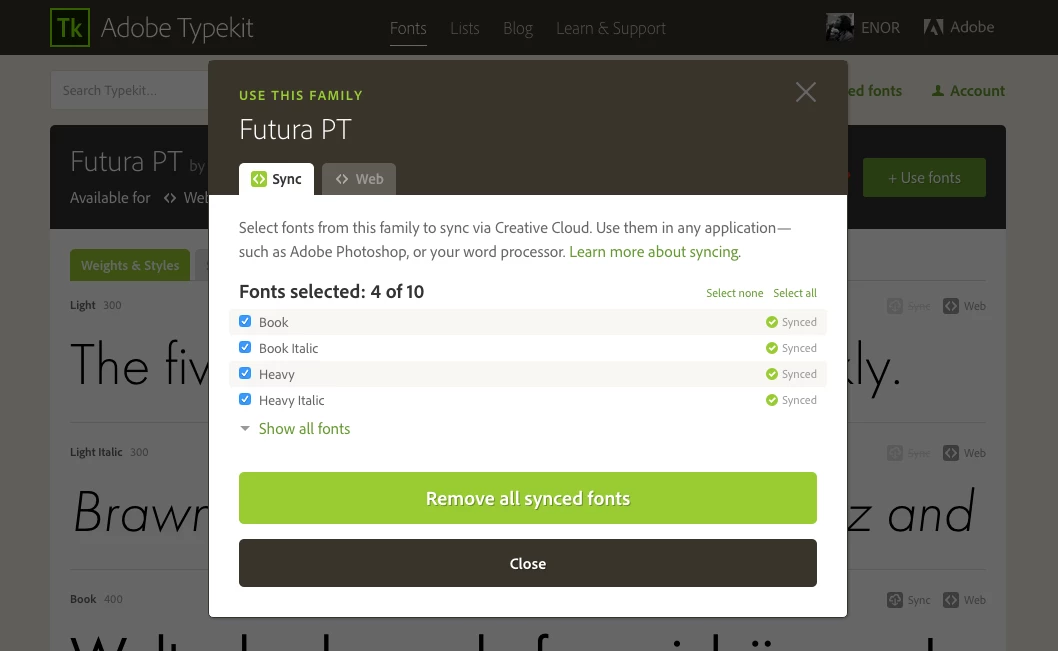
  • Un-synced and re-synced Typekit - for the fonts that I want to use

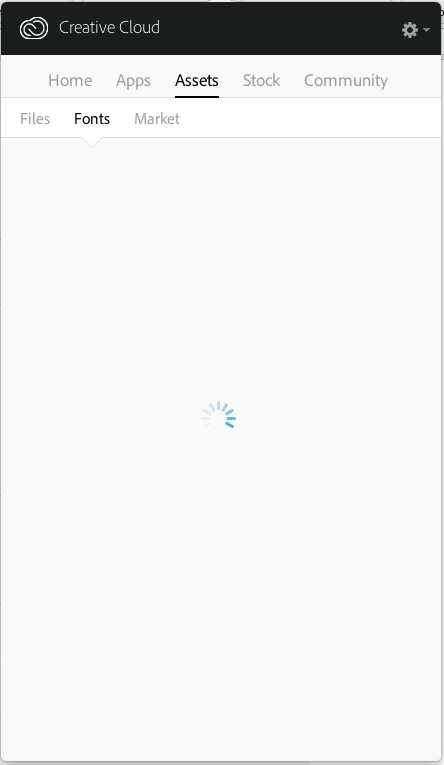
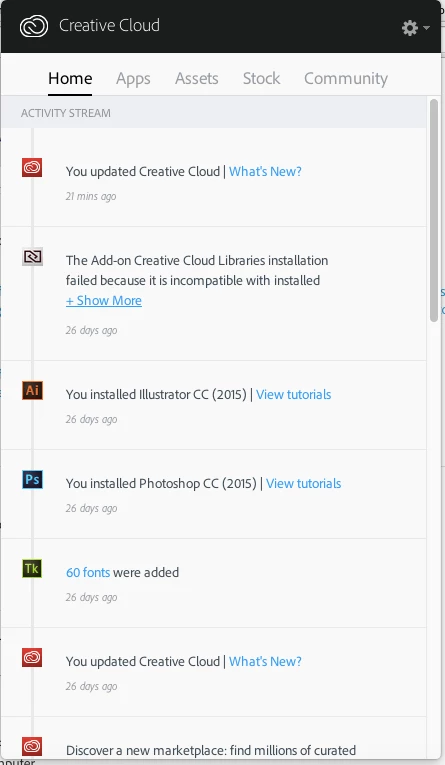
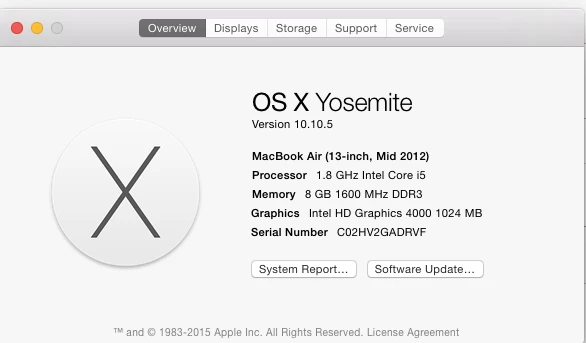
I am using a Macbook Air and attached some screenshots if that helps.

Thanks

Enor
This topic is closed to new replies. Start a new post to keep the conversation going.

3 replies

Participating Frequently
Sep 29, 2015 12:51 PM UTC

Hi Enor,

We are sorry that you have received a less than desirable experience.  We are aware of this issue and are currently trying to get to the root cause.  In the meantime I can offer you a work around:

  1. From terminal on your Mac Navigate to the following Location: cd /Users/<username>/Library/Preferences
  2. In this folder there should be a file called com.adobe.accmac.plist:  ls -la | grep com.adobe.accmac
  3. Change the ownership of this file to your currently logged on user: chown <username> com.adobe.accmac.plist

I've sent you a private message to try and find out more information about your particular case.

Warmest wishes,

Ashley

Translate
enoranidiAuthor
Participant
Sep 29, 2015 3:55 PM UTC

Hi Ashley

I followed your instructions but got the message - 'Operation not

permitted' - see attachment

Can you please let me know how to resolve this to get the work around

solution working for me.

Thanks

Enor

On 29 September 2015 at 13:52, Ashley Wagstaffe <forums_noreply@adobe.com>

Translate
Participating Frequently
Oct 1, 2015 9:30 AM UTC

Hi Enor,

I've tried to contact you directly by email ... when you are ready just email us back to the shared mailbox.

Warmest wishes,

Ashley

Translate