



Typekit Not Connecting After Server Problem
I'm an Adobe Community Professional and Adobe Certified Instructor, and I've been blogging about Typekit the past couple weeks since it's available. I've had some Typekit fonts installed successfully on two Mac computers (Mac OS X 10.8.4).
However, Sunday afternoon 8/25 PDT, when I was working I noticed that the Sync Settings feature wasn't working in InDesign because, it claimed I didn't have an Internet connection (it wasn't an Internet connection problem because every other website was coming up fine). When I investigated I saw on both computers that the Computer Cloud Desktop appliation wasn't connecting. In fact, when I went to creative.adobe.com, I couldn't get a connection either.
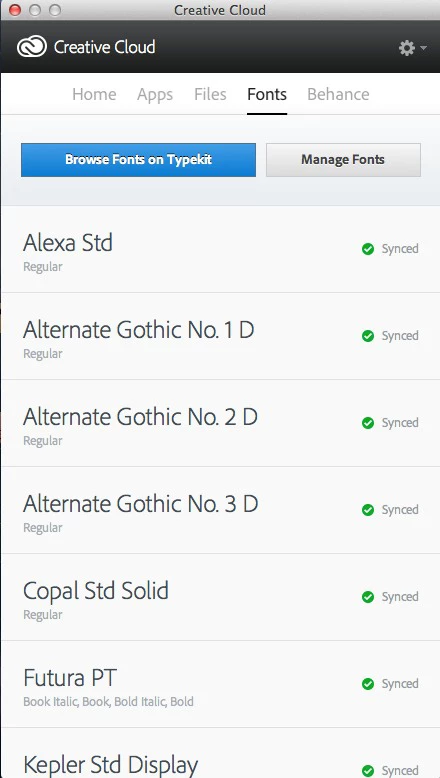
After an hour or two, when I went to creative.adobe.com, it now had a message that it couldn't display my file because of something like "high volume." (This seemed strange since this is a summer weekend.) Nevertheless, on my MacBook Pro laptop, I soon had a connection, and the CCDA is working fine, showing all my files and fonts (as shown below):
However, on my second computer, the iMac, my Typekits fonts have not returned. (The CCDA version is the same as on the MacBook Pro—1.1.1.220). I have quit the Creative Cloud application and relaunched several times, but here is what I see (as you can see the Home screen is also wrong since the apps show fine):
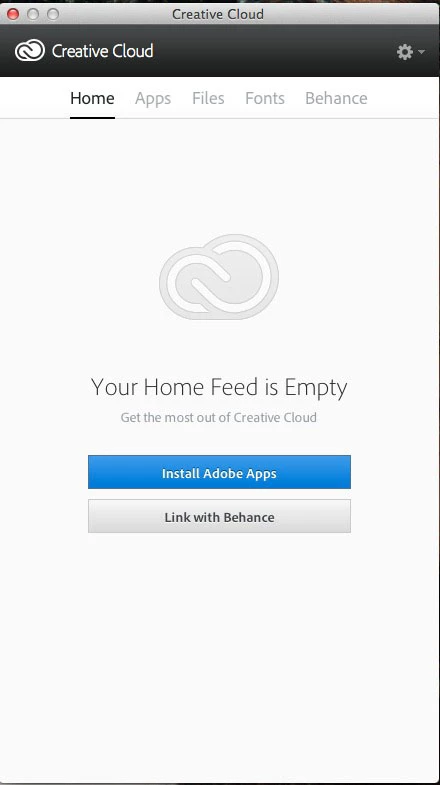
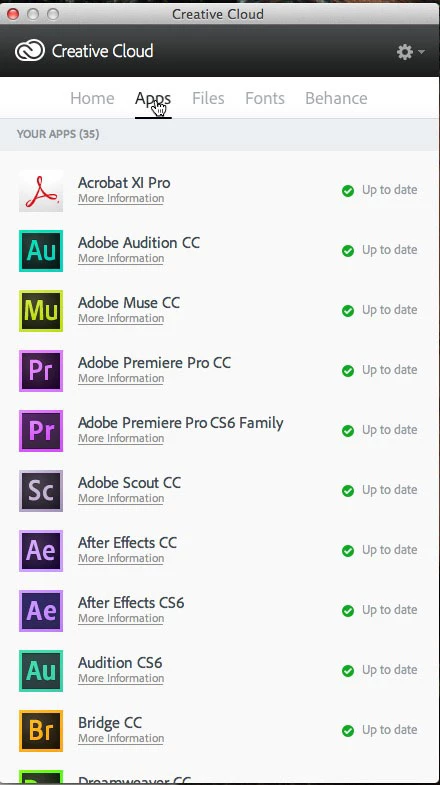
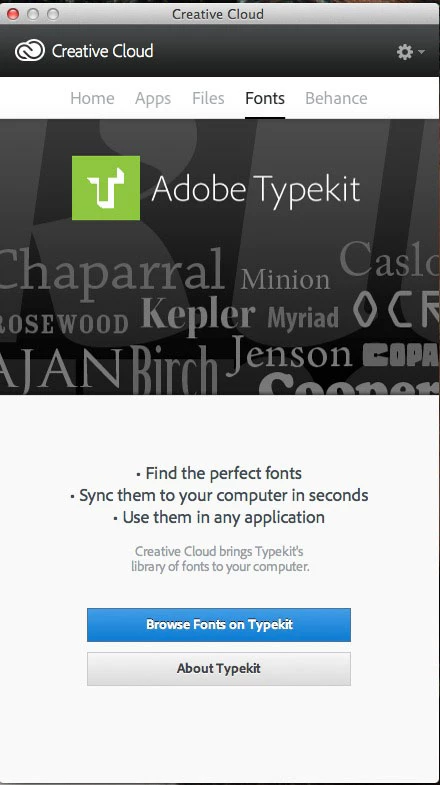
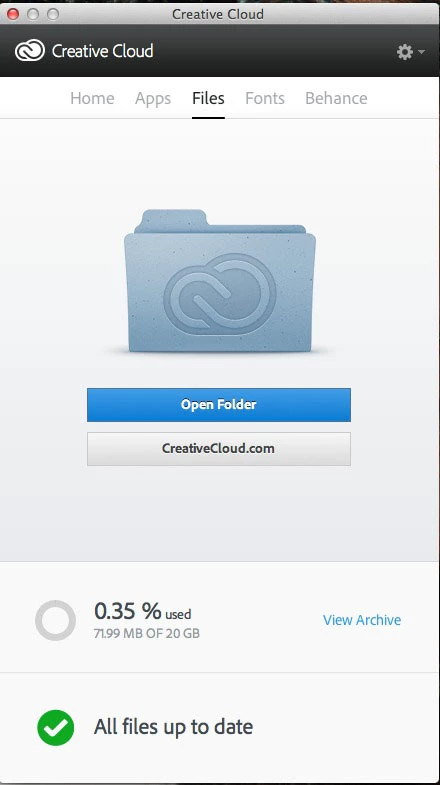
So it sees the Apps and it sees the Files, but Typekit doesn't connect. I'm sure the server problem must have "hosed" one of the files which controls the Typekit transfer. I'm hoping someone from the Typekit team can look into it, and either fix it, or tell me what to do.
Thanks.


 AdChoices