
Question
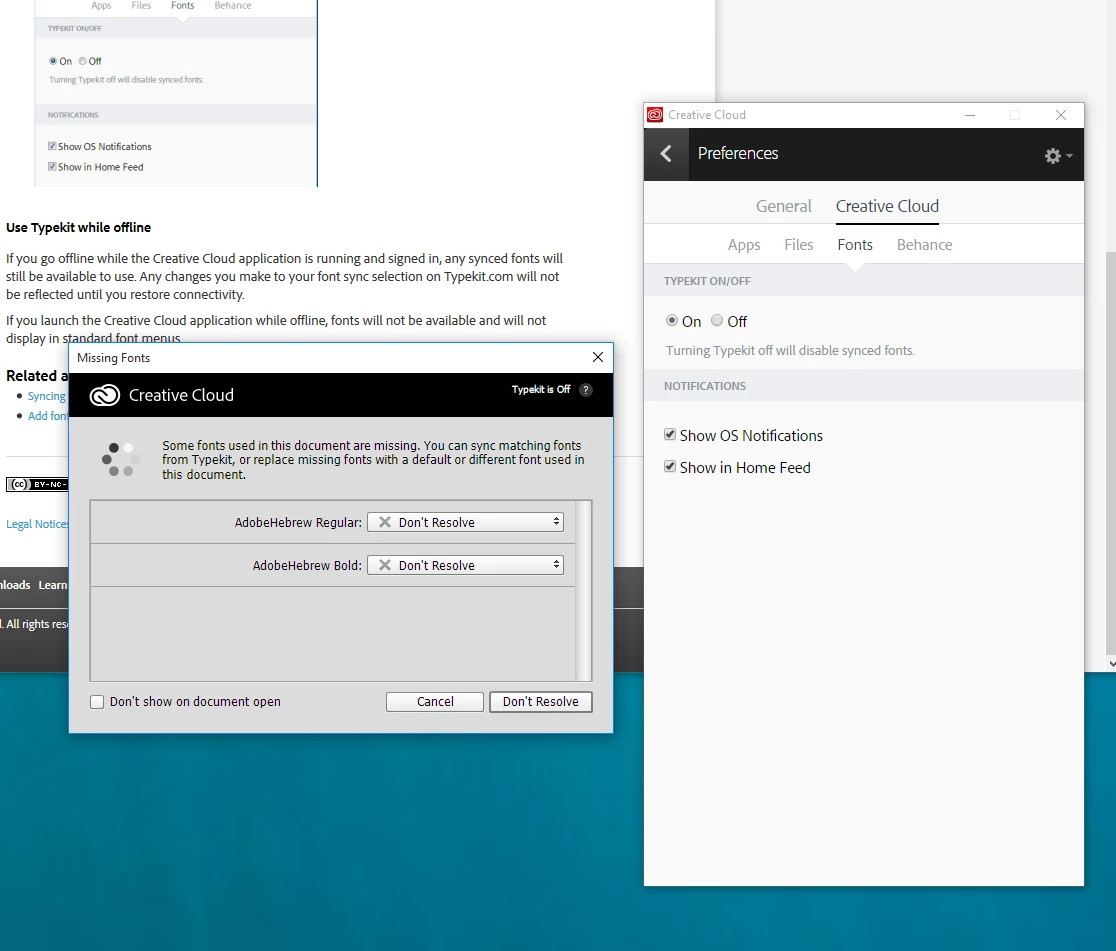
Typekit on in account, off in Photoshop
Hi I'm new to Photoshop. A friend sent me a PSD for me to edit. She has used fonts I don't have. I googled and found some instructions telling me I could turn it on in the Creative Cloud Desktop app. I found the option under Preferences/Fonts per the instructions but the option was already turned on. Photoshop still tells me 'Typekit is off'. How do I make Photoshop see the Typekit fonts?


 AdChoices