
Inspiring
April 3, 2026
Question

unable to access to the apps in my creative cloud desktop

  • April 3, 2026
  • 3 replies
  • 56 views

Hello,

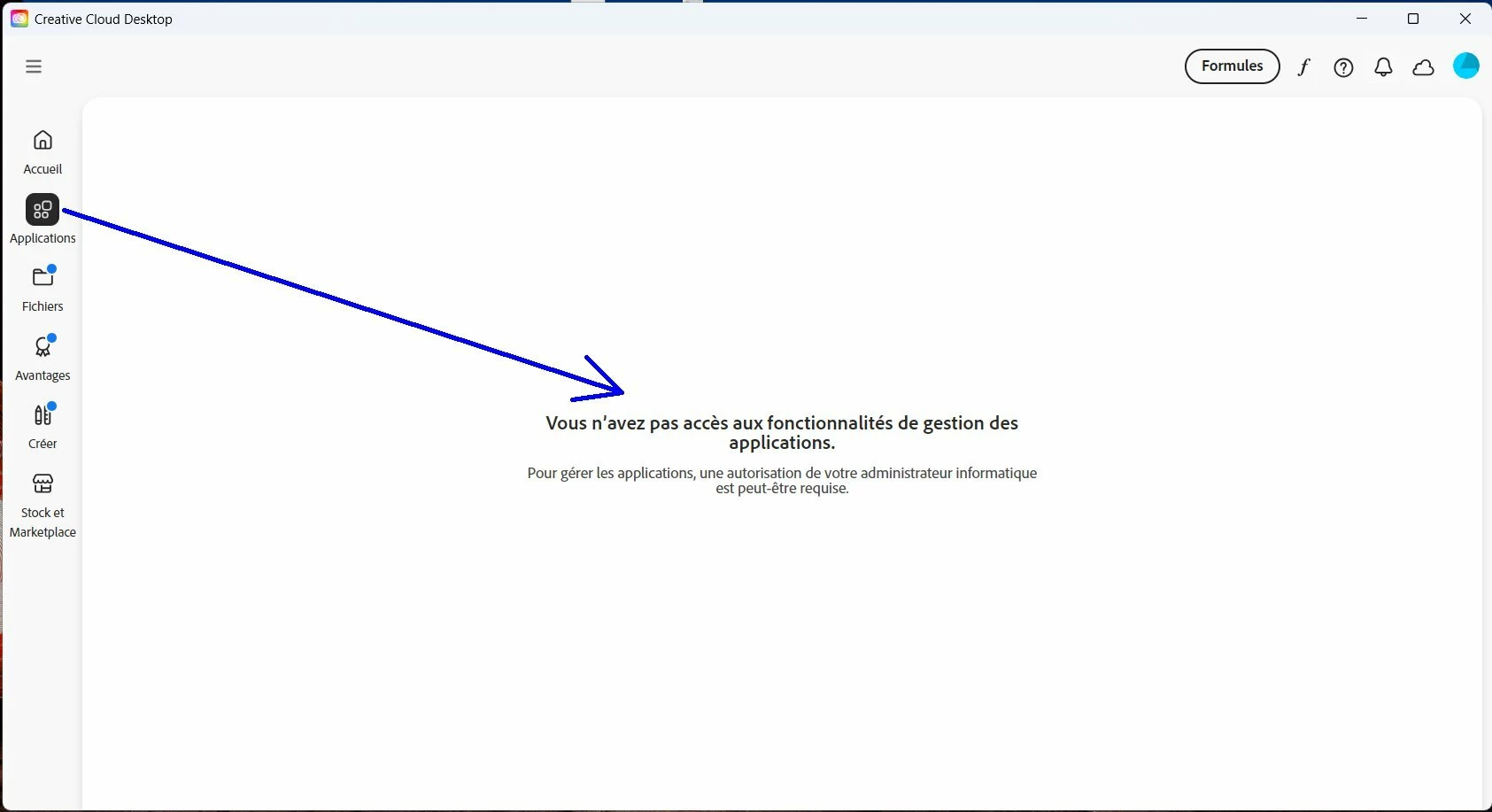
I have no more access to the apps in my creative cloud desktop.

Creative cloud desktop says me (see screenshot) : "You do not have access to application management features. To manage applications, authorization from your IT administrator may be required."

Have you a solution in order to have access to the apps in the creative cloud desktop.


    3 replies

    Inspiring
    April 4, 2026

    Finally, I found the solution :

    1. Close the Creative Cloud Desktop application.
    2. Navigate to the following path:
      C:\Program Files (x86)\Common Files\Adobe\OOBE\configs
    3. Locate the file named serviceConfig.xml and copy it to your desktop.
    4. Open the file using a text editor such as Notepad.
    5. Update the value for “app panel” from FALSE to TRUE, then save the changes.
    6. Replace the original file in the same location with the modified file.
    7. Restart your computer
    kglad
    Community Expert
    Community Expert
    April 4, 2026

    @pierret18811376 


    are you aware of anything that could have altered that value from true to false?

    Inspiring
    April 4, 2026

    @kglad 

    In my case, I had this problem after having installed the last version of Adobe FrameMaker 18.00. I have noticed that this install was using as setup a “creative cloud packager”. So it seems that this installation has caused problems to the creative cloud desktop itself.

    Nancy OShea
    Community Expert
    Community Expert
    April 3, 2026

    Switch between personal & work/school accounts.

    https://helpx.adobe.com/in/enterprise/kb/enterprise-id-faq.html


    Nancy O'Shea— Product User & Community Expert
    kglad
    Community Expert
    Community Expert
    April 3, 2026

    sign out and then sign back in to your cc desktop app choosing the correct profile.

    Inspiring
    April 3, 2026

    I gone in the creative cloud desktop app, then I sign out, then I sign in (with the correct profile), but if I go in the “app tab” of CC desktop, there is nothing displayed.

    Tarun Saini
    Community Manager
    Community Manager
    April 3, 2026

    Hi ​@pierret18811376,


    Welcome to the community! We’re sorry to hear about this. Could you please let us know if you have an Individual, Teams, or Enterprise subscription?


    Regards,

    Tarun