
Participating Frequently
January 23, 2021
Answered

Unable to log in to Creative Cloud

  • January 23, 2021
  • 1 reply
  • 1034 views

Hi, I've got a little problem here. Around a week ago I installed Adobe XD via Creative Cloud. Everything was working well. But today I couldn't log in. I've got spinning wheel and message that says "Loading Creative Cloud". And after a while window pops up and tells that I need to log in.
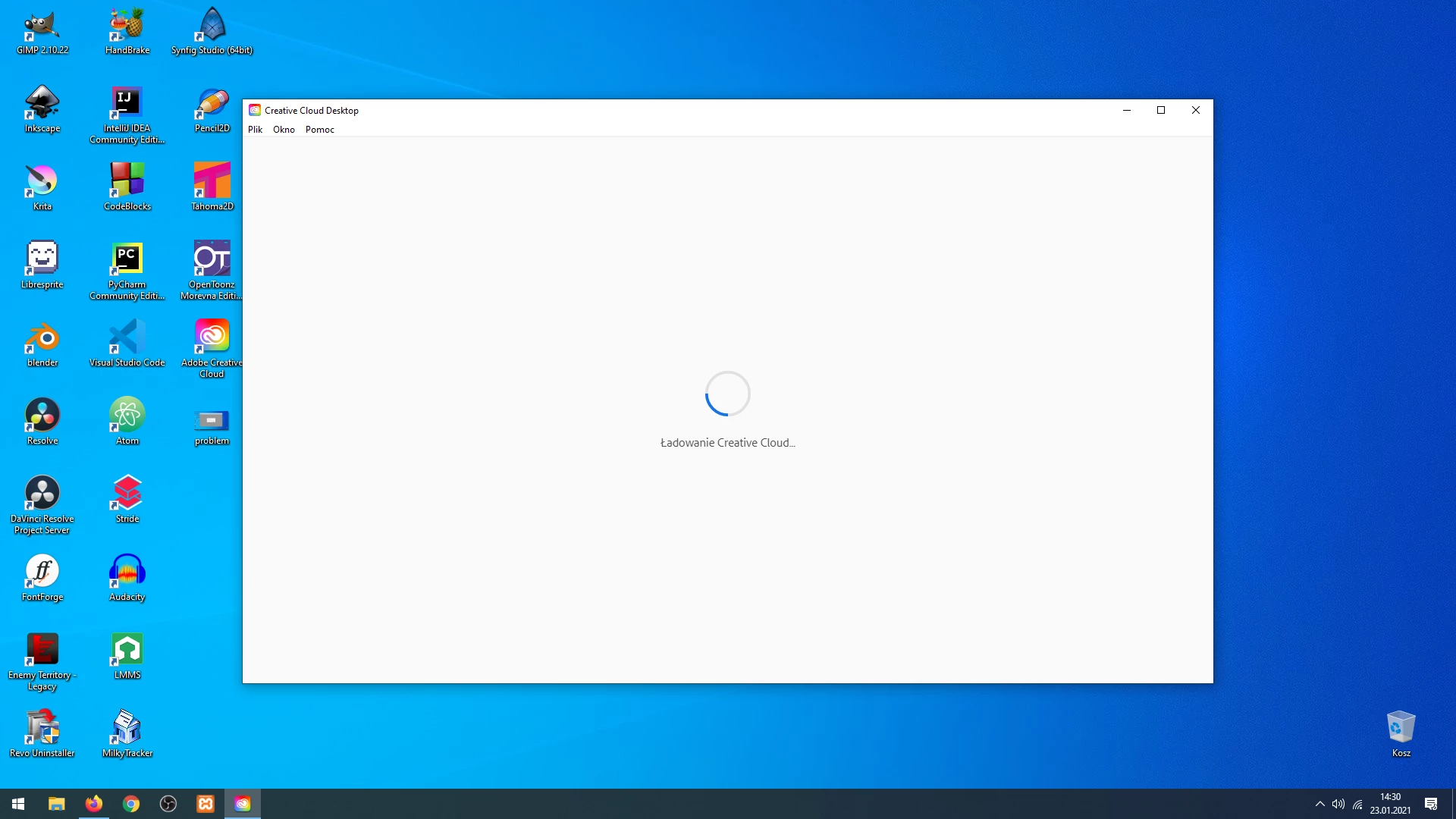
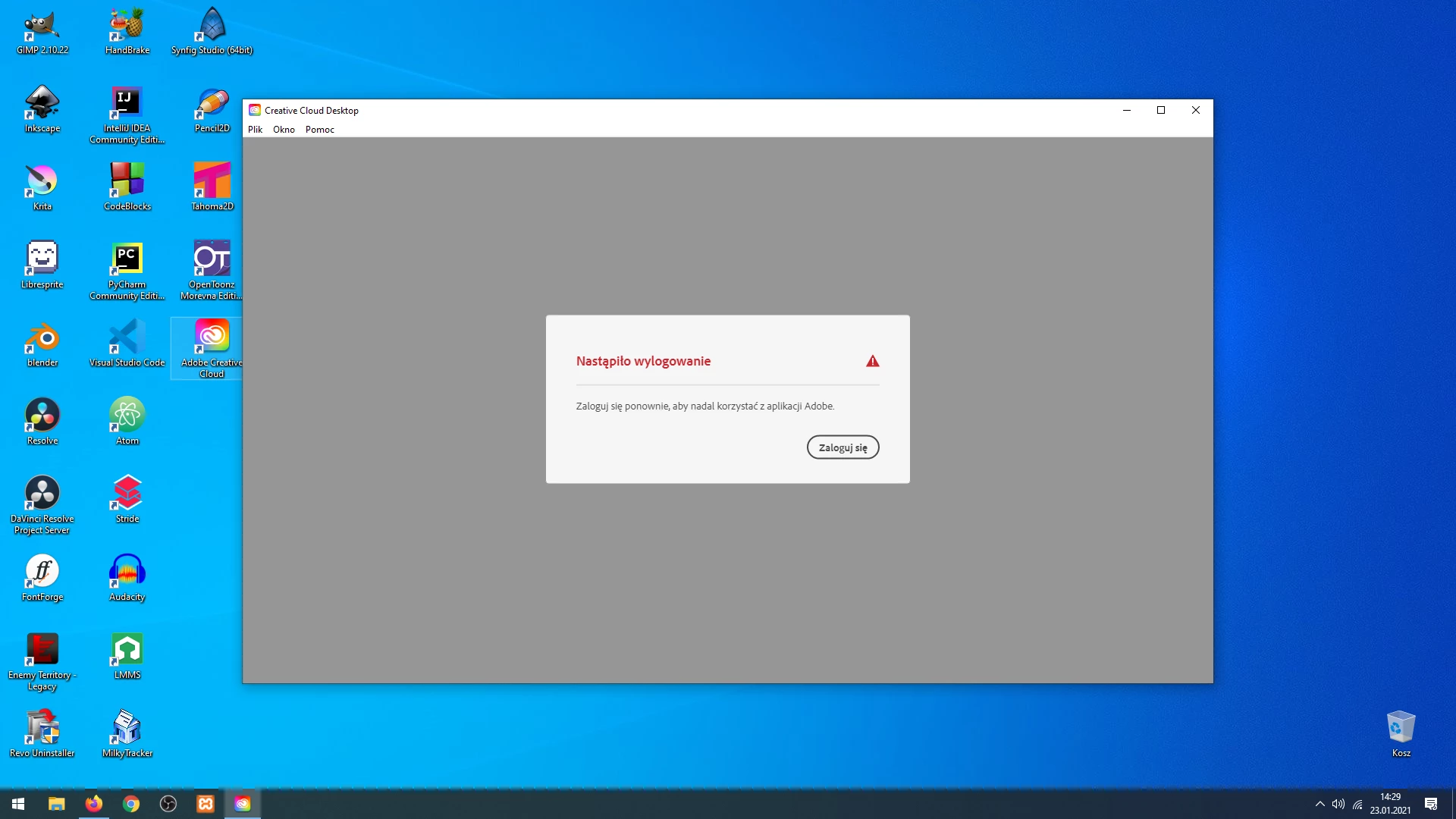
(I'm from Poland so everything is in polish)

I already tried to repair CC (passed without errors), checked internet connection- it's working), and reinstall. And yet I still cannot login so I can use Adobe XD. Does anybody know what could cause this? I'd be gratefull for help


This topic has been closed for replies.
Correct answer kglad

yes I updated my os, removed everything from OOBE folder. Nothing's changed


using a browser that allows popups and cookies, contact adobe support during pst business hours by clicking here, https://helpx.adobe.com/contact.html

click contact us (in the lower right)
in the chat field, type AGENT
be patient, it can take quite a while to reach a human

1 reply

kglad
Community Expert
Community Expert
January 23, 2021

first, reset the cc app:

to reset the cc desktop app, make sure it's in the foreground, then press:

Win: Ctrl + Alt + R
Mac: Cmd + Opt + R

if that fails, try to repair
https://helpx.adobe.com/download-install/kb/creative-cloud-install-stuck.html

if that fails go ahead and uninstall/reinstall per the above link

if that fails, do a clean cc install following each applicable step:

uninstall every cc app including preferences, https://helpx.adobe.com/creative-cloud/help/uninstall-remove-app.html
then uninstall the cc desktop app, https://helpx.adobe.com/creative-cloud/help/uninstall-creative-cloud-desktop-app.html
clean your computer of cc files per http://www.adobe.com/support/contact/cscleanertool.html
check for, and if available, update your os
restart your computer (don't skip this)
reinstall the cc desktop app, https://creative.adobe.com/products/creative-cloud.
if you're unable to install the cc desktop app at this stage, use an administrator account (solution 4 here, https://helpx.adobe.com/creative-cloud/kb/creative-cloud-missing-damaged.html)
use the desktop app to install your cc programs/trials

Participating Frequently
January 23, 2021

"uninstall every cc app including preferences, https://helpx.adobe.com/creative-cloud/help/uninstall-remove-app.html"

I cannot pass login phase in Adobe Creative Cloud. And info in that link says to launch Creative Cloud app. I already removed CC under control panel, Also newest version of Adobe CC installer makes inifite attempts to login into my account. After several minutes I got message about internet connection issue (code 206). That's weird because I have my internet working right now.

I googled and found ACCCx5_3_1_470. Install from that file passed but still I cannot run Adobe CC and XD


kglad
Community Expert
Community Expert
January 23, 2021

then skip to the cleaner and then continue to follow the steps.