
ryanp68715165
Participant
January 19, 2016
Answered

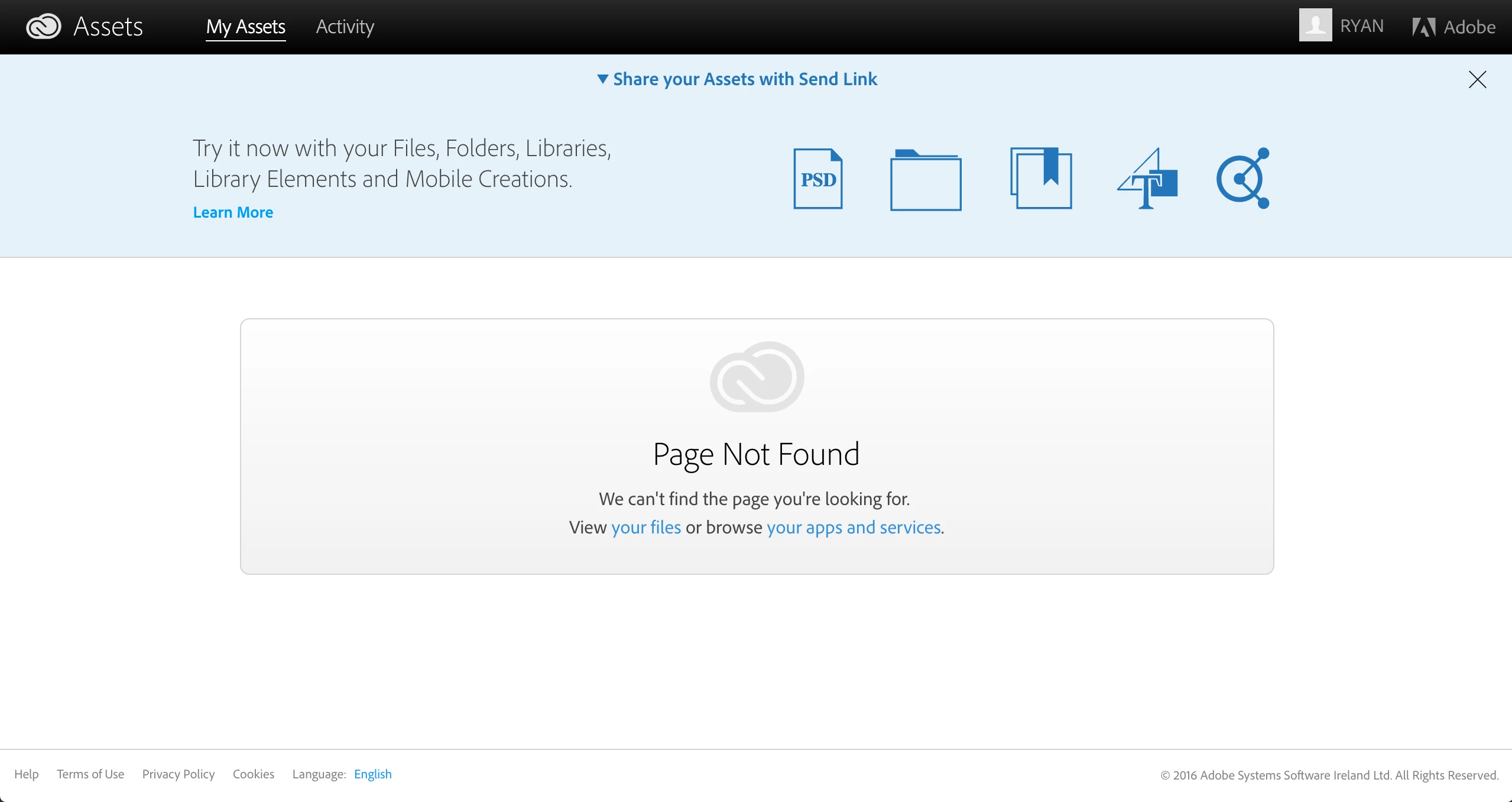
Unable to share library - "Page not found"

  • January 19, 2016
  • 1 reply
  • 816 views

Why is this? I need to give someone a bunch of smart object assets for a PSD I recently shared with them.

Also when creating a new library, it doesn't show up on my account.


It just shows me the image below when I click on the side menu link "Share Link...":


I need help with this ASAP as it's for a client and they don't have much time to wait! >.<

This never used to happen with older versions of PS
This topic has been closed for replies.
Correct answer ryanp49459389

Hi Ken,

I just had another go and it seems to have been fixed.

It gives me a page which allows me to make the library public and gives me the option to be emailed a link to share!

Happy days.

1 reply

Ken G. Rice
Community Manager
Community Manager
February 9, 2016

Are you still seeing the Page Not Found error?

ryanp49459389Correct answer
Participant
February 9, 2016

Hi Ken,

I just had another go and it seems to have been fixed.

It gives me a page which allows me to make the library public and gives me the option to be emailed a link to share!

Happy days.

Participant
April 20, 2016

How did you fix this? I have it too.