
Répondu
Unable to start Creative Cloud sync on Mac OSX
Hi
I am unable to start Creative Cloud file syncing under Mac OSX 10.9.3. Clicking on "Start syncing" in the screenshot below causes the creative cloud dialog box to flash white and then the "Start syncing" page appears again.
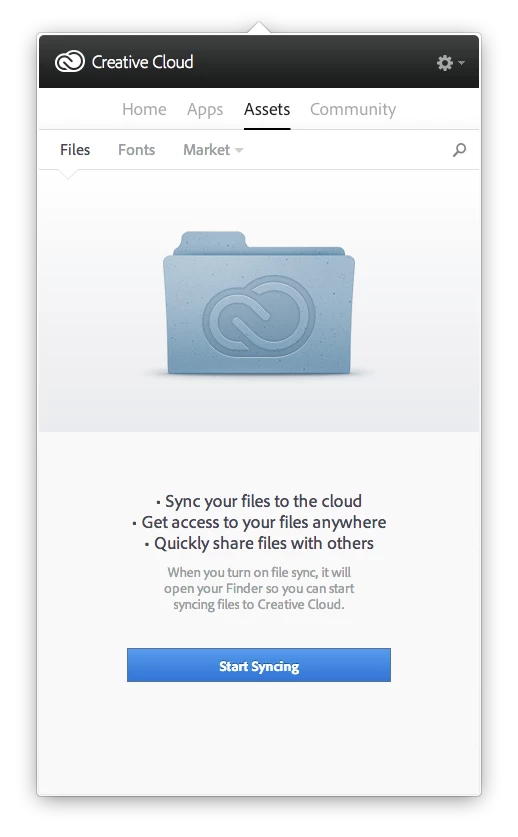
Clicking on the button again and it seems to whir in to life (see below) but after a while looks like it times out and goes back to the "start syncing" screen. I've restarted the creative cloud app, relaunched finder, changed the sync target location and restarted the computer. Still the same problem.
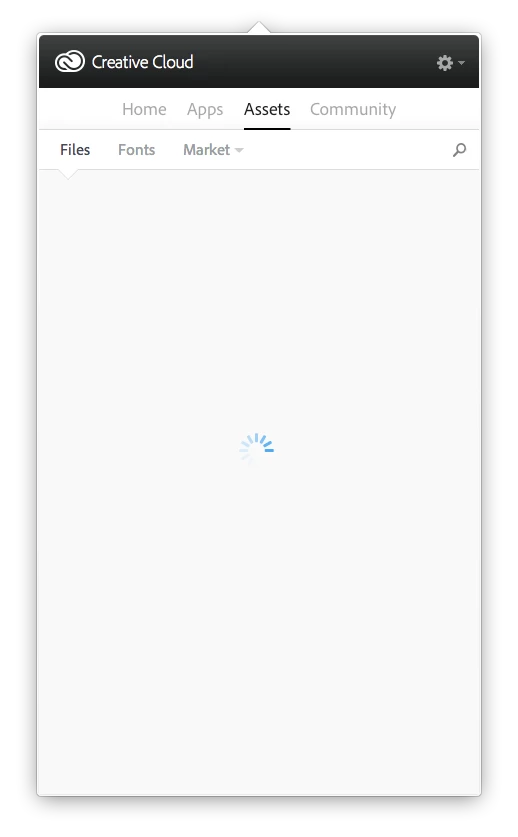
Hope someone can help. I purchased an add on for Lightroom and would like to use the sync feature to install it - along wiht enabling file syncing.


 AdChoices