Inspiring
Dec 11, 2015 10:19 AM UTC
Question

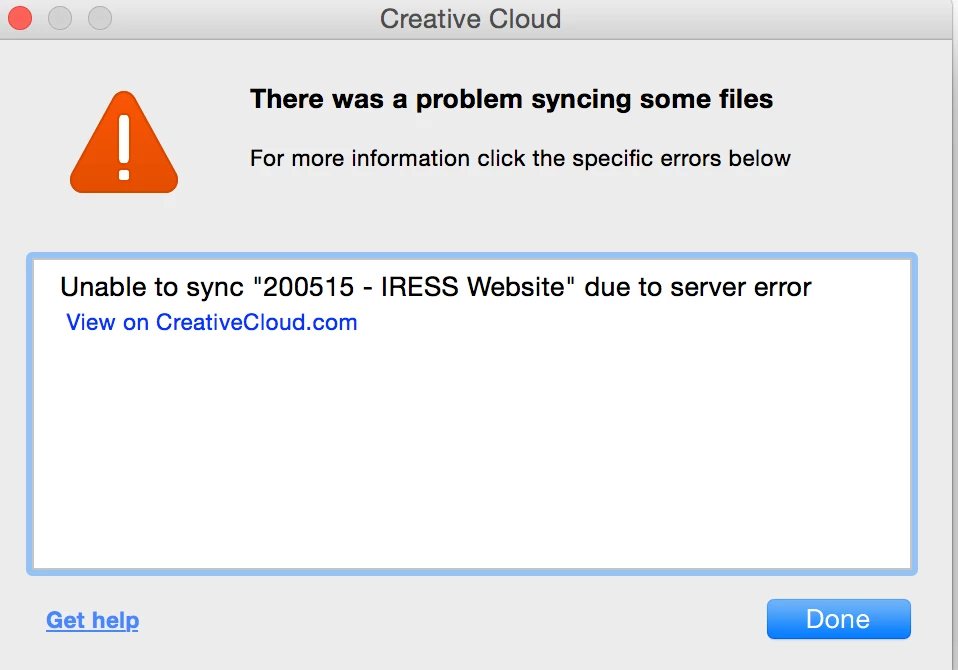
unable to sync due to server error

Anyone know how to resolve this issue?

The folder doesn't exist on my local drive or on the web version of CC, so I seem stuck with this syncing issue...

I'm on Mac OSX 10.10.5 with the latest CC.
This topic is closed to new replies. Start a new post to keep the conversation going.

2 replies

Inspiring
Dec 11, 2015 11:05 AM UTC

I sorted it by doing this:

2) Navigate to:

MAC: <Mac Hard Drive>/Users/<username>/Library/Application Support/Adobe/CoreSync on Mac OS X

Note: The Users Library user folder is hidden on starting with 10.7 or later, see http://helpx.adobe.com/x-productkb/global/access-hidden-user-library-files.html

WIN: C:\Users\<username>\AppData\Roaming\CoreSync on Windows

Note: The AppData folder is hidden by default this doc shows how to show it if needed, http://helpx.adobe.com/x-productkb/global/show-hidden-files-folders-extensions.html

3) Then delete any file that end in .db,.db-shm or db.wal, and re start Creative Cloud (There should be 3 or 4 files, but could be more if you have multiple accounts signing into CreativeCloud)

Translate
Participant
Apr 2, 2016 4:42 AM UTC

Thanks so much! Your directions worked when nothing else had.

Translate
