

Question
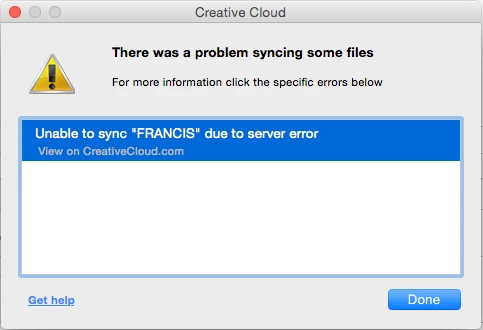
Unable to sync "file" due to server error
I've been using the creative Cloud desktop app to sync to the Creative Cloud files folder and share large files. It's been working fine up until now.
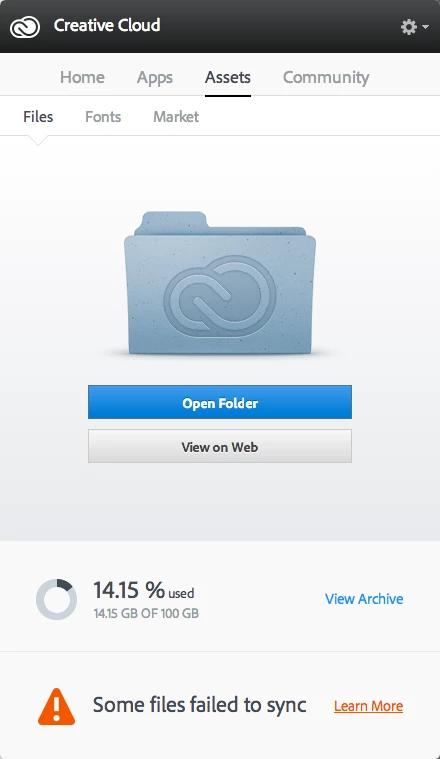
I get "Some files failed to sync" on my CC desktop and when I click "Learn More" I get "Unable to Sync "File" due to server error" (see pics).
I'm on:
MacBook Pro (Retina, 15-inch, Mid 2014)
2.8Ghz Intel Core i7
OS X Yosemite 10.10.3
All my CC apps are up to date.
Any fixes on this? I haven't found a straight-forward answer from Adobe yet.
At the moment I can't use my cloud storage at all because it's unreliable and doesn't work. I've reverted to Dropbox which never fails me.


 AdChoices