


mbp88
Participant
October 18, 2018
Question

Unable to sync file that doesn't exist

  • October 18, 2018
  • 2 replies
  • 728 views

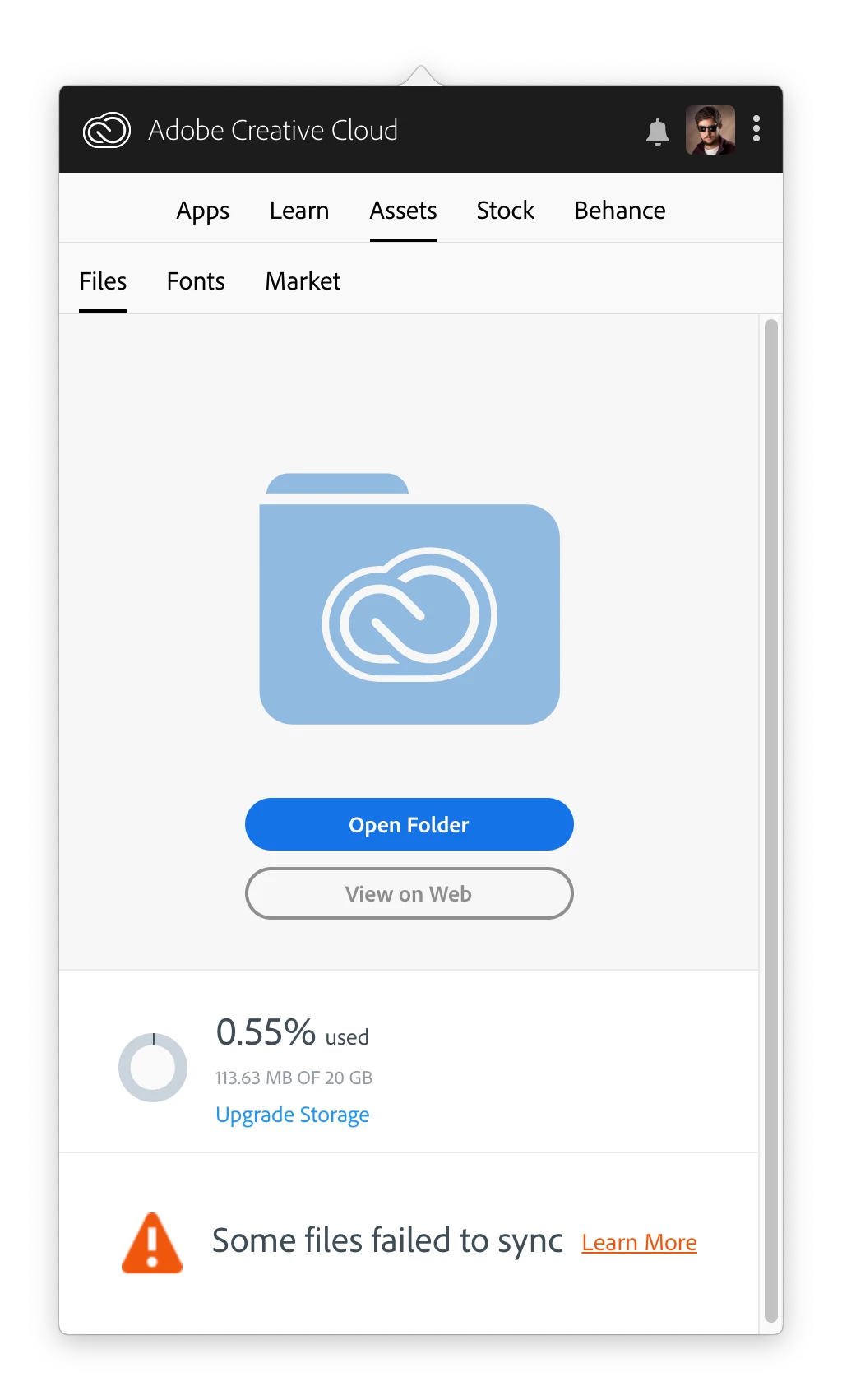
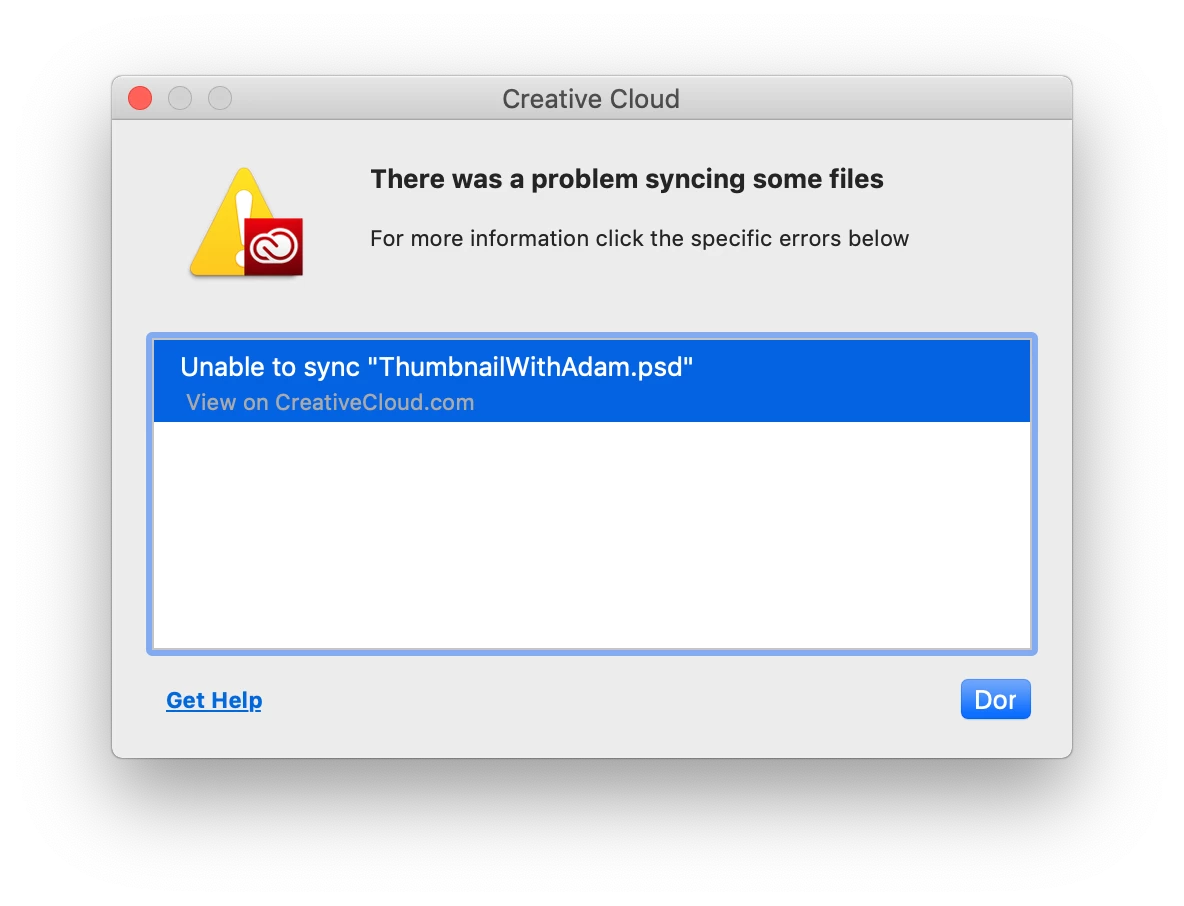
I have cleaned my CC storage the other day and for some reason CC keeps wanting to sync a file that doesn't exist anymore. I have cleaned house on the website and on local hard drive and still happens. running on Mac OS Mojave and all the latest adobe cc software.
This topic has been closed for replies.

2 replies

Kanikas
Legend
November 16, 2018
arij2010
Inspiring
October 18, 2018

Hi ,

Sign out from CC desktop and rename the folder "Creative Cloud Files" to "Creative Cloud Files.old" in this location :

MAC HD/Users/<user folder>/Creative Cloud Files

Sign in again and test .

mbp88
mbp88Author
Participant
October 31, 2018

as soon as I sign in, the notification pops up again. back to square 1.  any other suggestions?