
Unable to sync files to CC
Hello all,
Let me give you some basic background on syncing problems with CC:
I used to have all the assets (InDesign, Photoshop, etc along with graphic files) synced to Creative Cloud. I work at Maryland School for the Deaf. Anyway, some months ago, the school announced that Google Drive was changed to Drive Filestream. To share the assets with certain colleagues, I moved them to Drive Filestream but found the Filestream too slow to use so I moved the assets back to CC folder. Apparently, the sync with such assets was broken. I copied some assets and brought them home to test on my computer (I have CC at home too as part of my school business). They still won't sync!
I'm desperate to undo the damage that was caused by using Google Drive Filestream. How can we do that? See attached.
No sync symbol on these assets. Again, they won't sync at home and work! 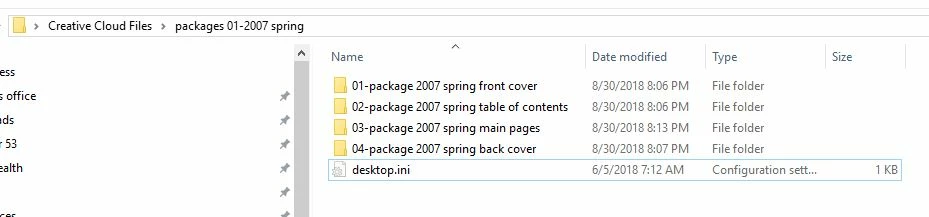
I have several colleagues waiting for me to collaborate with them. Your help will really be appreciated!
Larry


 AdChoices