

Unable to sync with Creative Cloud
I am having, unable to sync issues. I have installed and downloaded the various other adobe programs (6) and they all work fine. However it is CC that I am having an issue with, it's unable to sync.
I find that when I tries to sync CC to the net it slows the internet speed right from 10mbps to .2 mbps and I have a problem using web browsers as I get a no connection to internet but the system icon shows connectivity and my cc download status still remains at 21.7% used 4.34GB of 20GB, for hours. I have to select pause sync in cc to get the internet speed back. Another thing I should mention is that I can still get download app updates from the cloud, but ONLY syncing is a problem
Here are the various screen.
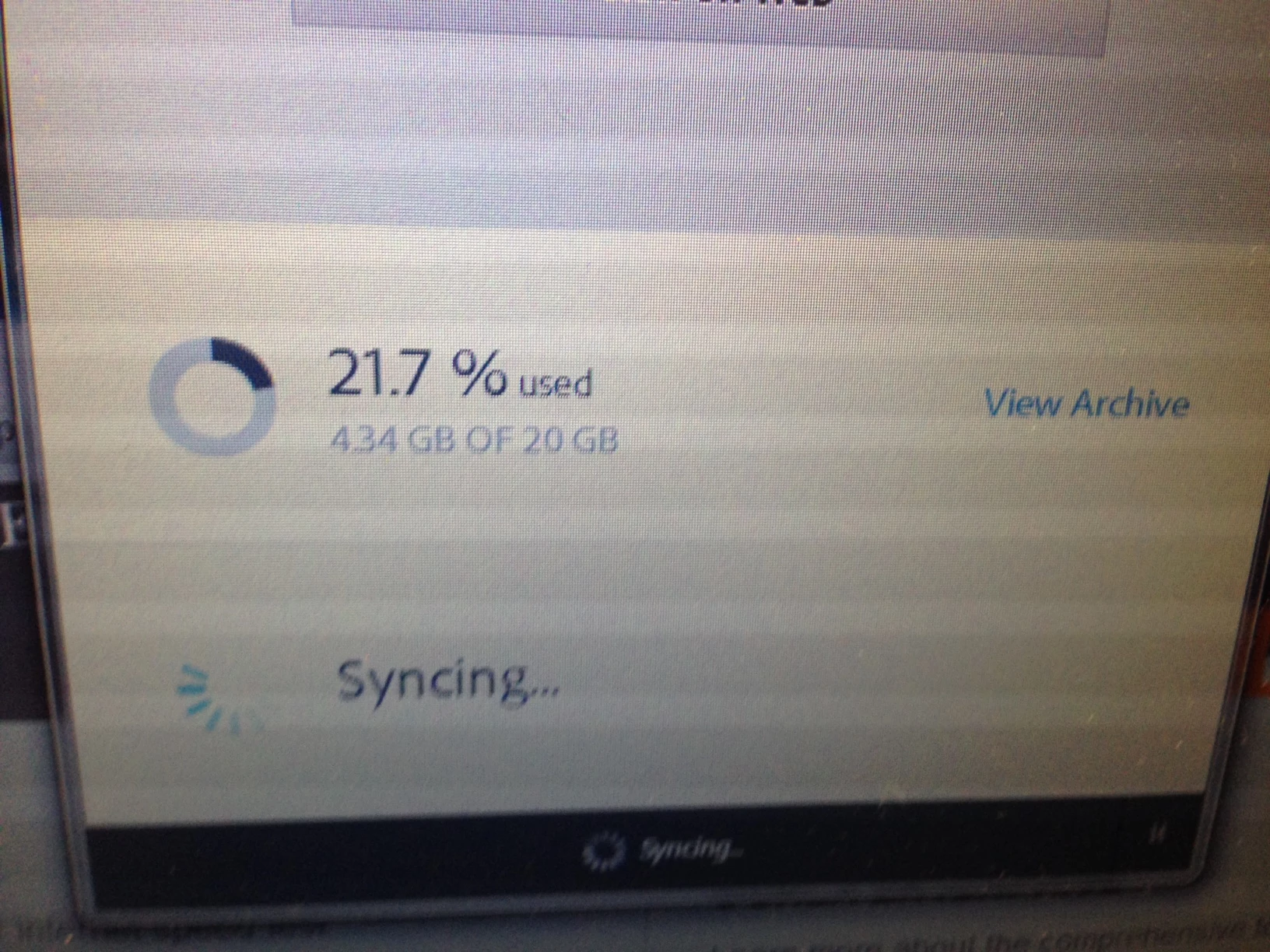
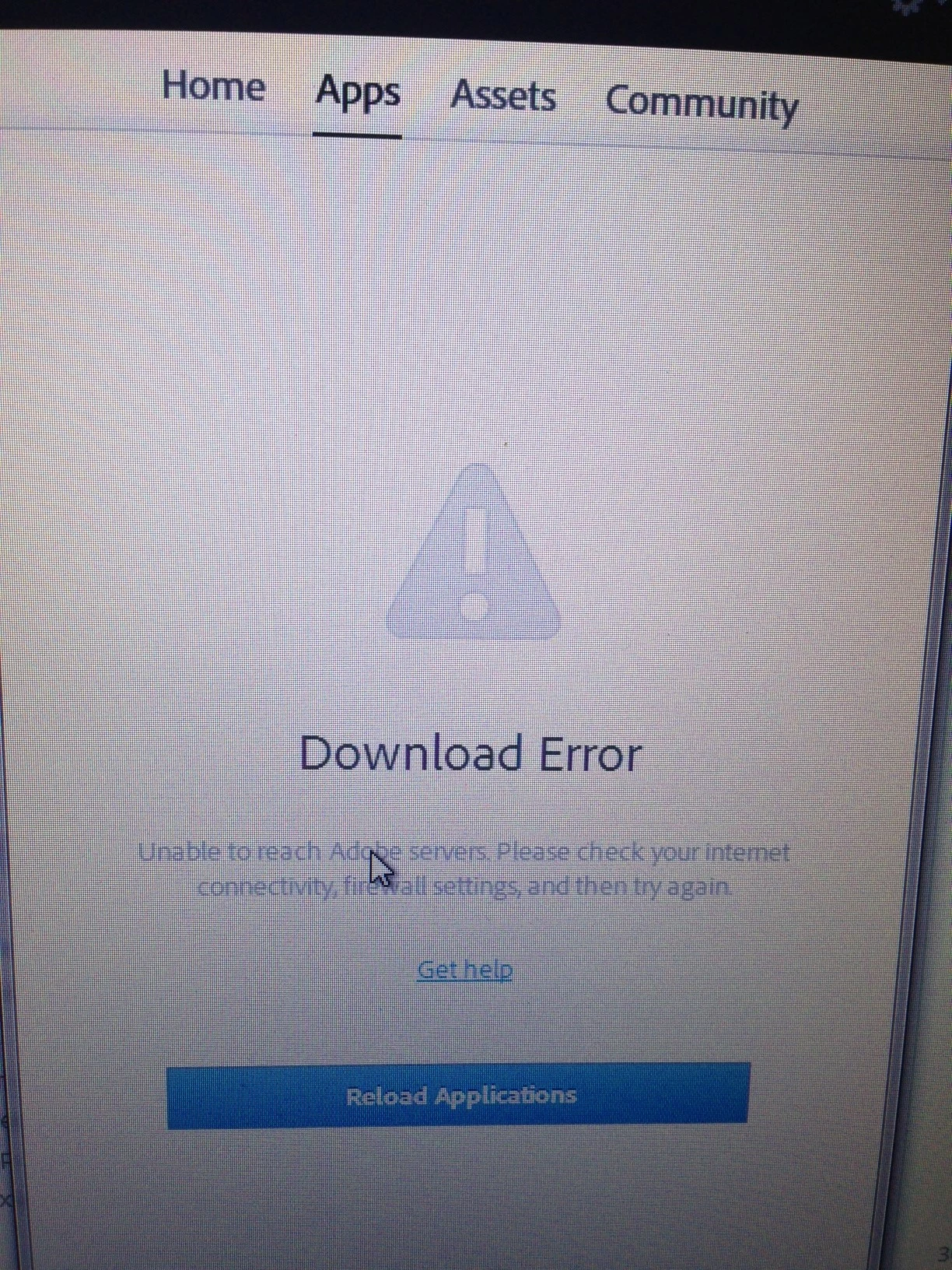
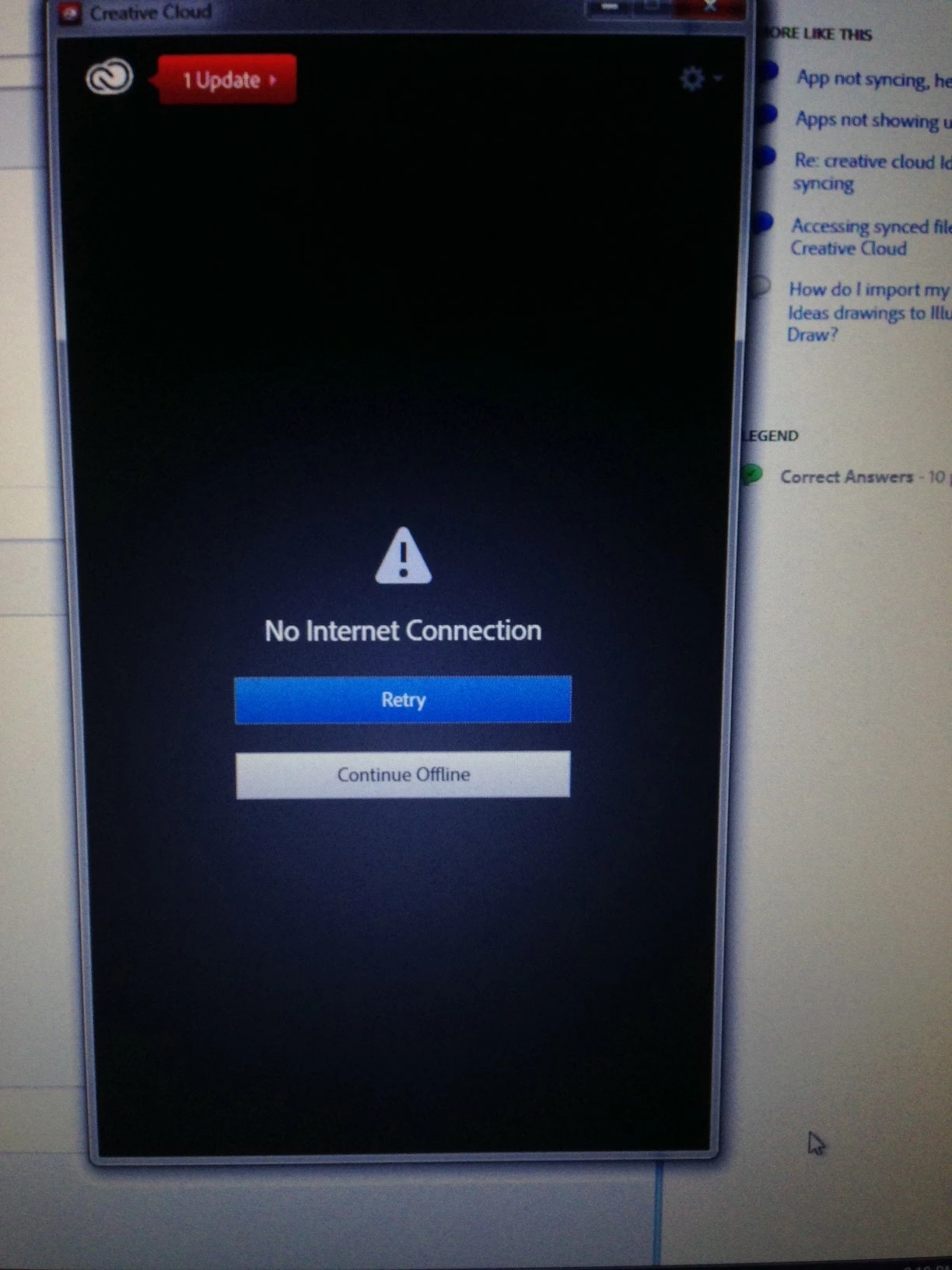
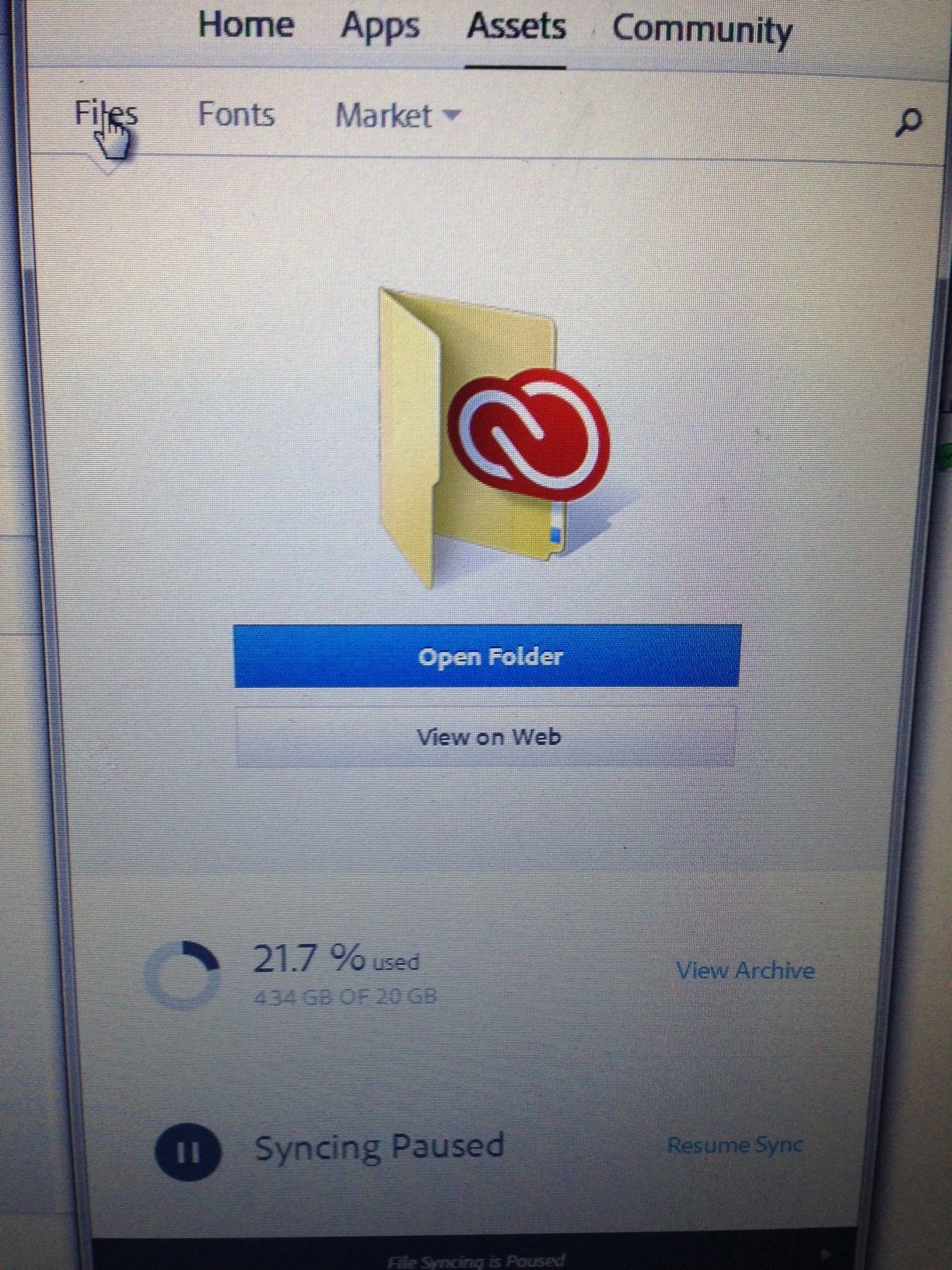
Here are the specs of my computer and software
WIN 7
CC 1.8.0.447
Nvidia Geforece GTX 760
Intel CPU I7-460
ASUS X79-x
SSD drives
64GB Corsair ddr3 @ 2400 mhz
I tried the following for windows
- Quit the Creative Cloud desktop application.
- Open the Start menu, and type 'cmd' in the search box, then enter to start a command prompt.
- Copy and paste this command at the command prompt:
del %APPDATA%\Adobe\CoreSync\options.tix
=Didn't fix problem
I read
http://helpx.adobe.com/creative-cloud/kb/arent-my-files-syncing.html
=This article is not helpful
http://helpx.adobe.com/creative-cloud/kb/cannot-share-certain-types-files.html
=Link is broken, not helpful
Size Limits https://forums.adobe.com/thread/1488242
=This article not helpful because my files are not that large
Phantom folder problem https://forums.adobe.com/thread/1490445
=This article not helpful because I don't have a phantom folder
I tried 3 different ISP and 3 different routers even connected it directly to cable no change.
I disabled the windows firewall and malware programs and also no change.
This is totally confusing and I am missing out on the CC experience. I am emailing you (Ben Mordue) 3 copies of my CORESYNC log files, one fomr my labtop and the other 2 from my desktop.
If anyone can assist me that would be great.
Cheers
Michael
 AdChoices