ryliesw
Participant
July 2, 2021
Question

Unable to view cloud documents or Adobe fonts

  • July 2, 2021
  • 5 replies
  • 282 views

Hi there! I've been on hold all day on the phone so I'm just going to post my issue here. 


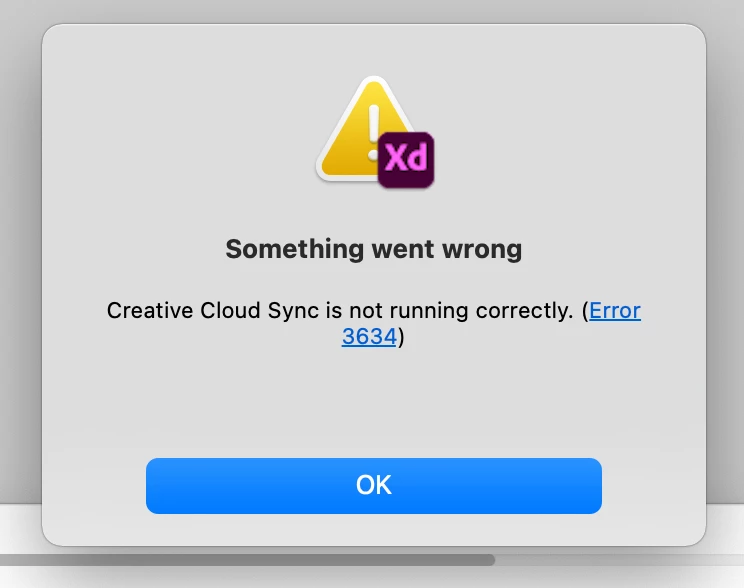
I noticed today that I cannot access Adobe fonts within a document even though the fonts are active. When trying to troubleshoot this I also noticed that I literally cannot access a single document on the cloud. I can view a document within the browser but when I click to open it in the app (for example, Adobe XD) it says the file cannot be found (or some error I can't remember). 


I recently upgraded to a Macbook Air with the M1 chip. Maybe this is the issue? I have the entire Adobe suite plan and it's paid for so that's not the issue. My wifi is perfectly fine. 


Any help on this headache would be insanely appreciated. Thanks. 


Here's an image of what I'm dealing with:
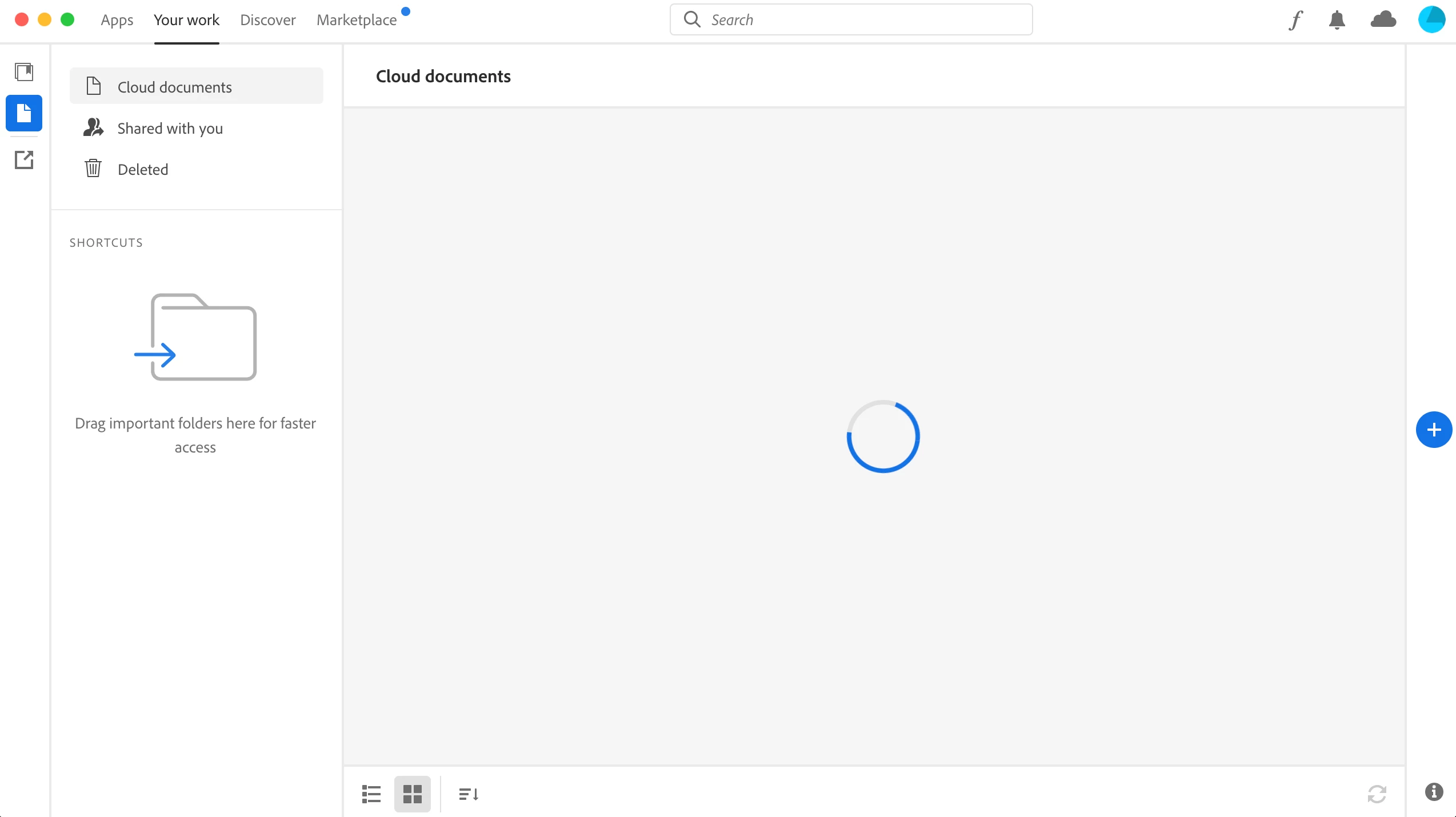
   

My cloud documents will stay loading like this - nothing can actually be loaded. 

This topic has been closed for replies.

5 replies

mintyh
Known Participant
July 27, 2021

I'm not sure if this will help, but here was what worked for me with the endless spinning "loading fonts" issue:


https://community.adobe.com/t5/creative-cloud-services/endless-quot-loading-adobe-fonts-quot-in-the-creative-cloud-app-possible-solution-below/m-p/12180331#M24971

Participant
July 26, 2021

The same thing happend to me more than a month ago and it still doesn't work. I'm using the programms on a windows PC and I didn't change anything it just stopped working one day ( it still worked fine the day before).

I tried everything I could find on support pages too and posted something here as well but sadly didn't get any answers.

Can't open from the browser as well but I could download everything to my computer and open/use it from there.

Diana369
Participating Frequently
July 18, 2021

I am also having the same issue and have gone through repairing, uninstalling and installing the new ap. I've also rebooted my laptop. I have an older Mac running on OS X Yosimite 10.10.5 but that shouldn't matter. One shouldn't have to keep buying new equipment and updating operating system for the ap to work. They also have a new ap/payment for Canadians that just happened recently. I'm wondering if this is causing an issue becasue I noticed this just started happening today. 

brianb66951496
Participant
July 18, 2021

I am having exactly the same issues after migrating to a new iMac M1 and Macbook Air M1.

Peru Bob
Community Expert
Community Expert
July 18, 2021
quote

 migrating to a new iMac M1 and Macbook Air M1.


By @brianb66951496


Migrating doesn't work for Adobe apps.  They need to be installed, not migrated, for the programs to work properly.

ryliesw
rylieswAuthor
Participant
July 2, 2021

Here is what I've already done (multiple times):

  • restart my computer
  • check Creative Cloud for updates
  • Uninstall and re-install Creative Cloud app
  • Checked my internet
  • Closed the Creative Cloud sync in my Activity Monitor