
Participant
July 7, 2020
Question

Unable to view synced files/Creative Cloud assets

  • July 7, 2020
  • 4 replies
  • 768 views

Hi,


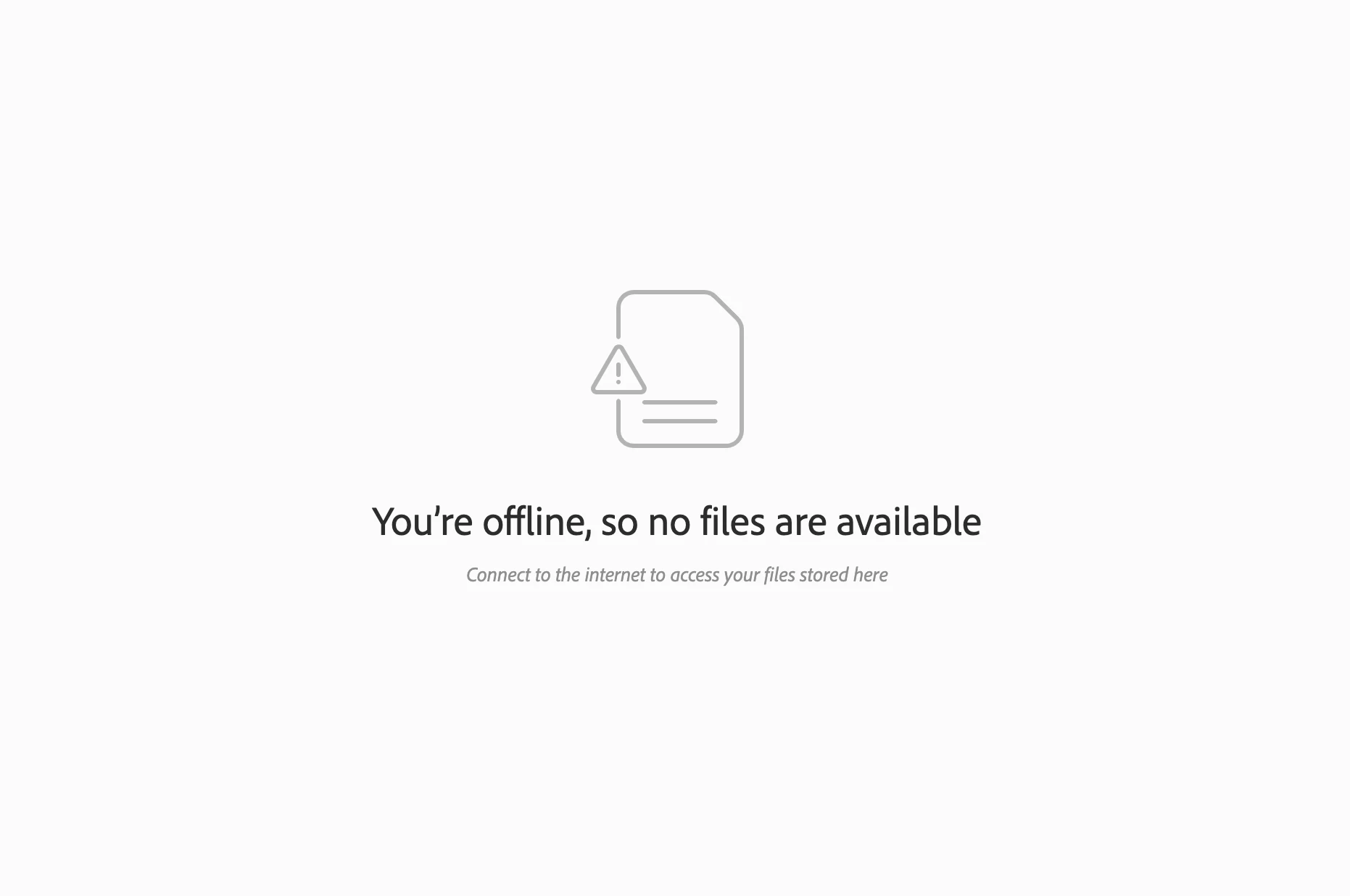
I noticed that I'm unable to view my synced files that I've uploaded to my Creative Cloud - even when it says I'm offline I have access to the rest of my adobe account when I use the internet (from https://creativecloud.adobe.com/), and my internet connection is fine. Whenever I try to access these files through assets.adobe.com it gives me a message saying "You’re offline, so no files are available. Connect to the internet to access your files stored here." See attached image below. 


Some help would be greatly appreciated. 
This topic has been closed for replies.

4 replies

Sam B+
Inspiring
June 3, 2022

JUN 3 2022 • I am having this issue today too. I am definitely online, I can access my online-only psdc files through Photoshop desktop. I can access them through the creative cloud app on my desktop. I can see this forum and write this email. I can even see the latest of the files via https://creativecloud.adobe.com/cc . But when I click on the files tab to go  https://assets.adobe.com/ - then I get the error described above:


You’re offline, so no files are available
Connect to the internet to access your files stored here


I tried rebooting my machine, signing in and out of adobe in all the places which has fixed this issue when I have seen it previously. Still seeing the issue.
Sam B+
Inspiring
June 3, 2022

Issue has now fixed itself. My guess is that the error message is itself incorrect. It is more likely to be an issue on the Adobe end. Would be nice to have a more meaningful/accurate error message. 

mitsukif
Known Participant
August 10, 2021

Same issue happening here... 😞

mitsukif
Known Participant
August 10, 2021
amyrtillefdb
Participating Frequently
July 22, 2020
same, I think.
Participant
July 22, 2020

Did you ever get this resolved? I'm having the same issue.

Meili T.Author
Participant
August 4, 2020

Hi,


It's somehow resolved itself on its own, thankfully.