

videos are being resized when uploaded to creative cloud library
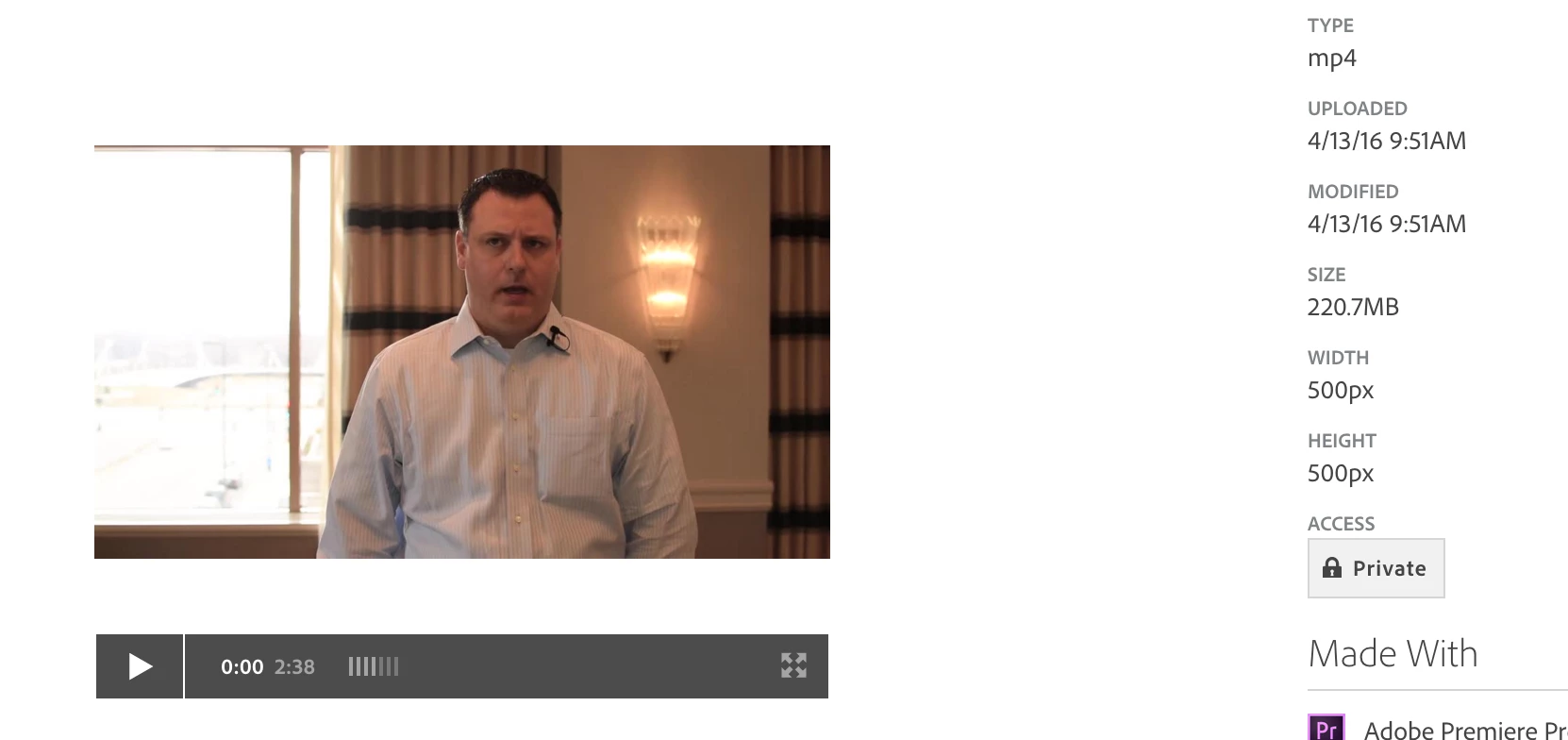
I am uploading 1920x1080 mp4 to my CC library and they are being resized to 500x500 and thumbnails are also being removed.
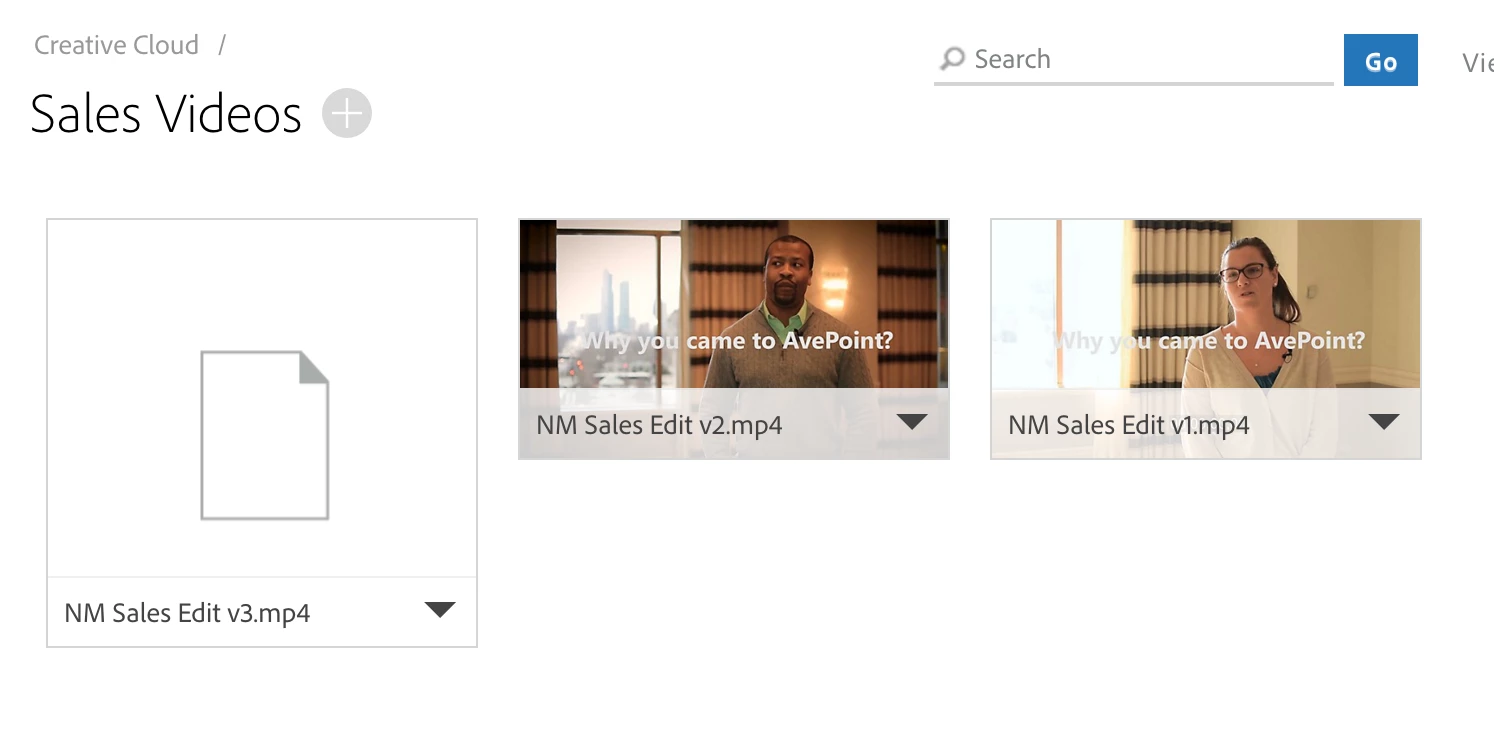
As you can see from the screenshots the previous videos have uploaded fine. This just started happening this week. I have also tried re-uploading a file that has already been uploaded an it is also resizing those to 500x500. I have tried both chrome and safari, uploading from Premiere and also the CC folder on my desktop. If anyone has any tip on what i'm doing wrong or if this is just a random CC glitch, please let me know.
The videos with the thumbnails are 1920x1080.
The videos without the thumbnail was resized to 500x500.
I have tried re-uploading the previous videos and they are now being resized to 500x500.
I have only used 12% of my 100gigs
Thanks,
AJ
 AdChoices