
Question
Why Creative Cloud Files icon on macOS finder sidebar looks like ugly file icon?
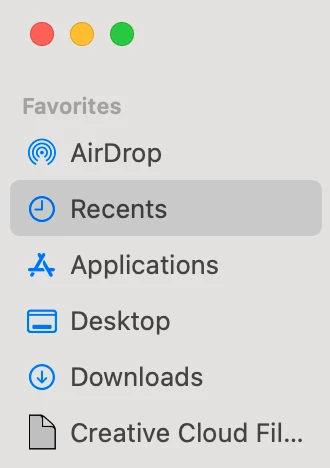
Creative Cloud Files icon changed recently after some updates of Adobe CC.
Weird looks, I opened support but assistances told me like this.
Its a default icon after CCDA Update
To change to Folder icon :
system preferences >> extension >> finder >> coresync helper should be checked in
system preferences >> extension >> finder >> coresync helper should be checked in
Why this ugly file icon is default?
My mac already turned on coresync helper extension and already tried to clean install Adobe CC using Cleaner Tool.


 AdChoices