
Answered
Why is "Collaborate..." on the libraries window launching to a blank screen?
Problem:
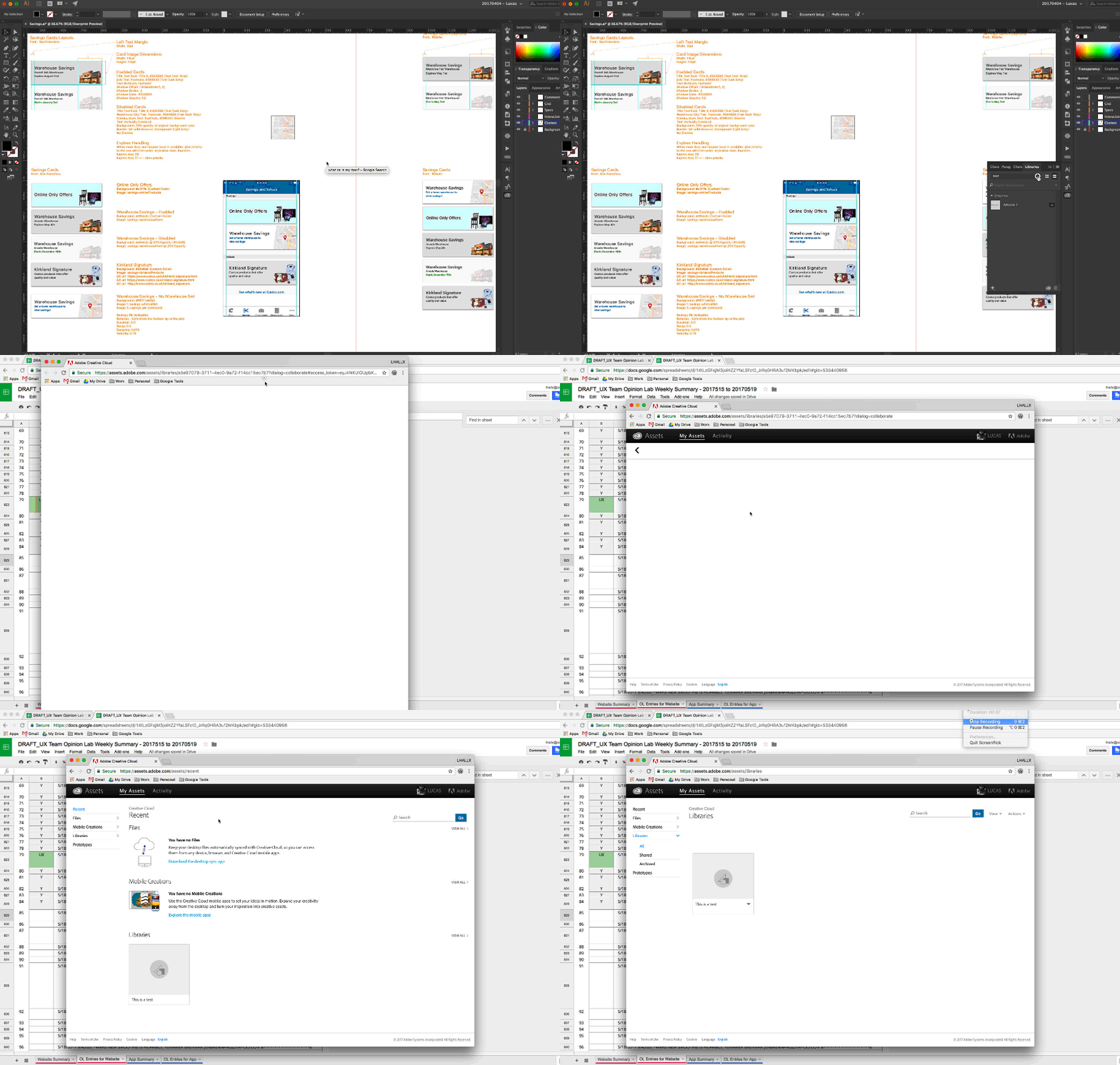
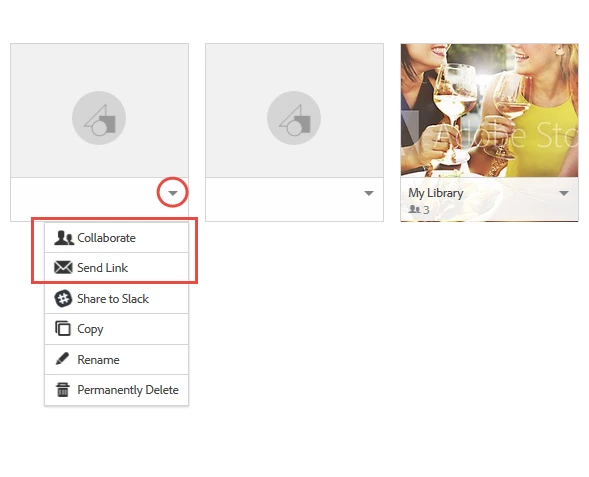
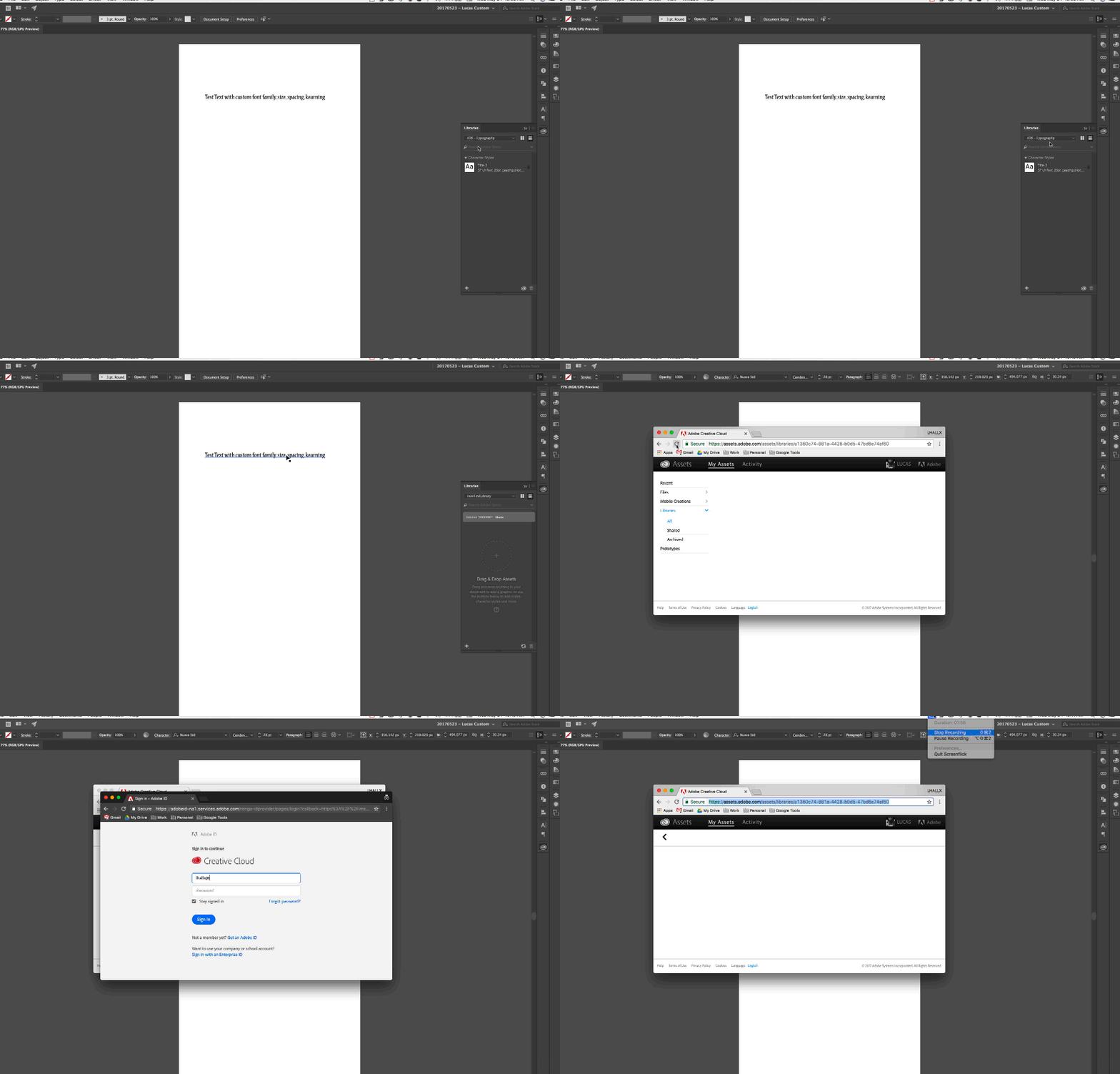
When I try to choose to "View on web", "Collaborate...", "Share Link..." from the Libraries fly out menu, Illustrator and Photoshop launch a a Google Chrome browser tab that has the Adobe loading spinner. When it's done loading, the page displays the header and footer page as expected, but then the content section is just white.
Clues:
- I thought it was a network problem at first.
- I'm normally behind a corporate firewall. I immediately started working with the network security team to make sure we were configured according to Adobe Creative Cloud Network Endpoints recommendations. They said all looks correct on their side and asked if I had tried it on any other networks.
- I set up my iphone as a personal hotspot for my laptop. That didn't work because I had a poor connection.
- Tried launching the same way while connected through my home wireless network. Still the same issue...
- Checked to see if I have a firewall on, but I don't. The firewall is completely turned off.
- Restarted the Creative Cloud desktop app by clicking the icon at the top of my screen, then pressing command+option+r. No change.
- Uninstalled/reinstalled the Illustrator software to see if that would make a difference. No change.
- Just had a co-worker try this on his machine. The same thing happens on his machine.
Looking forward to any help I might be able to get on this. Our team is really wanting to use this stuff, but I need to put together a proof of concept first. Just can't seem to get to that point. 
Thank you!
Lucas Hall


 AdChoices