


brittanyy34298179
Participant
August 1, 2017
Question

Activation Error for EPUB Book on KOBO

  • August 1, 2017
  • 2 replies
  • 1274 views

Hello,

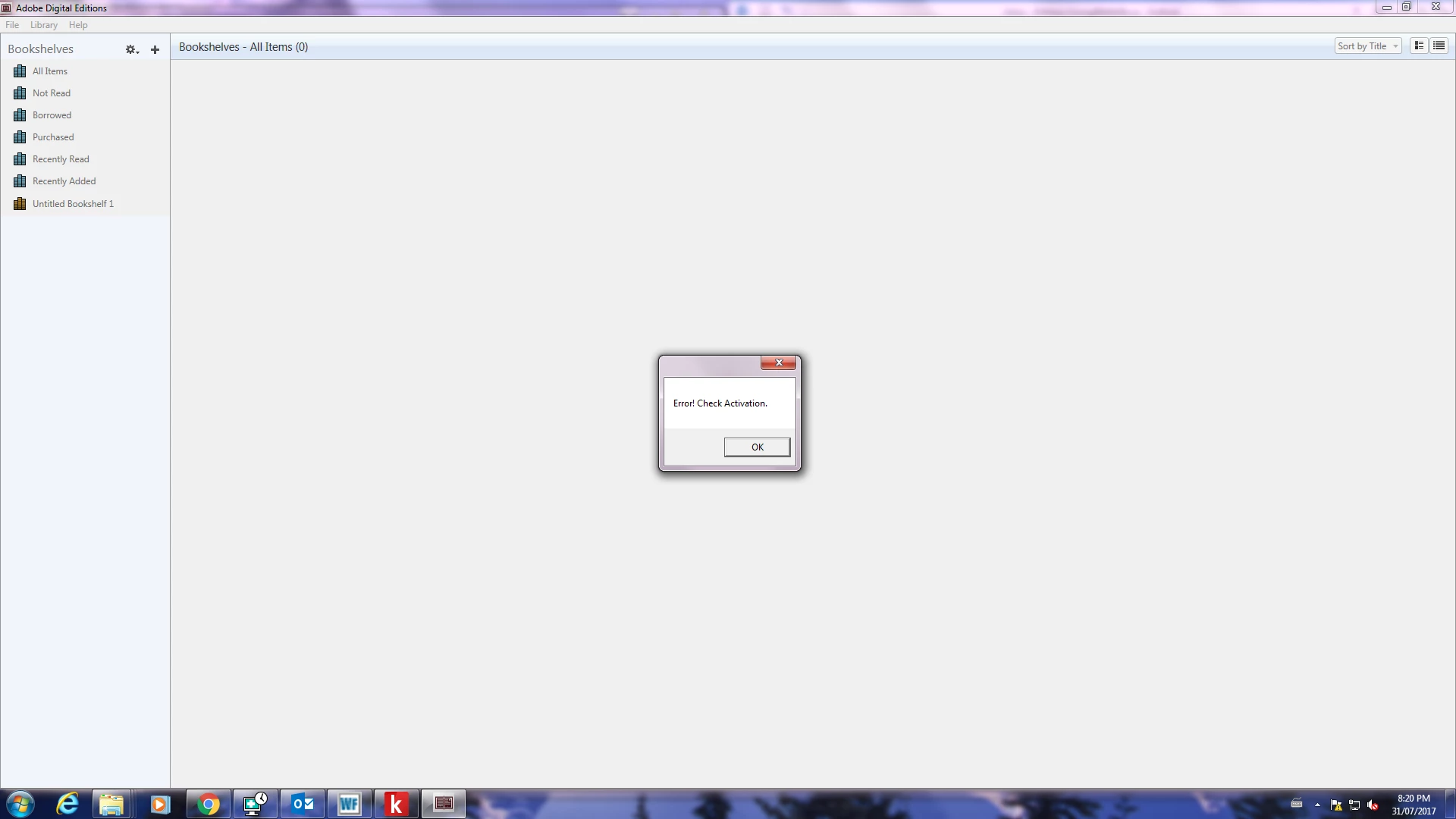
I am trying to load my KOBO ereader with EPUB books from Overdrive and I receive an activation error. I checked with overdrive and they told me to reset my Adobe ID because I have too many activations (on devices and computers). How can we solve this so that I can download my library books to my KOBO?

Thank you
    This topic has been closed for replies.

    2 replies

    Participant
    June 5, 2018

    UK (and perhaps other countries?) instructions to make your kobo work with Overdrive library books

    I have a Kindle where I borrow books from my US library, but in the UK it does not work. Not wanting to jailbreak it, I bought a Kobo and hit the wall with repeated error messages preventing download.

    If you get error messages such as

    E_AUTH_NOT_READY

    Or

    This title has been downloaded using a different account. Authorize this app with the same OverDrive account (or Adobe ID) you originally used to download the title.

    Or

    E_LIC_ALREADY_FULFILLED_BY_ANOTHER_USER

    I hope this can help you.

    Today I gave a good go at piecing together the information that is around from several sources (thank you all that worked so hard to get the various bits – I needed several of your suggestions)

    I hope this helps in resolving this issue:

    1. Unauthorise your computer (Ctrl+Shift+D) in Adobe Editions
    2. Uninstall any adobe digital edition version you may have (if it’s not 3.0)
    3. Download ADE 3.0 from the following URL

    http://www.adobe.com/support/digitaleditions/downloads.html

    Note: IT MUST BE 3.0

    1. Install ADE 3.0 on your computer.
    2. Make sure you delete any junk prior authorisations lurking in the depths of the computer as follows (Mac and Windows)
    3. Open Adobe Digital Editions.
    4. /Users//Library/Application Support/Adobe/Digital Editions and drag the activation.dat file to the trash.

    Mac OS

    Note:

    If you are unable to find the activation.dat file in Mac OS X 10.7 or later versions, see Can't see user library files in Mac OS X 10.7 and later.

    1. Click OK and quit Adobe Digital Editions.

    Windows XP, Vista, 7, 8.1, and 10 versions

    Troubleshooting reauthorization and deauthorization issues on Windows

    Note:

    The following task requires you to modify the Windows registry. The registry contains system-related information critical to your computer and applications. Before you modify the registry, create a backup copy. Adobe does not provide support for problems that arise from improper modification of the registry.

    For more information about the Windows registry or the Registry Editor, see the Microsoft Support site.

    If the deauthorizing process is unsuccessful on Windows, it is possible to modify the registry to remove the activation information.

    1. Close all applications.
    2. Choose Start > Run.
    3. In the Open text box, type regedit, and then press Enter. The Registry Editor opens.
    4. In the left pane of the Registry Editor, locate the registry key, HKEY_CURRENT_USER\Software\Adobe\Adept
    5. Go to the Device folder
    6. Select the Adept key.
    7. Choose File > Export.
    8. In the Export Registry File dialog box, select Selected Branch under Export Range. Enter a name and location for the backup registry key. Click Save.
    9. Right-click the Adept key and choose Delete.
    10. In the Confirm Key Delete dialog, click OK.
    11. Close the Registry Editor.
    12. Open Adobe Digital Editions and reauthorize.

    Now that you have got rid of those pesky files

    Go in Overdrive to your library

    Borrow a book and open overdrive in a browser (I did- I do not know if it makes a difference but just in case)

    Choose download

    When you click on the downloaded link (the .acsm file) it will ask you to authorise the device
    Make sure you authorise with your overdrive credentials. I also noticed that in the drop down menu there are TWO overdrive links (actually several are duplicated). Why? Who knows?? I used the first one if it makes any difference.

    Connect the KOBO reader

    Now you can transfer and read your borrowed library  books

    It worked for me but it defies belief that this issue is around since 2014 and not sorted yet?!??

    Happy reading and thanks again to all that provided parts of this text

    Nanaky
    Participating Frequently
    August 1, 2017

    Windows:

        Close all applications.

        Press WINDOWS + R.

        In the Open text box, type regedit and then press Enter. The Registry Editor opens.

        In the left pane of the Registry Editor, locate the following registry key: HKEY_CURRENT_USER\Software\Adobe\Adept

        Remove the Adept Folder.

        In the Confirm Key Delete dialog, click OK.

        Close the Registry Editor.

        Open Adobe Digital Editions and reauthorize..

    Macintosh:

        quit Adobe Digital Editions.

        Navigate to /Users//Library/Application Support/Adobe/Digital Editions and drag the activation.dat file to the trash.

        If you are using 10.7, see https://helpx.adobe.com/x-productkb/global/access-hidden-user-library-files.html

        Open Adobe Digital Editions and reauthorize.

    Participant
    May 4, 2022

    Thank you sooooooooooooo much!! After almost 4 hours lost with installations, desinstallations, reinstallations, downloads and other post readings finally with your help I was able to use again my Kobo. Thanks again, I will keep the info preciously!