


Question
Activation Server Error
I can't load ACSM files into Digital Editions. (see errors below).
I repeated the following steps to resolve the issue three times.
NOTE: A 2nd computer is running Digital Editions without an issue.
- I performed the best clean uninstall of the existing Digital Editions software.
- Rebooted the windows 10 computer (Surface Book which was working previously.
- Downloaded from Adobe the latest version of Digital Editions.
- Installed Digital Editions
- I was not asked to 'Activate" digital editions
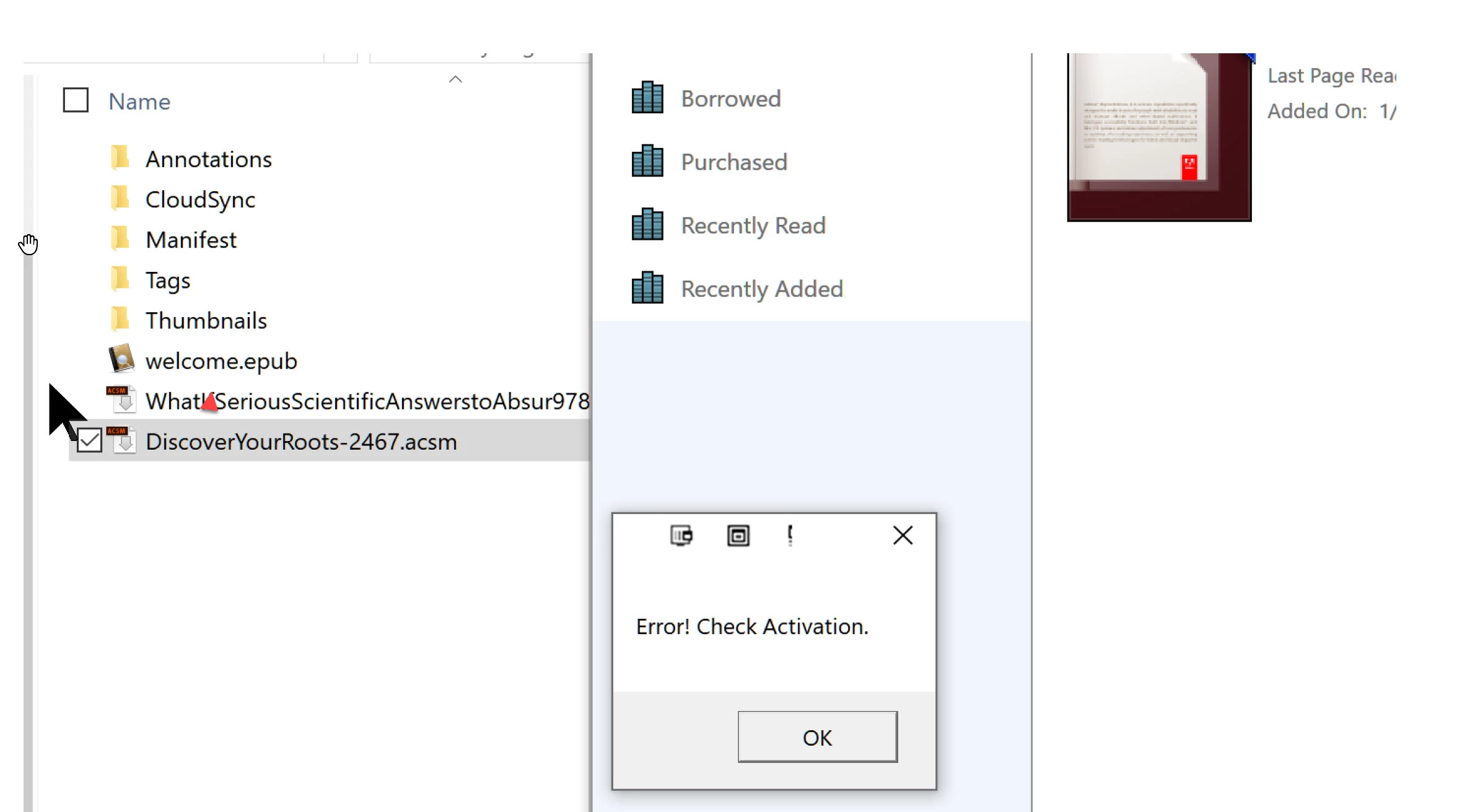
- When I try to load an ACSM file into DE I get errors (see below)
- NOTE: Valid ACSM file that works with my 2nd computer
- Error! Check Activation
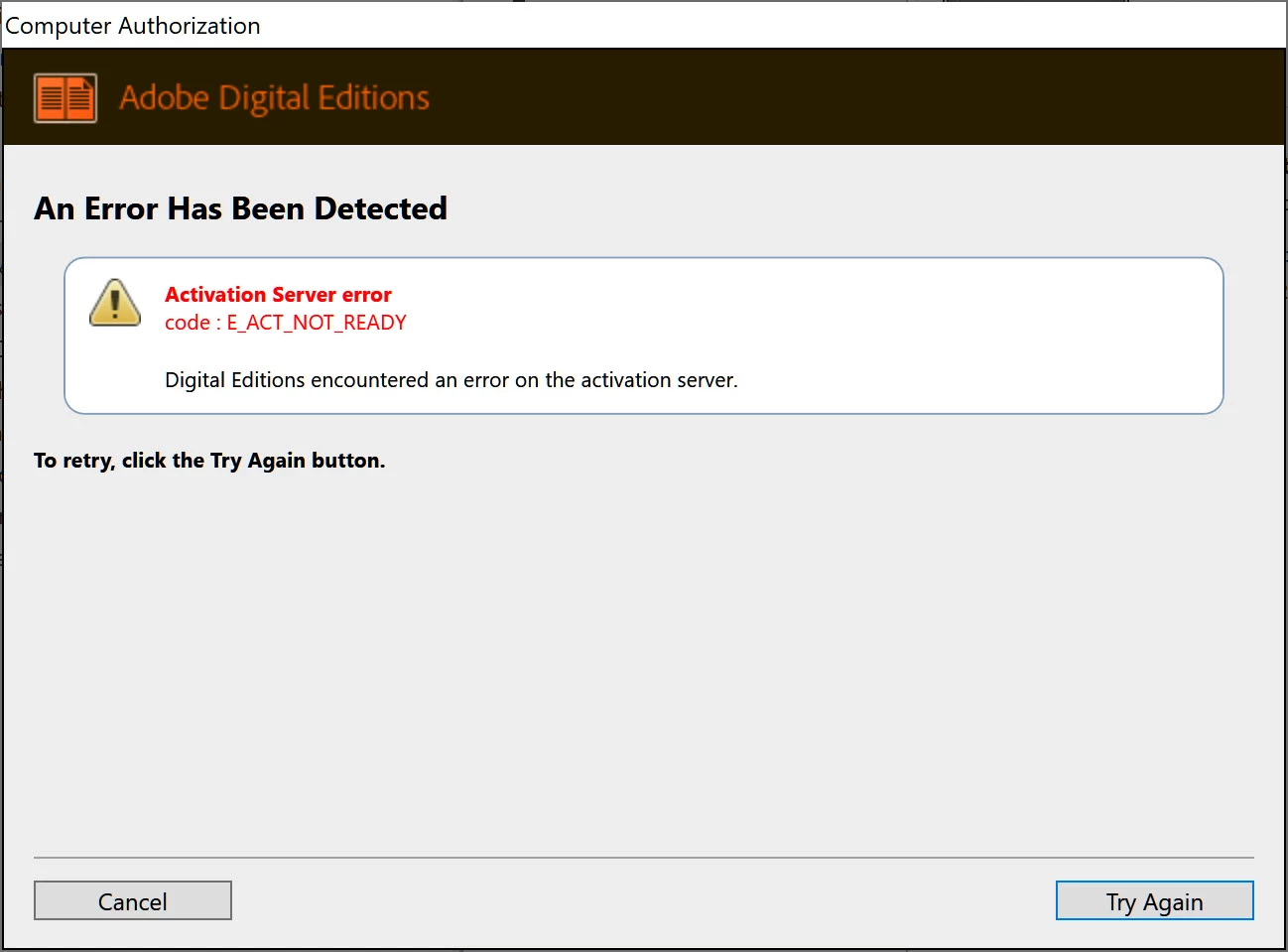
- When I try to erase the DI activation, I get the 'Activation Server error".
NO thanks to Adobe ==> I hacked the registry to remove the existing info. When I rebooted, ADE filled in the missing registry information with the correct info.
Message was edited by: Stephen Stimac
 AdChoices