



PANs Studio
Known Participant
February 15, 2017
Answered

ADE Window doesn't open in Windows 10

  • February 15, 2017
  • 1 reply
  • 2404 views

Hello,

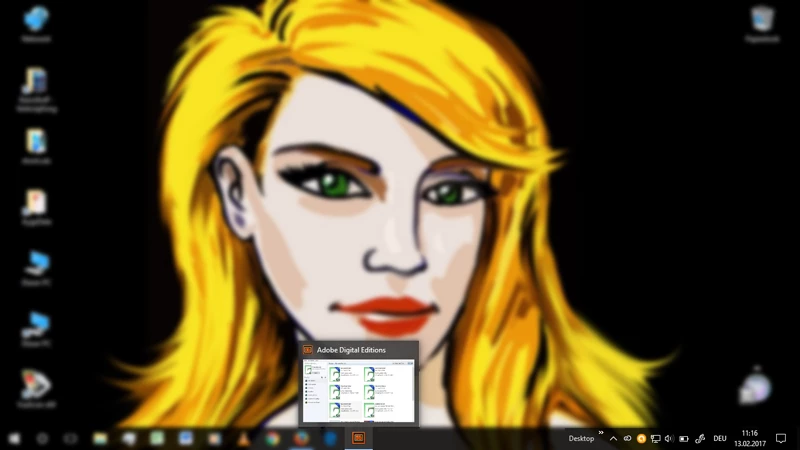
it's some days now that ADE doesn't open a window, although the icon seems to be active, with ALT + TAB I see a small preview and everything seems normal. But I can't see the screen and can't read a book. I use Windows 10, and I deinstalled ADE 4 and installed ADE 4.5, but the problem isn't fixed. Please help.
This topic has been closed for replies.
Correct answer Sharad Vatsa

I'd like it to be that easy, but this doesn't work at all. I tried to deinstall and reinstall ADE now with

Installation issues for Adobe Digital Editions 4.0

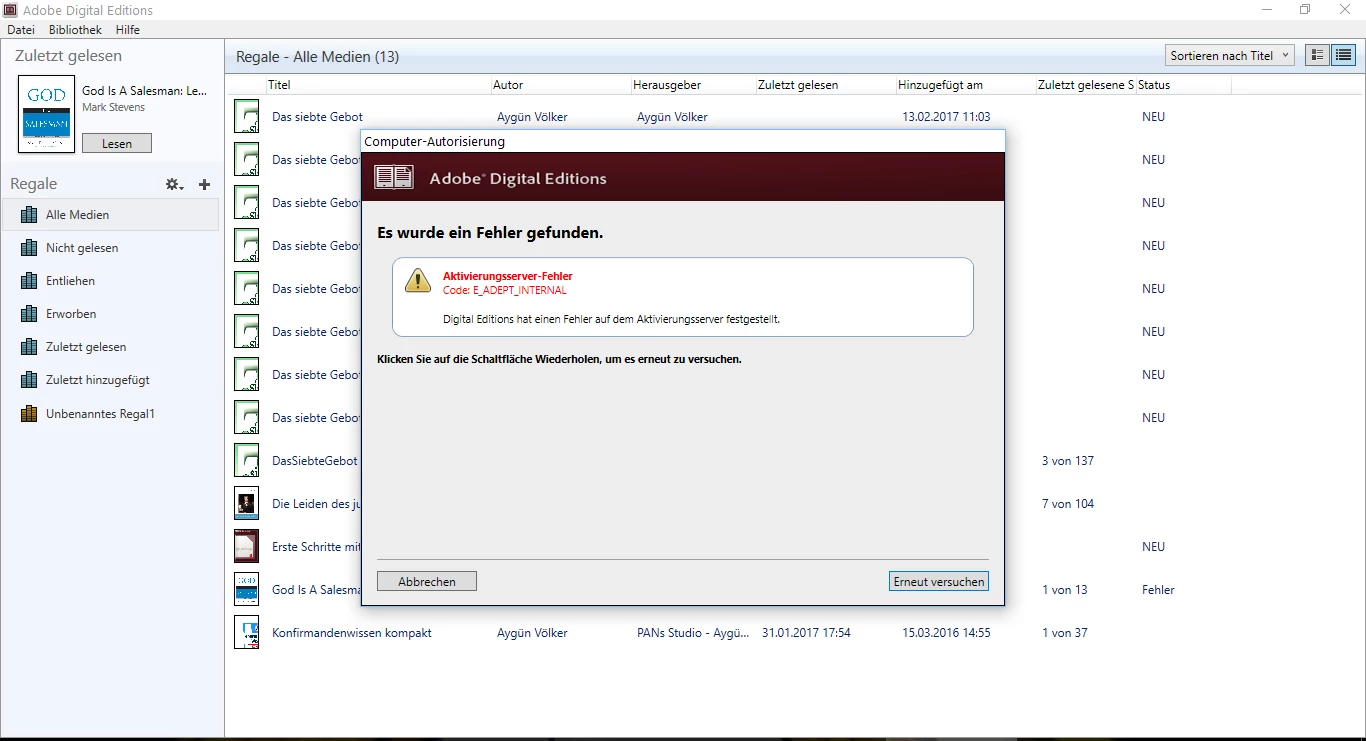
and for the first time I see the big window again. I can open my books again, but there is still something out of order: When I tried to open a free book I downloaded recently, the authorisation of my computer failed:


Hi,

Please follow suggestions from the following document:

          Error "E_ADEPT_INTERNAL" | Download protected e-book | Digital Editions

Regards,

Sharad

1 reply

Adobe Employee
April 4, 2017

Hi,

From the screenshot you added, it seems that ADE is running fine in the background, however, it is not showing up - could be due to some display settings issue. We have not seen this otherwise on Windows 10 machine, so I would suggest you to check the display settings.

Would you be able to try setting the display setting for your desktop to default i.e.- set DPI/scaling to 100% - setting that allow you to increase/decrease size of text within apps. In case the issue persists even after setting the scaling to default 100%, then you may also try adjusting (lowering) the resolution of desktop.

Please try using Task manager to end the old running process of ADE (in case running) and then launch it again after making the above changes.

Regards,

Sharad

PANs Studio
Known Participant
April 5, 2017

Hi Sharad,

I am sorry, but everything I tried didn't work. And ADE is the one and only App that doesn't open this way. I can see it by clicking "Task-Ansicht", but all other Apps I can click on and see the big window. Only ADE not. I work with an WACOM Cintiq 13 HD. Maybe it's a driver problem or some error of the screen-keyboard? I don't know. I deinstalled and reinstalled ADE several times, an Adobe-support-member tried it, too, but he was a muse-expert and couldn't help. I'd just like to see my books again. Please help.

Participant
April 10, 2017

If you right click on the display you can maximise. It worked for me