



Question
ADE won't open - blank screen Windows 10
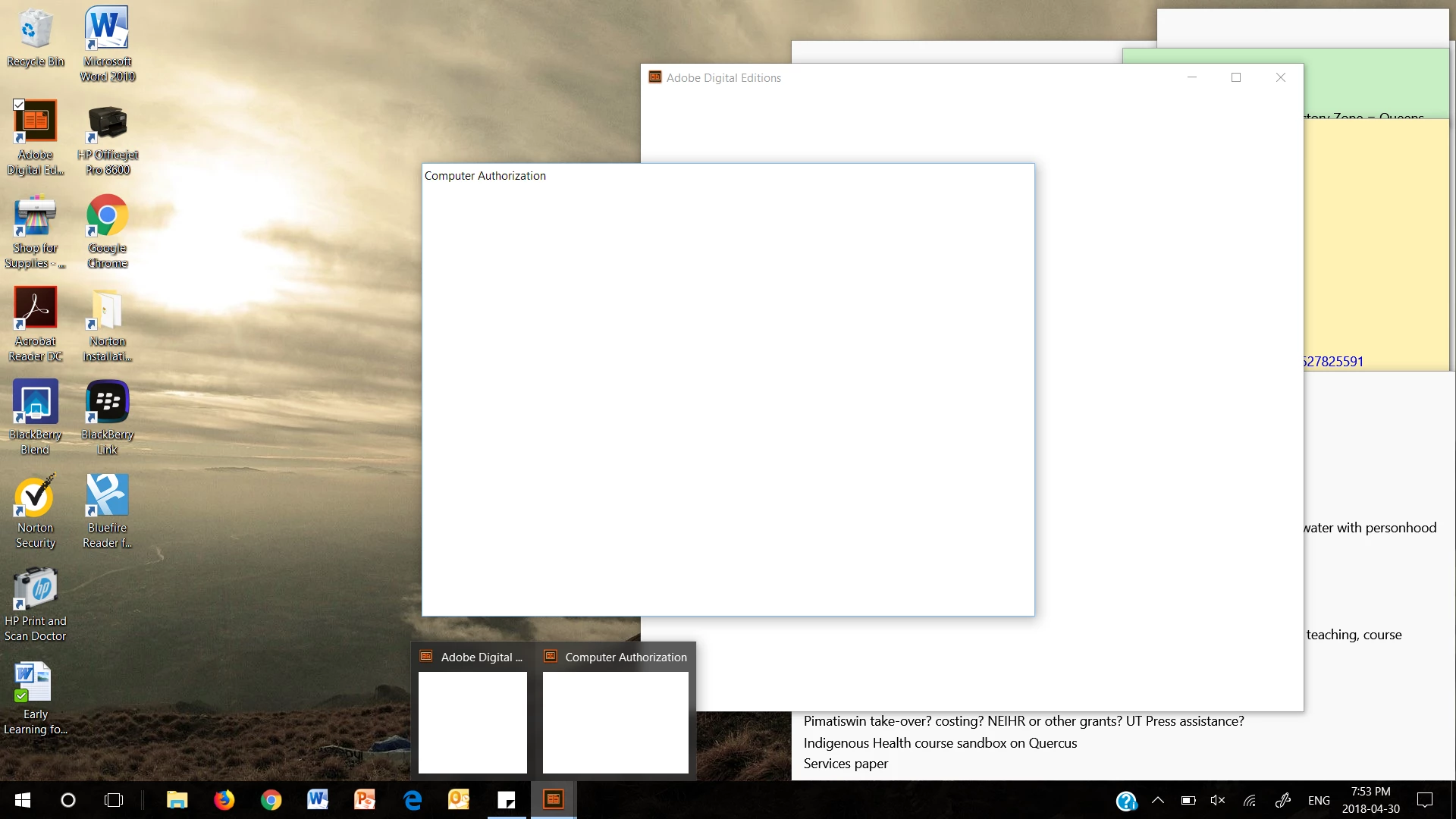
I've taken a screenshot of my issue. I had ADE 3.0, it stopped working after the Windows 10 anniversary update (which also screwed up my PPT - I can't view slideshows anymore). When I uninstalled 3.0, then reinstalled 4.5, I continue to get this. It doesn't matter which version I have. HELP! My computer is a HP running Windows 10 fully updated on Windows and Microsoft updates. I read a lot of e-books and now I can't even see what I had or try to fix the issue. I don't want to play with regedit and hope there is an easy solution.
 AdChoices