
Adobe Digital Edition 4.5 - starts with error
Dear all
We have a user where she gets always this error message when opening Adobe Digital Edition 4.5:
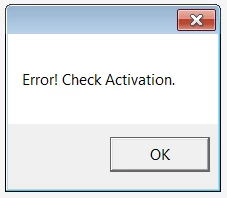
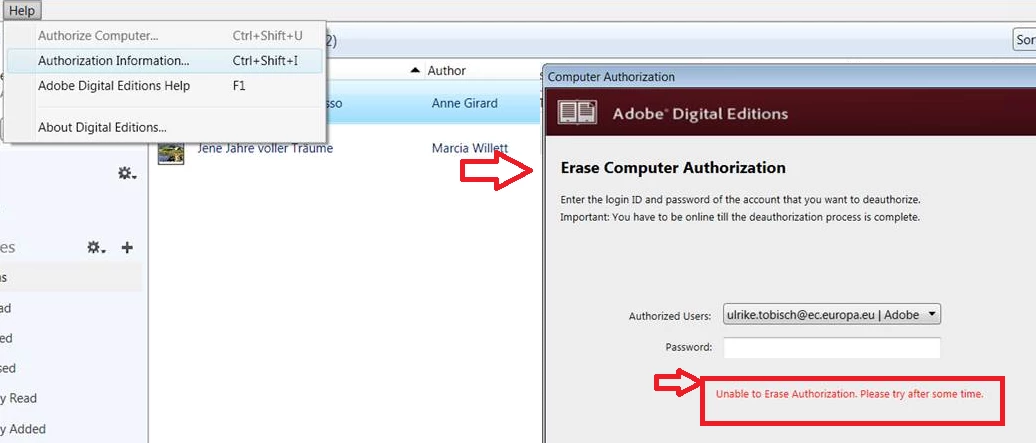
Then we try to erase Authorization, but we get that error:
Then we followed the instructions to delete HKCU\Software\Adobe\Adept but as we are using Adobe Digital Edition 4.5 as App-V, we find this key instead in this place HKEY_CURRENT_USER\Software\Microsoft\AppV\Client\Packages\3FD2D261-552B-41C2-B3CD-0F178105EA94\REGISTRY\USER\S-1-5-21-1606980848-2025429265-839522115-723698\Software\Adobe\Adept but when we deleted this ...\Adept key and user started Adobe digital Edition 4.5, the key was recreated and the error appeared again. Is there anyone her who knows how we can deal with this issue when we use ADE 4.5 as App-V ?
Cordialement
Ulrich
 AdChoices